5 Self-Diagnosis Mode VJ-1604 Maintenance Manual
Rev.-05 5-44
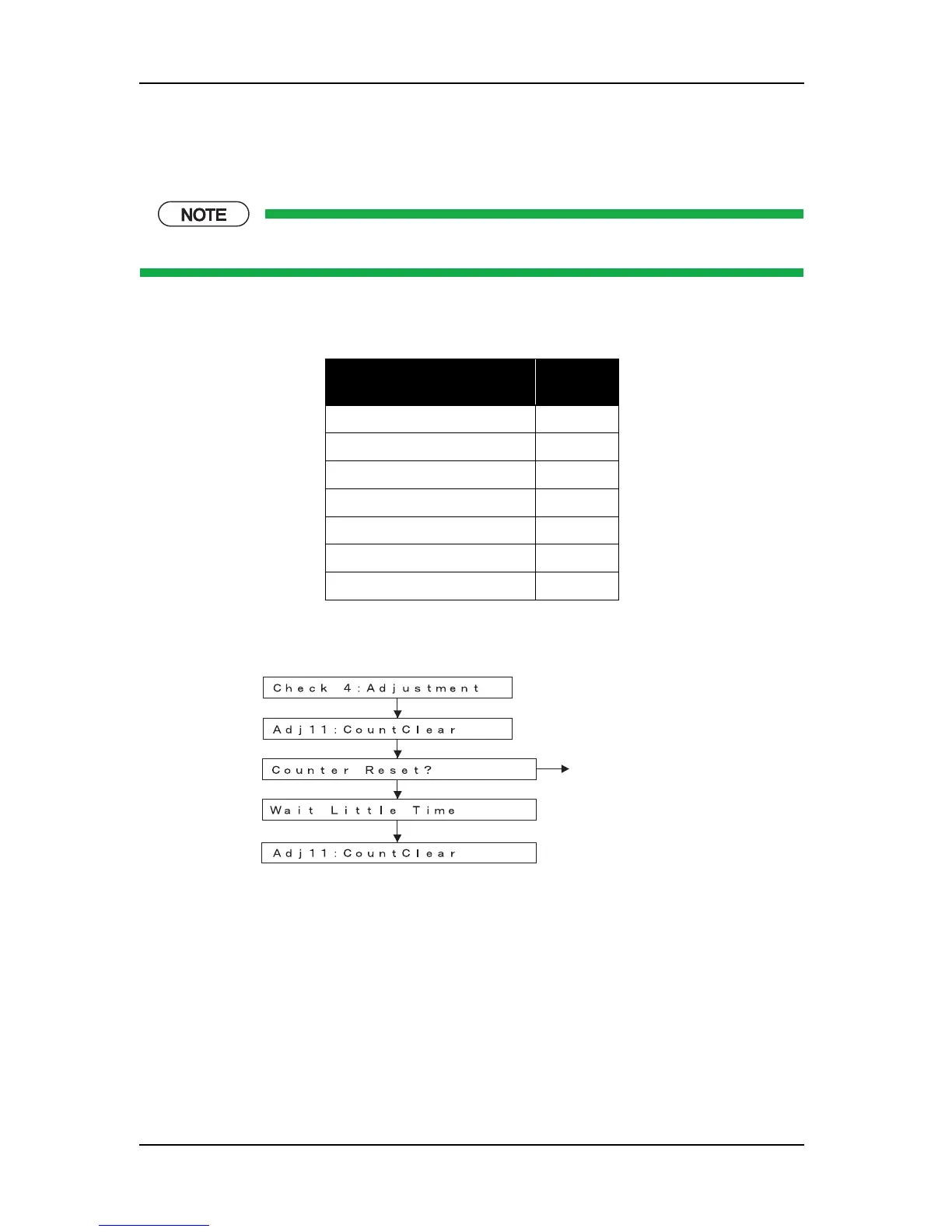
5.7.10 Software Counter Initialization Menu
This menu is used to initialize the software counters such as the ink consumption counter.
The counters are initialized before delivery. Do not initialize them during maintenance.
The software counters that can be initialized through this menu are as follows.
Pressing the [Enter] key in the operation panel performs the software counter initialization. Pressing [Cancel]
key cancels the initialization.
Table 5-10 Software Counters to be Initialized
Counter Initial
value
Ink consumption counter K
0
Ink consumption counter C
0
Ink consumption counter M
0
Ink consumption counter Y
0
Cumulative print timer
0
User not-filled flag
Not-filled
Not-filled flag
Not-filled
after a few seconds
[Enter]
Adjustment Menu
[Enter]
[Enter]















 To Next Page