9 Troubleshooting VJ-1604 Maintenance Manual
Rev.-05 9-66
9.3.6 Other Problems
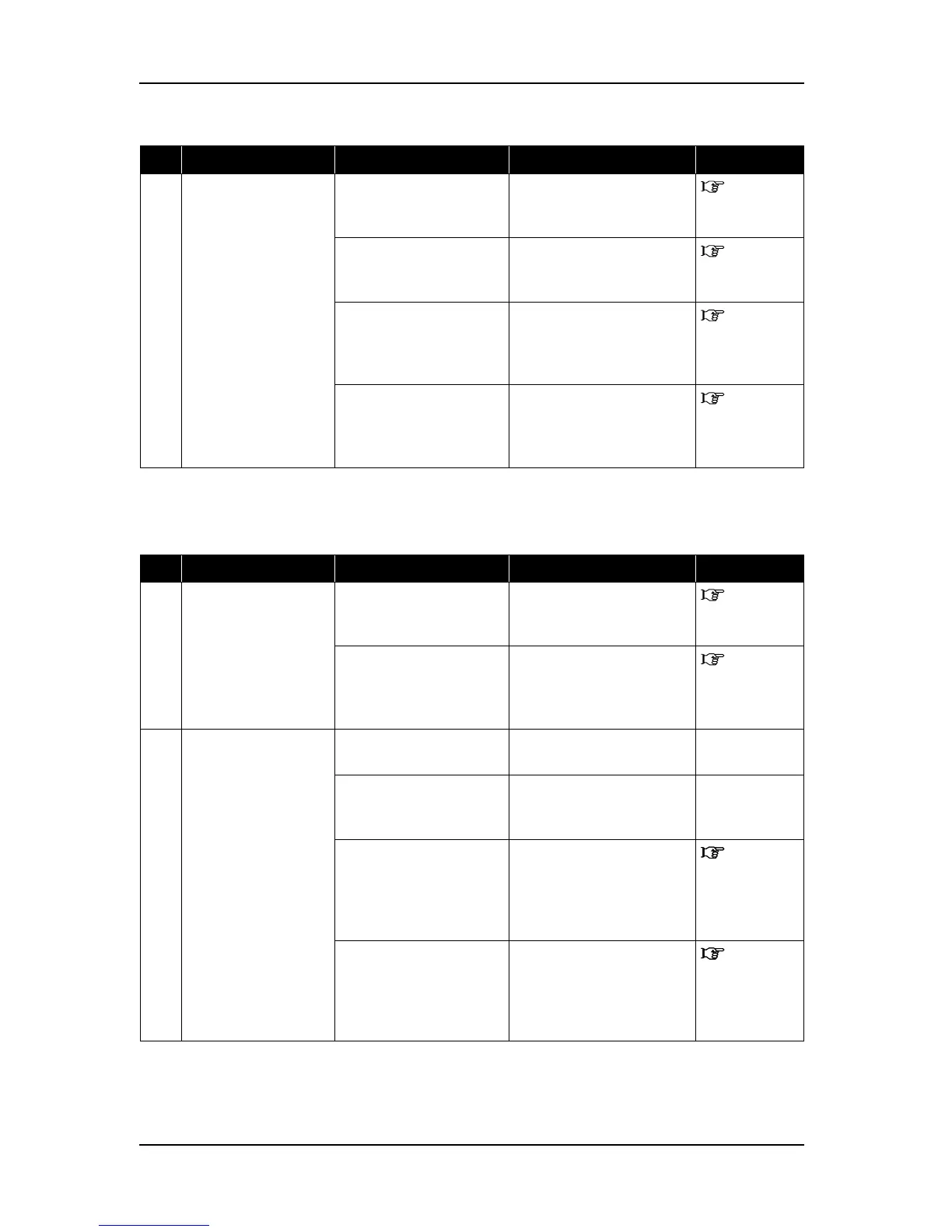
7 Media feed after
printout is excessive.
1. Are print start position
and layout method set
properly?
Update printer driver. Operation
Manual
2. Printer driver setting
may be unsuitable.
Modify the value to an
appropriate value (Media
size).
Operation
Manual
3. Program ROM may be
defective.
Update firmware. "7.3.5
Firmware
Installation"
p.7-16
4. Main board assembly
may be damaged.
Replace MAIN board
assembly.
"4.4.7
Replacing
MAIN Board"
p.4-49
Table 9-12 Symptoms, Check Items, and Actions
No. Event/symptom Check item Action Reference
1 Machine hangs up. 1. Internal process of
MAIN board assembly
may be abnormal.
Initialize parameters and
reenter or modify them.
"7.3.1
Parameter
Backup" p.7-9
2. Main board assembly
may be damaged.
Replace MAIN board
assembly.
"4.4.7
Replacing
MAIN Board"
p.4-49
2 Machine power is shut
off during printing.
1. Is power cable
shorted?
Check by a circuit tester. -
2. Is there any electric
leakage?
Check for short to chassis
ground due to damaged cable
insulation.
-
3. Check power supply
voltage (DC5V).
Replace power board
assembly.
"4.4.2
Replacing
Power Board
Assembly"
p.4-41
4. Check power supply
voltage (DC24V).
Replace power board
assembly.
"4.4.2
Replacing
Power Board
Assembly"
p.4-41
Table 9-11 Symptoms, Check Items, and Actions for Online Function Problems(Continued)
No. Event/symptom Check item Action Reference















 To Next Page