How to feed an original
Introduction
When you want to copy or scan, it is important to correctly feed the original in the
printer.
Attention:
The scanner cannot scan an original that is thicker than 0.8 mm or rigid originals. When
you use the carrier sheet that is available as an option, ensure that the combined thickness
of both the document and carrier sheet does not exceed 0.8 mm. For more information,
see ‘How to use the carrier sheet’ on page 191.
Attention:
Do not retrieve the original from the printer when it is already fed into the scanner. To
release the original, press the stop button on the user panel and tap 'Release the original'
under the Smart Access.
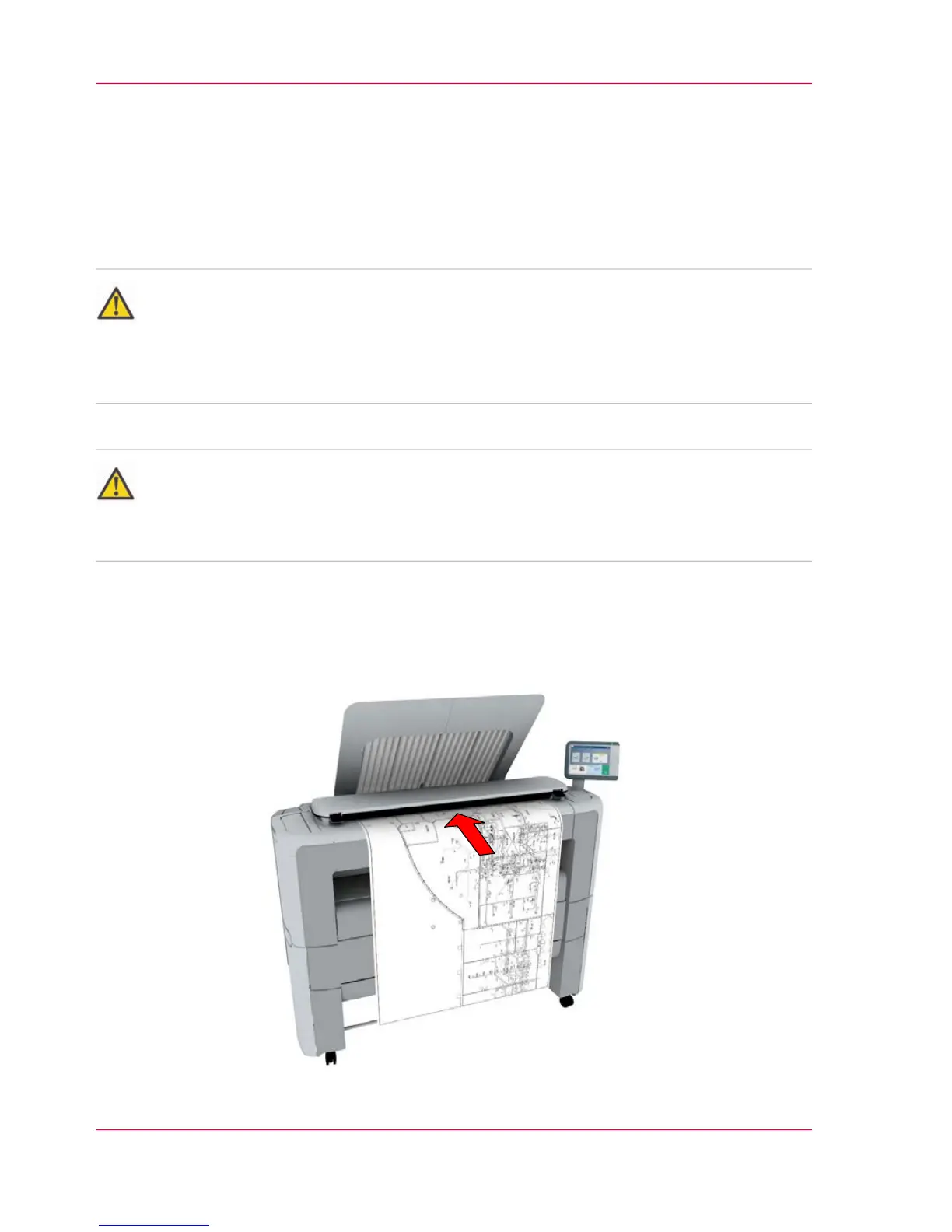
How to feed the original
1.
Feed the original face up and centered on the original feeding table.
Chapter 4 - Use the Printing System188
How to feed an original


 To Next Page