FunctionSettings valuesSetting
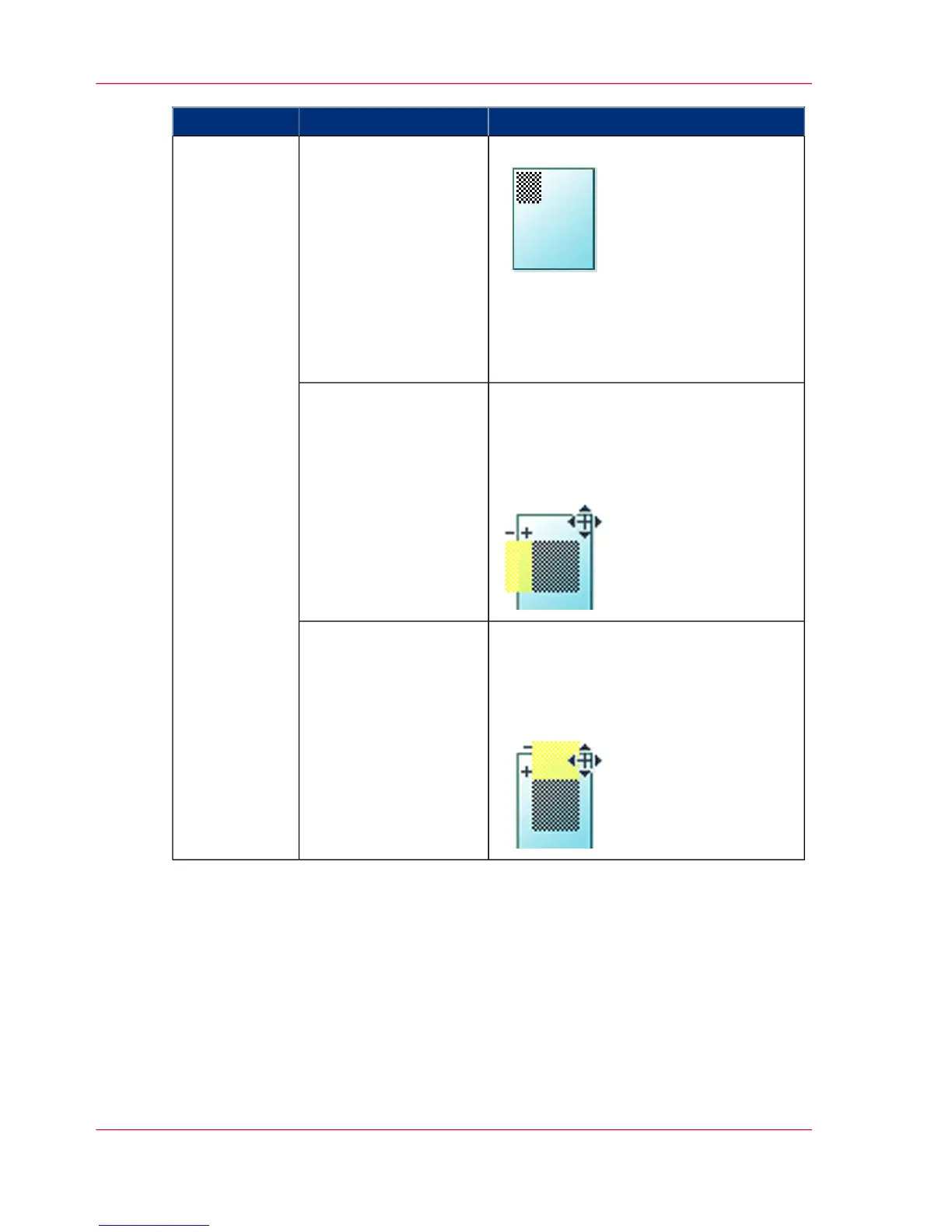
'Aligns the image on the media.''Alignment':
•
'Top left'
•
'Top'
•
'Top right'
•
'Left'
•
'Center'
•
'Right'
•
'Bottom left'
•
'Bottom'
•
'Bottom right'
'Positioning'
'Shifts the image in the horizontal direc-
tion (after alignment to one of the posi-
tions given in 'Alignment').'
From - 914 mm to 914 mm or - 36" to
36".
'Horizontal shift'
'Shifts the image in the vertical direction
(after alignment to one of positions given
in 'Alignment').'
From - 1219 mm to 1219 mm or - 48"
to 48".
'Vertical shift'
Chapter 4 - Use the Printing System220
Advanced settings for print jobs


 To Next Page