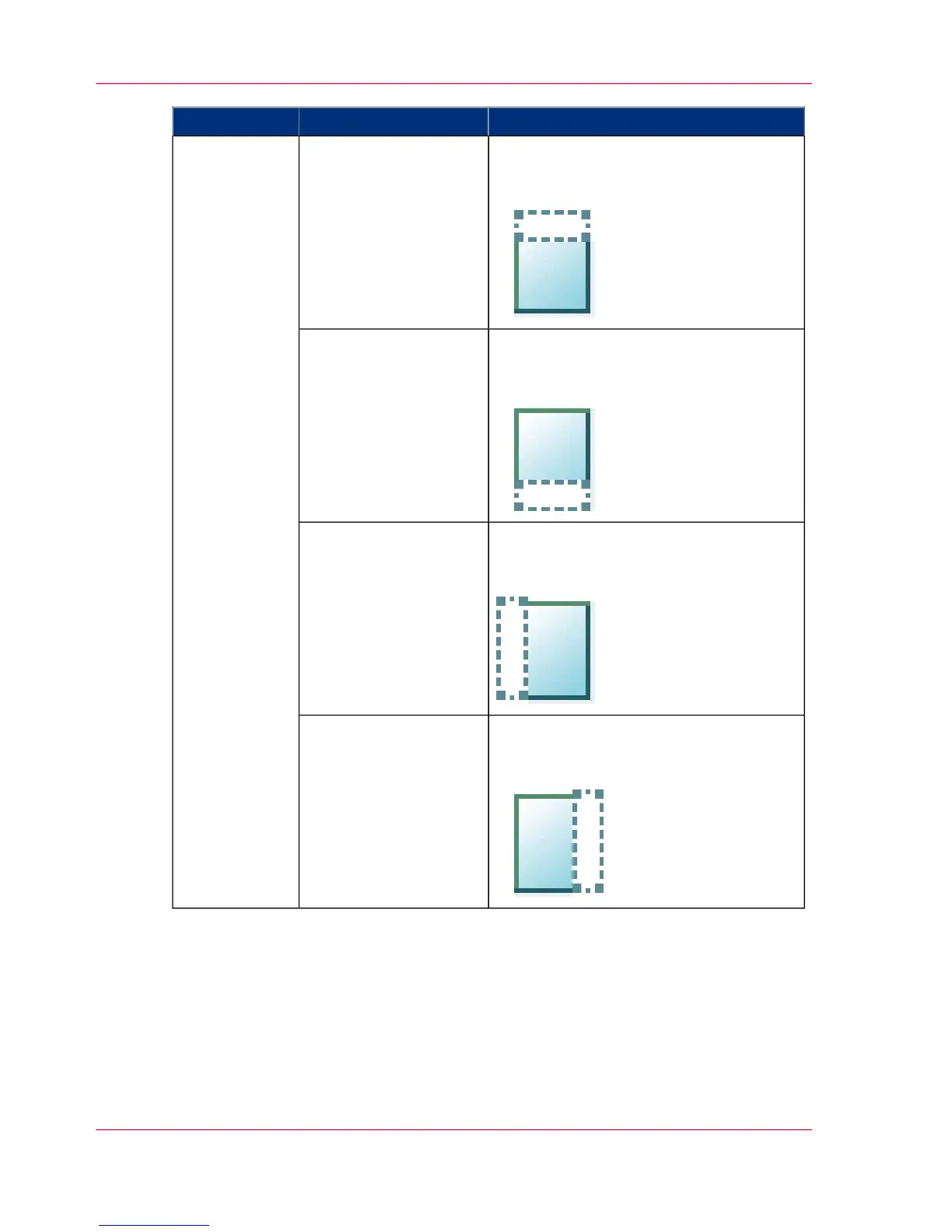
FunctionSettings valuesSetting
'Erase a strip from the beginning of the
original.'
From 0 to 400 mm or 0 to 16".
'Top''Remove strip'
'Erase a strip from the bottom of the
original.'
From 0 to 400 mm or 0 to 16".
'Bottom'
'Erase a strip from the left side of the
original.'
From 0 to 400 mm or 0 to 16".
'Left'
'Erase a strip from the right side of the
original.'
From 0 to 400 mm or 0 to 16".
'Right'
Chapter 4 - Use the Printing System270
Available settings for scan jobs


 To Next Page