the system before that shutdown sequence is complete can corrupt the
hard drives. To ensure that the system is fully shut down, wait until the
LED blinks or is off and the fans are not making any noise. A good practice
is to wait 5 seconds in front of a black screen before setting the Power
switch to off.
• Always end exams before powering down the system. If you power down
the system with an exam open, the exam is paused, not closed.
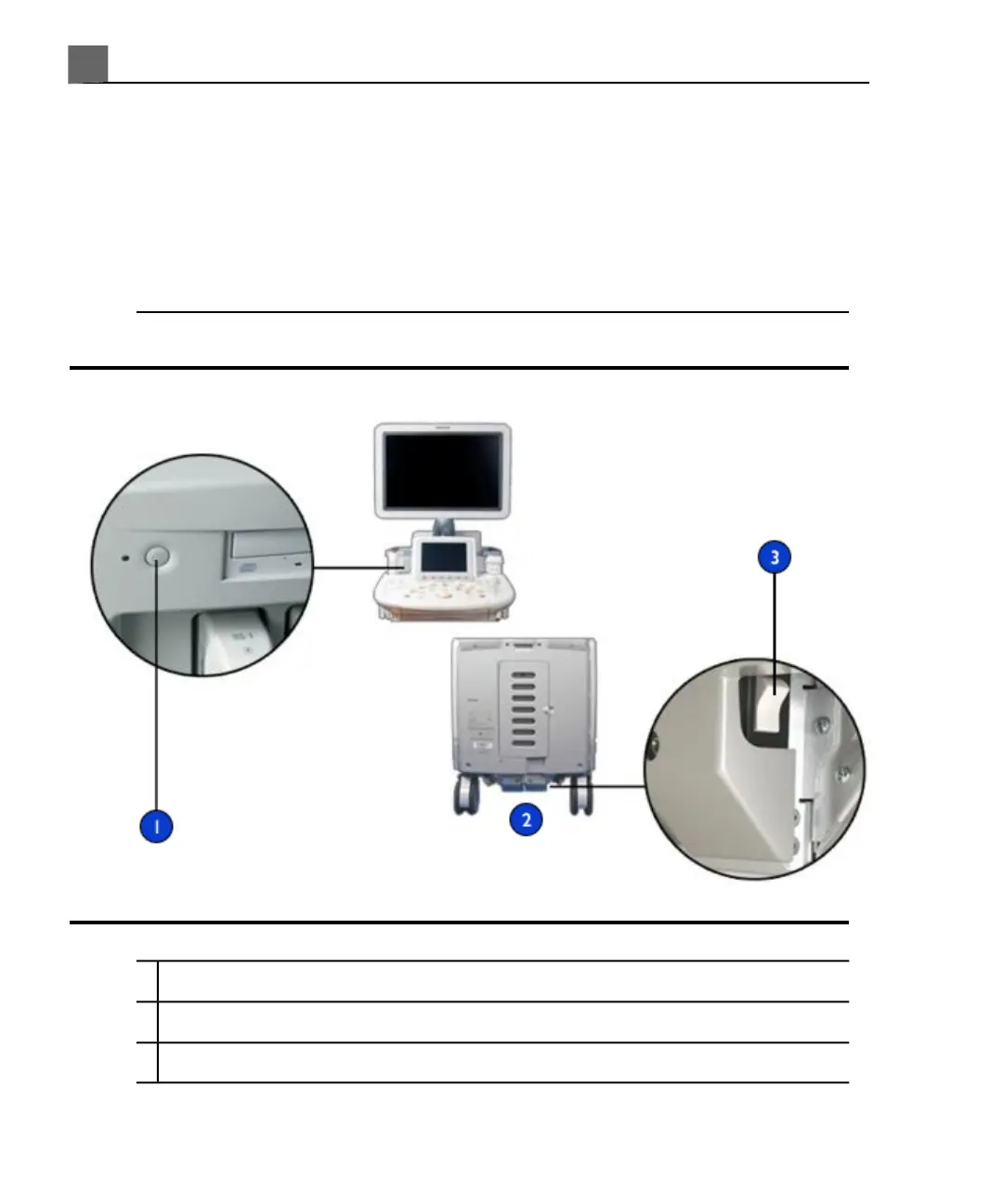
On/Off Power Switches
On/Off switch1
Rear of the system2
Power switch3
iU22 User Manual
126
4535 614 45861
Using the System
5



 To Next Page