To move the marker, touch Move Body Mark, position the body marker
using the trackball, and touch Move Body Mark again.
•
• To remove a body marker, touch Erase Body Mark.
• To close the Body Markers touch screen, touch Close or press Body
Mark again.
Recording
You can record live imaging to a local VCR and simultaneously record comments.
The installed VCR records and plays back standard S-VHS videocassettes. You
can play back recordings on the system or on other VCRs. In addition, an optional
DVD recorder can be used to record live imaging and play back the recording
on the system.
NOTE
The microphone must be turned on (in the Audio/Video setups) before you
can record comments.
Using the VCR
NOTE
Stop the VCR before suspending the system or turning the system off.
1. To record or play a recording, press VCR on the system control panel and
use any of the following controls on either the Video touch screen or the
VCR:
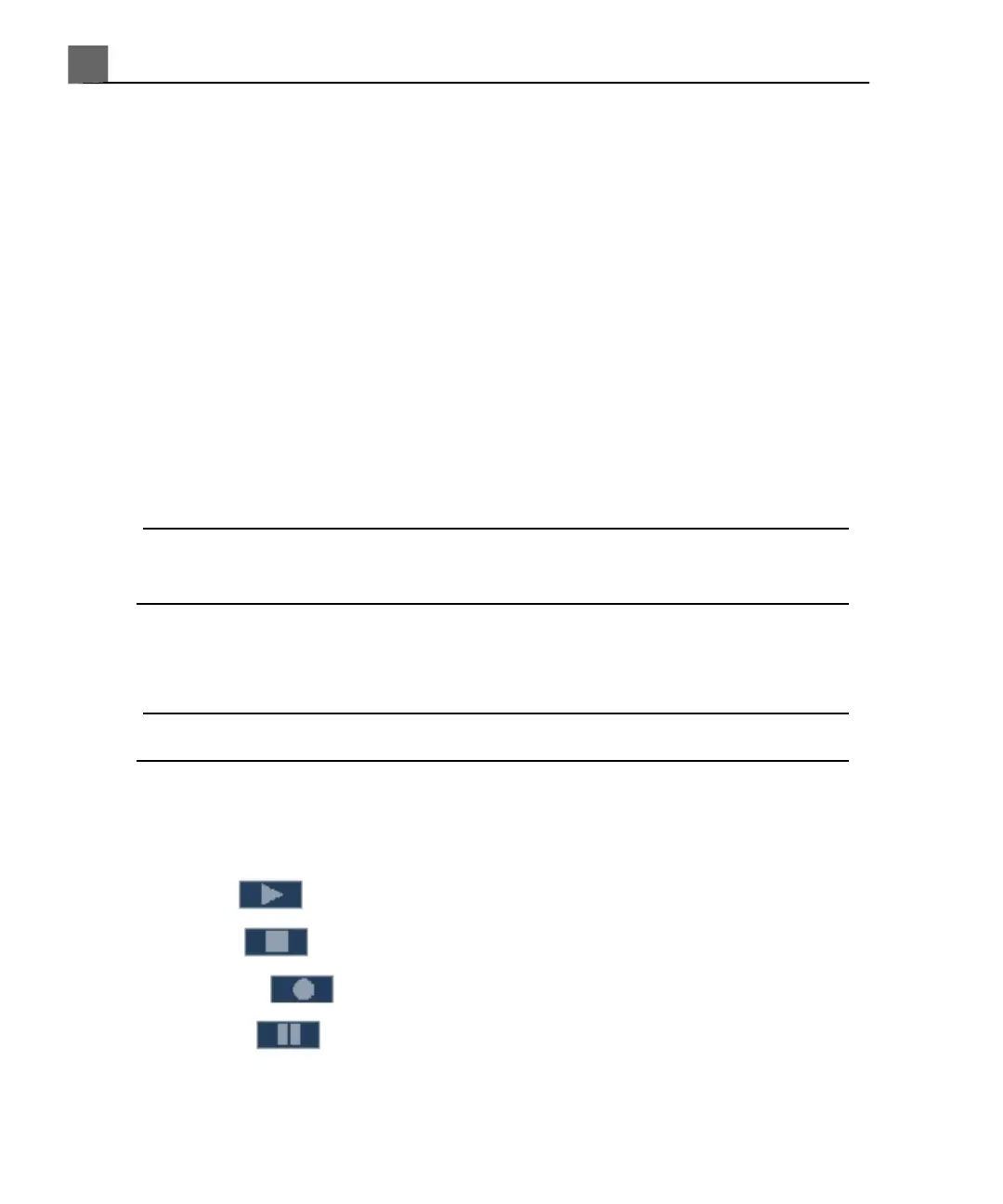
• Play to play back the video at normal speed
• Stop to stop the playback
• Record to start recording
• Pause to temporarily halt the recording or playback
iU22 User Manual
186
4535 614 45861
Performing an Exam
7



 To Next Page