CAUTIONS
• Turn off power before you remove the air filter. Do not turn on power
without the air filter installed.
• Ensure that air filter is dry before installing it. Installing a wet or damp air
filter can damage the system.
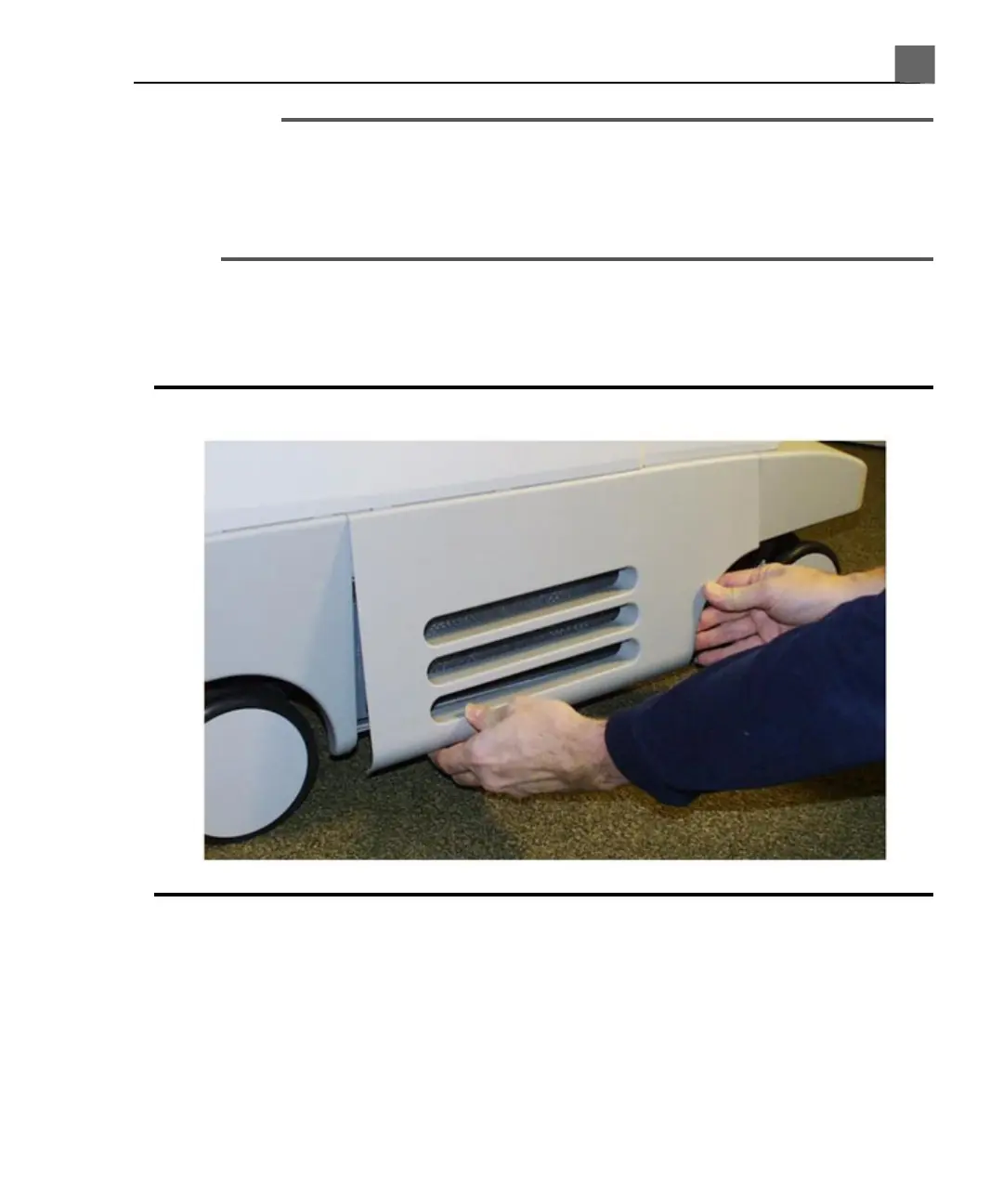
1. Remove the air filter cover on the lower left side of the system by pulling the
bottom of the cover toward you.
Removing the Lower Left Air Filter
2. Inspect the filter, and if it is dirty, replace it with a spare.
317
iU22 User Manual
4535 614 45861
14
System Maintenance



 To Next Page