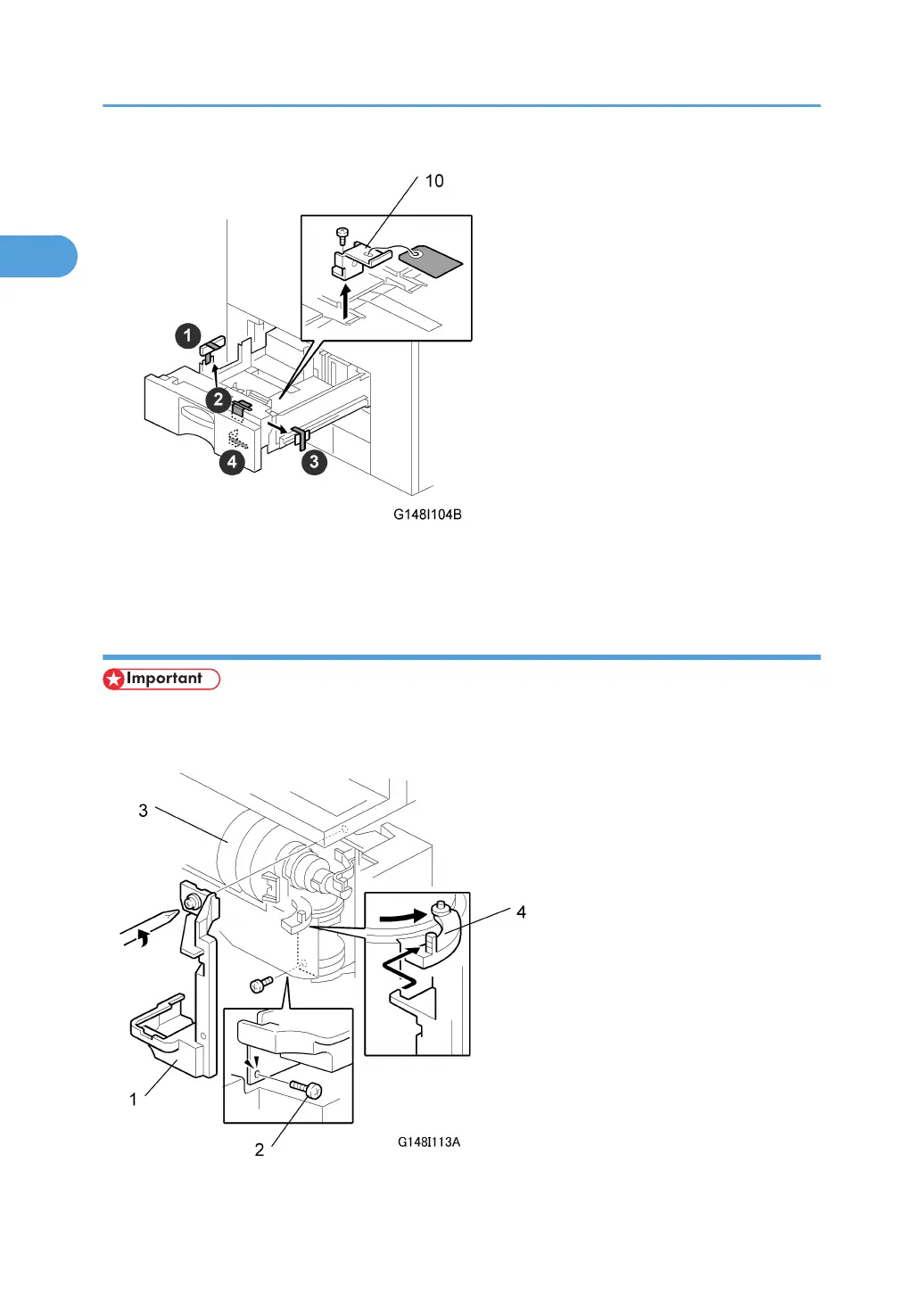
11. Open the tandem tray (top paper tray). Remove the metal retainer bracket [10] ( x 1) and
wire, then the red tags (x2) and all tape.
Removing and Filling the Development Unit
• Before you begin, remove the toner bottle if it is installed.
• The toner bottle holder can be damaged if it is in the machine when you do the procedure below.
1. Installation
32



 To Next Page