8. Close the supply pipe shutter [7].
9. While allowing the development unit [8] to slip to the right, slowly pull it out of the machine.
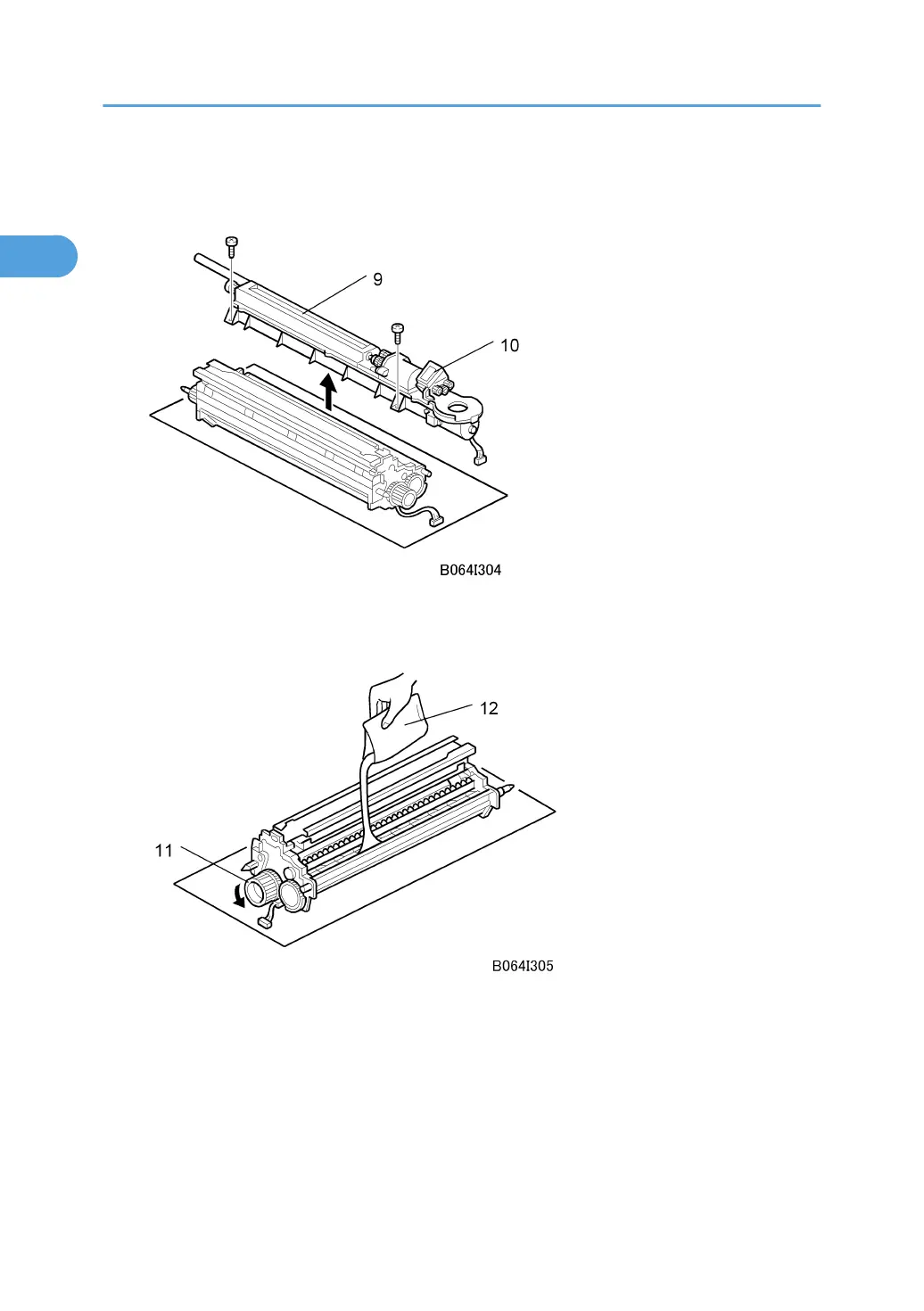
10. Remove the toner hopper [9] ( x 2).
11. Rotate the toner hopper [10] slightly 10° to 20° as you slide it up to remove it.
12. While turning the knob [11] slowly, pour in one pack of developer [12] from one end of the
development unit to the other.
13. Make sure that the developer is evenly distributed.
14. Assemble the development unit, then re-install it in the machine.
15. Follow the instructions printed on the inside of the front door to install the toner bottle.
1. Installation
34



 To Next Page