5. FASTENING SETTING mode (Type S)
5-30
●Setting the detail of the SWITCH PARAMETER
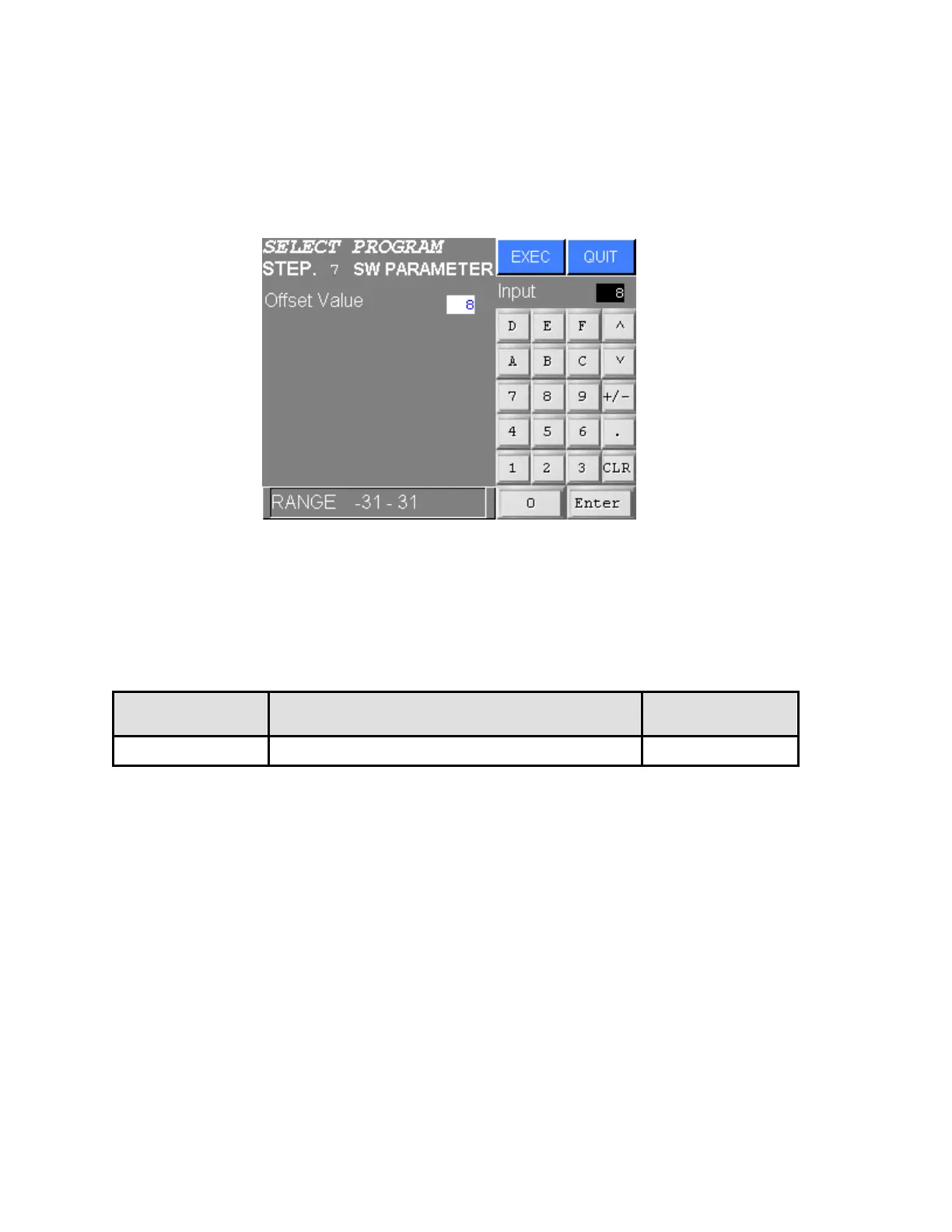
Following item is set up in the detail setting of the SWITCH PARAMETER. Help window of the item is displayed
on the bottom of the screen.
For more details, refer to the USER’S MANUAL.
Figure 5.3-14 DETAIL SETTING SCREEN OF SWITCH PARAMETER
Input the value using numeric input keys and press EXEC. Press QUIT to cancel all new settings.
The contents of the value inputted on this screen are written to the NUTRUNNER when EXEC is pressed on
the Figure 5.3-6 SELECT PROGRAM SETTING SCREEN.
ITEM CONTENTS NOTE
Offset The offset value is set for the parameter set No.
Table 5.3-8 SETTING ITEM OF SWITCH PARAMETER SELECT PROGRAM SETTING



 To Next Page