4.101
Date Code 20150130 Instruction Manual SEL-787 Relay
Protection and Logic Functions
Front-Panel Settings (SET F Command)
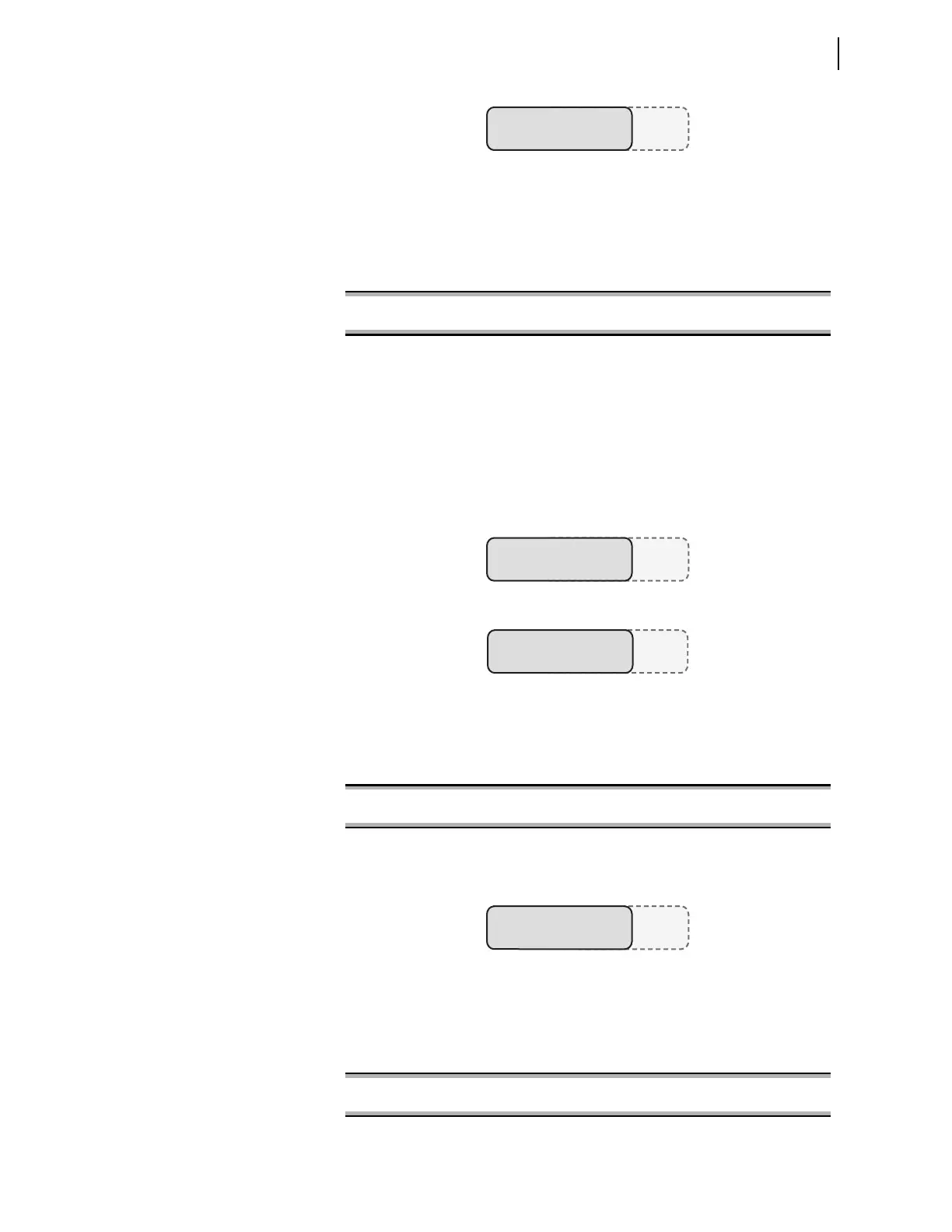
Figure 4.70 Front-Panel Display—HV Breaker Closed, LV Breaker Open
Name String, Alias String, and Either Set String or Clear String Only
The following discusses omission of the Clear String; omission of the Set
String gives similar results. Omitting the Clear String causes the relay to only
show display points in the set state, using the SET F command as follows:
When the Relay Word bit IN101 deasserts, the relay removes the complete
line with the omitted Clear String (TRFR 1 HV BRKR). When both breakers
are closed, the relay has the set state information for both HV and LV
breakers, and the relay displays the information as shown in Figure 4.71.
When the HV breaker opens (LV breaker is still closed), the relay removes the
line containing the HV breaker information because the Clear String
information was omitted. Because the line containing the HV breaker
information is removed, the relay now displays the LV breaker information on
the top line, as shown in Figure 4.72.
Figure 4.71 Front-Panel Display—Both HV and LV Breakers Closed
Figure 4.72 Front-Panel Display—HV Breaker Open, LV Breaker Closed
If you want the relay to display a blank state when IN101 deasserts instead of
removing the line altogether, use the curly brackets {} for the Clear String, as
follows:
When Input IN101 now deasserts, the relay still displays the line with the HV
breaker information, but the state is left blank, as shown in Figure 4.73.
Figure 4.73 Front-Panel Display—HV Breaker Open, LV Breaker Closed
Name Only
Table 4.56 shows an entry in the Name String only (leaving the Alias string,
Set String, and Clear String void), using the SET F command as follows:
TRFR 1 HV BRKR:= CLOSED
TRFR 1 LV BRKR:= OPEN
DP01 := RID, “{16}”
? IN101,"TRFR 1 HV BRKR:",CLOSED <Enter>
DP01 := RID, “{16}”
? IN101,"TRFR 1 HV BRKR:",CLOSED,{} <Enter>
TRFR 1 HV BRKR:= CLOSED
TRFR 1 LV BRKR:= CLOSED
TRFR 1 HV BRKR:=
TRFR 1 LV BRKR:= CLOSED
DP01 := RID, “{16}”
? IN101 <Enter>



 To Next Page