3.14
SEL-787 Relay Instruction Manual Date Code 20150130
PC Software
ACSELERATOR QuickSet Help
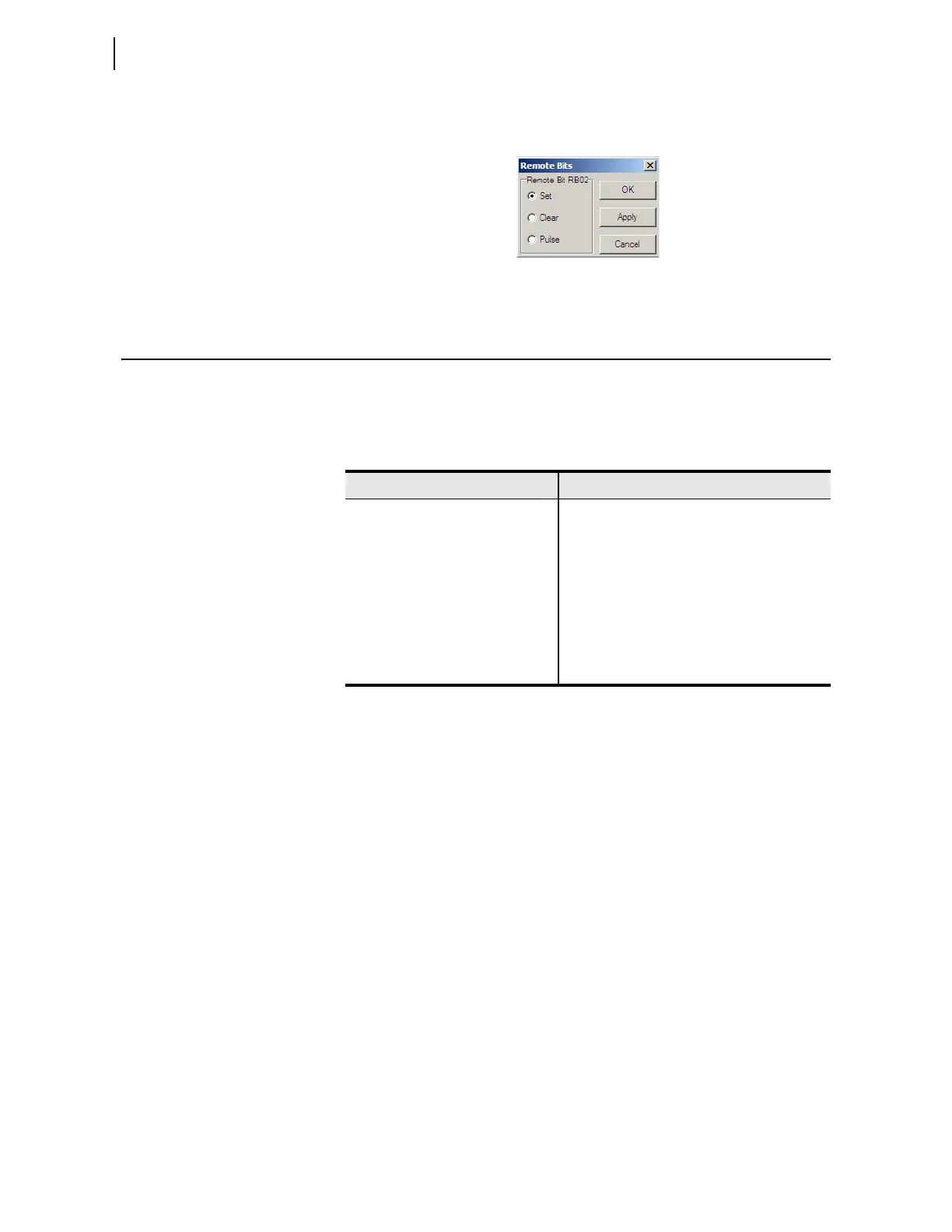
To control the Remote bits, click on the appropriate square, then select the
operation from the box shown in Figure 3.14.
Figure 3.14 Remote Operation Selection
ACSELERATOR QuickSet Help
Various forms of ACSELERATOR QuickSet help are available, as shown in
Table 3.4. Press <F1> to open a context-sensitive help file with the
appropriate topic as the default.
Table 3.4 ACSELERATOR QuickSet Help
Help Description
General ACSELERATOR QuickSet Select Help> Contents from the main menu bar
HMI Application Select Help > HMI Help from the main menu
bar.
Relay Settings Select Help > Settings Help from the from the
main menu bar.
Database Manager Select Help from the bottom of the Database
Manager window.
Communications Parameters Select Help from the bottom of the
Communication Parameters window.



 To Next Page