8.15
Date Code 20150130 Instruction Manual SEL-787 Relay
Front-Panel Operations
Operation and Target LEDs
programming changes that you make. Included on the SEL-787 Product
Literature CD are word processor templates for printing slide-in labels. See
the instructions included in the Configurable Label kit for more information
on changing the slide-in labels.
Table 8.4 describes front-panel operator controls based on the factory-default
settings and operator control labels.
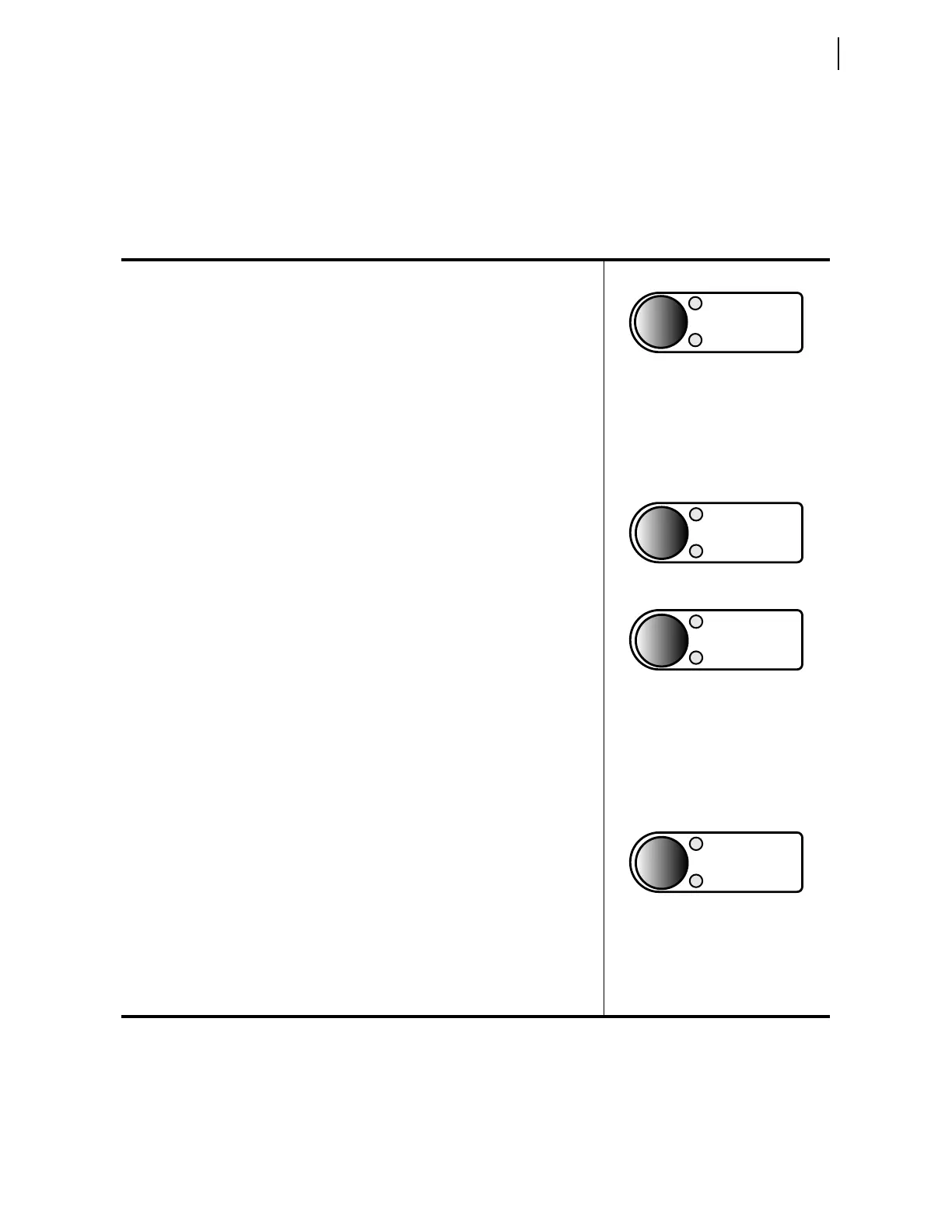
Table 8.4 SEL-787 Front-Panel Operator Control Functions
Continually press the LOCK operator control pushbutton for three (3) seconds to engage/
disengage the lock function (Latch LT01 functions as Lock with the latch in reset state
equivalent to the engaged lock). While this pushbutton is pressed, the corresponding LED
flashes on and off, indicating a pending engagement or disengagement of the lock
function. The LED illuminates constantly to indicate the engaged state. While the lock
function is engaged, the following operator control is “locked in position” (assuming
factory-default settings): CLOSE.
While “locked in position,” this operator control cannot change state if pressed—the
corresponding LEDs remain in the same state. When the lock function is engaged, the
CLOSE operator control cannot close breaker 1 or 2, but the TRIP operator control can still
trip breaker 1 or 2.
Press the SELECT pushbutton to select breaker 1 or breaker 2. If breaker 1 is selected,
BRKR1 LED is on and if breaker 2 is selected, BRKR2 LED is on. The SELECT pushbutton
allows a breaker selection before CLOSE or TRIP pushbuttons are used.
Press the CLOSE operator control pushbutton to close the selected breaker. Corresponding
BRKR CLOSED LED illuminates to indicate the breaker is closed.
Option: Set a delay, so the operator can press the CLOSE operator control pushbutton
and then move a safe distance away from the breaker before the SEL-787 issues a
close (the CLOSE operator control comes with no set delay in the factory settings).
With a set delay, press the CLOSE operator control pushbutton momentarily, and notice
that the corresponding BRKR CLOSED LED flashes on and off during the delay time,
indicating a pending close. Abort the pending close by pressing the CLOSE operator
control pushbutton again or by pressing the TRIP operator control pushbutton. This
delay setting for the CLOSE operator control is SV03PU (range: 0 to 3000 seconds;
factory set at 0—no delay). The delay is set via the SET L command. See Table 4.31
for more information.
Press the TRIP operator control pushbutton to trip the selected breaker (and take the
control to the lockout state). Corresponding BRKR OPEN LED illuminates to indicate the
breaker is open.
Option: Set a delay, so the operator can press the TRIP operator control pushbutton and
then move a safe distance away from the breaker before the SEL-787 issues a trip (the
TRIP operator control comes with no set delay in the factory settings). With a set delay,
press the TRIP operator control pushbutton momentarily and notice the corresponding
BRKR OPEN LED flashes on and off during the delay time, indicating a pending trip.
Abort the pending trip by pressing the TRIP
operator control pushbutton again or by
pressing the CLOSE operator control pushbutton. This delay setting for the TRIP
operator control is SV04PU (range: 0 to 3000 seconds; factory-set at 0—no delay).
The delay is set via the SET L command. See Table 4.31 for more information.
BRKR 1
SELECT
BRKR 2
BRKR 1 CLOSED
CLOSE
BRKR 2 CLOSED
BRKR 1 OPEN
TRIP
BRKR 2 OPEN



 To Next Page