7.5
Date Code 20150130 Instruction Manual SEL-787 Relay
Communications
Communications Interfaces
Fixed Connection Mode
If you have a single network and want to use only one network port, or if you
have both ports connected but want to force usage of only one port for various
reasons, set NETMODE to FIXED and set NETPORT to the port you want to
use. Only the selected network port operates and the other port is disabled.
Autonegotiation, Speed, and Duplex Mode
Single or dual copper Ethernet ports are capable of autonegotiating to
determine the link speed and duplex mode. This is accomplished by setting the
NETASPD and NETBSPD (network speed) to AUTO. Single or dual copper
ports can also be set to a specific speed to be able to apply them in networks
with older switch devices. However, the speed setting is ignored for fiber
Ethernet ports. The single and dual fiber Ethernet ports are fixed by the
hardware to work at 100 Mbps and full duplex mode.
NETPORT Selection
The NETPORT setting gives the user the option to select the primary port of
communication in failover or fixed communication modes. Selecting “D” for
this setting disables both the ports there by providing the user the security to
turn off the ports even if the ports are physically connected to the network.
IRIG-B
The SEL-787 has three different physical interfaces, depending on the model
options, to provide demodulated IRIG-B time-code input for time
synchronization. If the relay has multiple options for IRIG-B input, only one
input can be used at a time. Connection diagrams for IRIG-B and settings
selection are in Figure 7.4 through Figure 7.6 in this section.
Option 1: Terminals B01 and B02
This input is available on all models with EIA-485 Port 3. Refer to Figure 7.4
for a connection diagram.
B01–B02 IRIG-B input is available on all models with EIA-485 Port 3.
Cannot bring IRIG-B via Port 2 if B01–B02 input is used.
Set Global setting IRIG TIME SOURCE to TIME_SRC := IRIG1.
Figure 7.4 IRIG-B Input (Relay Terminals B01–B02)
Option 2: Port 3 (EIA-232 Option Only)
Connect to an SEL Communications Processor with SEL Cable C273A to
bring IRIG-B input with the EIA-232 port. Refer to Figure 7.5 for a
connection diagram.
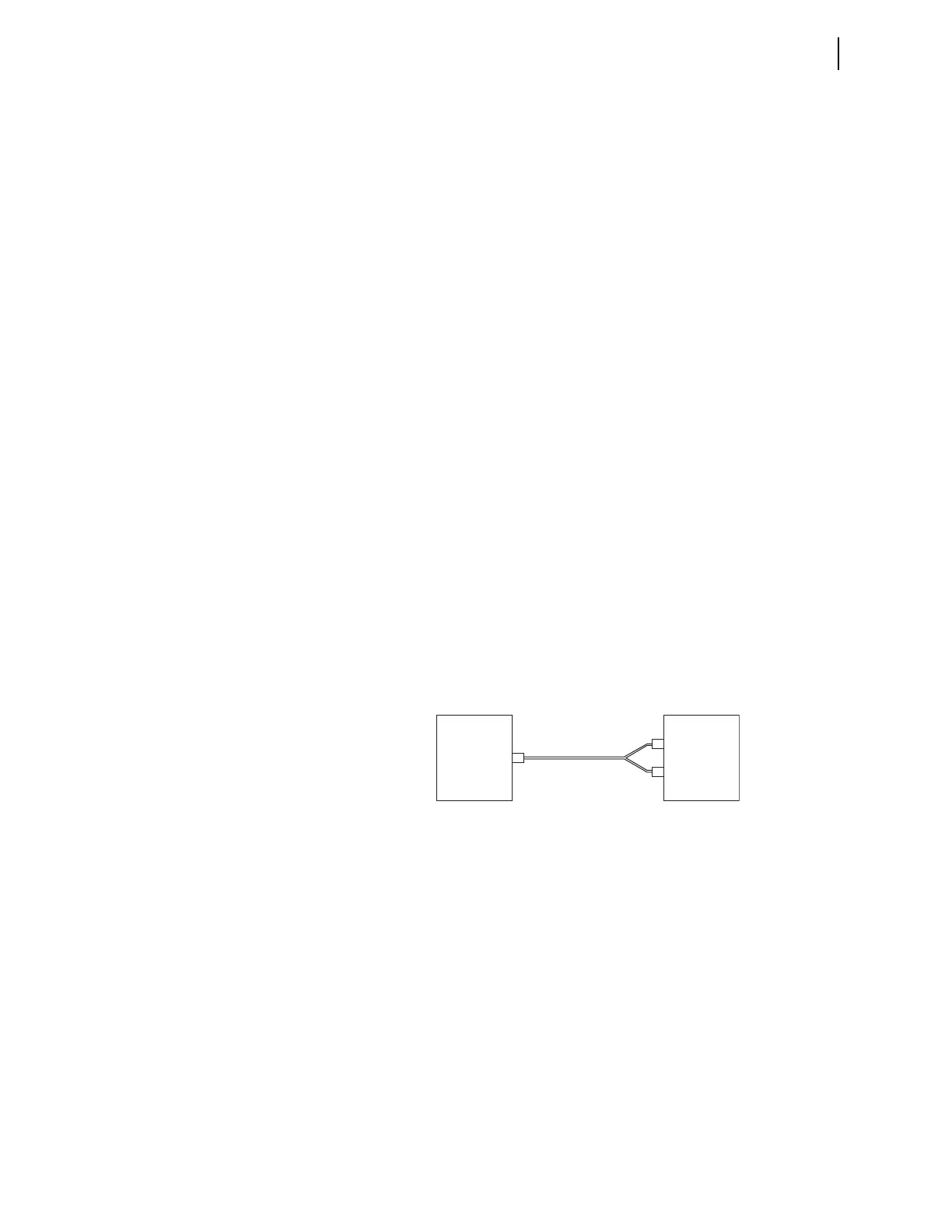
Refer to Figure 7.6 on how to connect a SEL Time Source (SEL-2401,
SEL-2404, SEL-2407) for IRIG-B Input to Port 3.
SEL-2401
or
SEL-2407
SEL-2404
SEL-787
+ IRIG
– IRIG
SEL Cable
C962
B01
B02
BNC



 To Next Page