7.6
SEL-787 Relay Instruction Manual Date Code 20150130
Communications
Communications Interfaces
Cannot use Port 2 if Port 3 is used.
Set Global setting IRIG TIME SOURCE to TIME_SRC := IRIG1.
Figure 7.5 IRIG-B Input Via EIA-232 Port 3 (SEL Communications
Processor as Source)
Cannot use Port 2 if Port 3 is used.
Set Global setting IRIG TIME SOURCE to TIME_SRC := IRIG1.
Figure 7.6 IRIG-B Input Via EIA-232 Port 3 (SEL-2401/2404/2407 Time
Source)
Option 3: Port 2 (Fiber-Optic Serial Port)
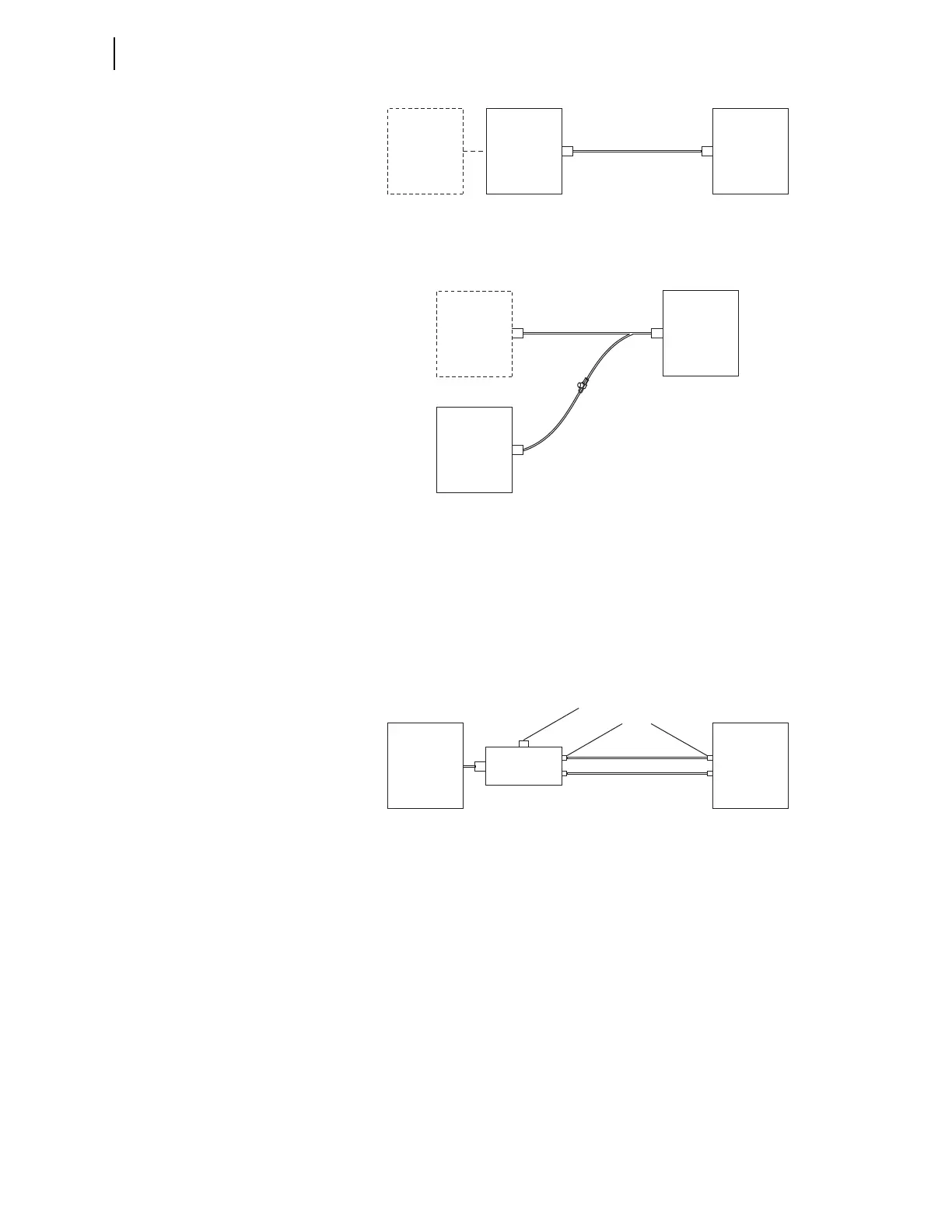
Fiber-Optic Serial Port 2 can be used to bring IRIG-B Input to the relay as
shown in Figure 7.7 and Figure 7.8.
Cannot use B01–B02 input or Port 3 input if Port 2 is used for IRIG-B input.
Set Global setting IRIG TIME SOURCE to TIME_SRC := IRIG2.
Figure 7.7 IRIG-B Input VIA Fiber-Optic EIA-232 Port 2 (SEL-2030/2032
Time Source)
SEL-2401
or
SEL-2407
SEL-2404
SEL-2030
or
SEL-2032
DB9
Port 3
EIA-232 + IRIG
(or fiber-optic equivalent)
SEL Cable
C273A
SEL-787
DB9
SEL-2401
or
SEL-2407
SEL-2404
SEL-787
DB9
BNC
IED
(Any EIA-232
serial application)
SEL Cable
C292A
SEL Cable
C953
BNC-T Connector (3-way)
SEL Part #240-1802
DB9
IRIG-B
Port 3
SEL-2812MT
SEL-2030
SEL-2032
EIA-232 Port
with IRIG
DB9
Fiber-Optic Cables
SEL C805 or SEL C807
Port 2
Set switch to 232 for IRIG-B
from SEL-2030 or SEL-2032
ST Connectors
SEL-787



 To Next Page