Processing
X
TRA Operator’s Manual 20077/021 US 5-21
Waste Bag Full
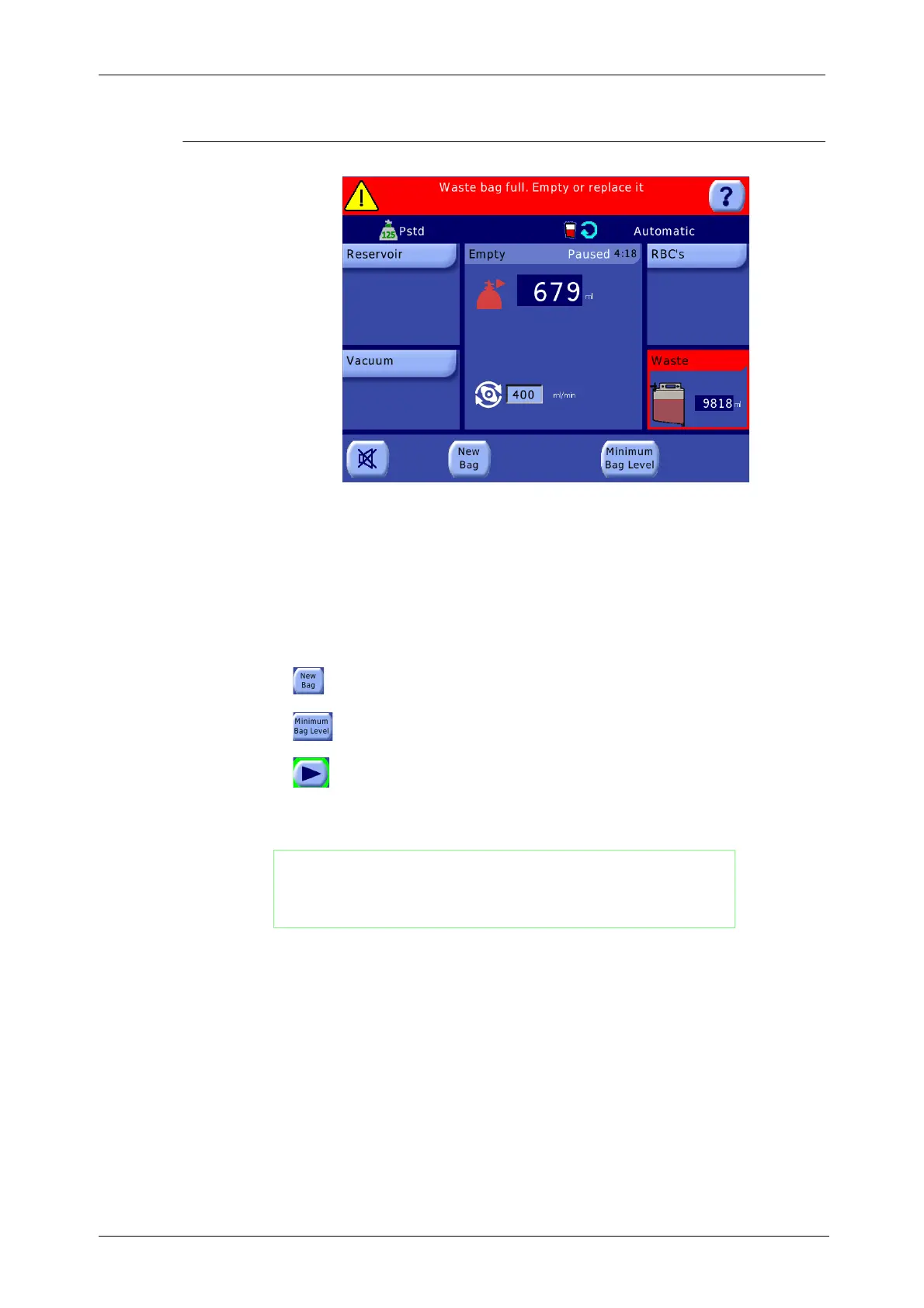
Figure 5-26 Waste Bag Full Warning
The Waste Bag Full alarm (if enabled) is triggered at the end of the Empty phase if the volume
transferred to the waste bag exceeds the pre-set safety level. It will also be triggered during the Fill/
Concentration, Wash and Fat Removal phases if the safety level is reached during those phases. Also
refer to “Waste bag full. Empty or replace it.” on page 14-21.
When triggered, the acoustic sequence sounds, the message “Waste bag full. Empty or replace it.” is
displayed in the message area of the current screen, the Waste Bag displet of the Fill phase is
highlighted with a red outline, and the phase is paused.
To correct this condition, perform the following:
1. If you want to use a new wash bag, replace it aseptically, and then touch the “New Bag”
button to resume.
2. Otherwise, if you want to empty the same bag, use the drain at the bottom of the bag.
Do not empty below the minimum level. Touch the “Minimum Bag Level” button to resume.
3. Touch the Start button to reset the count of transferred waste volume and continue the Fill
phase.
WARNING
The waste bag should be replaced with the equipment STOPPED
(pump and centrifuge) and the bowl completely empty. This
instruction does not apply if the replacement of the waste bag is
done with a vented waste bag.
CAUTION
Ignoring a full waste bag may cause back pressure from the waste bag that
could result in fluid leakage around the bowl's rotating seal or waste fluid
being returned to the centrifuge bowl.
CAUTION
Do not completely empty the waste bag until the end of the case. If you
empty the waste bag during the case, leave approximately one liter of fluid in
the waste bag to prevent the possibility of vacuum being generated in the
waste bag during the Empty cycle. Vacuum in the waste bag may prevent
complete emptying of the bowl.









 To Next Page