Special Cycles
X
TRA Operator’s Manual 20077/021 US 6-5
the saline solution from the bowl towards the RBC bag. The centrifuge does not spin during this
operation.
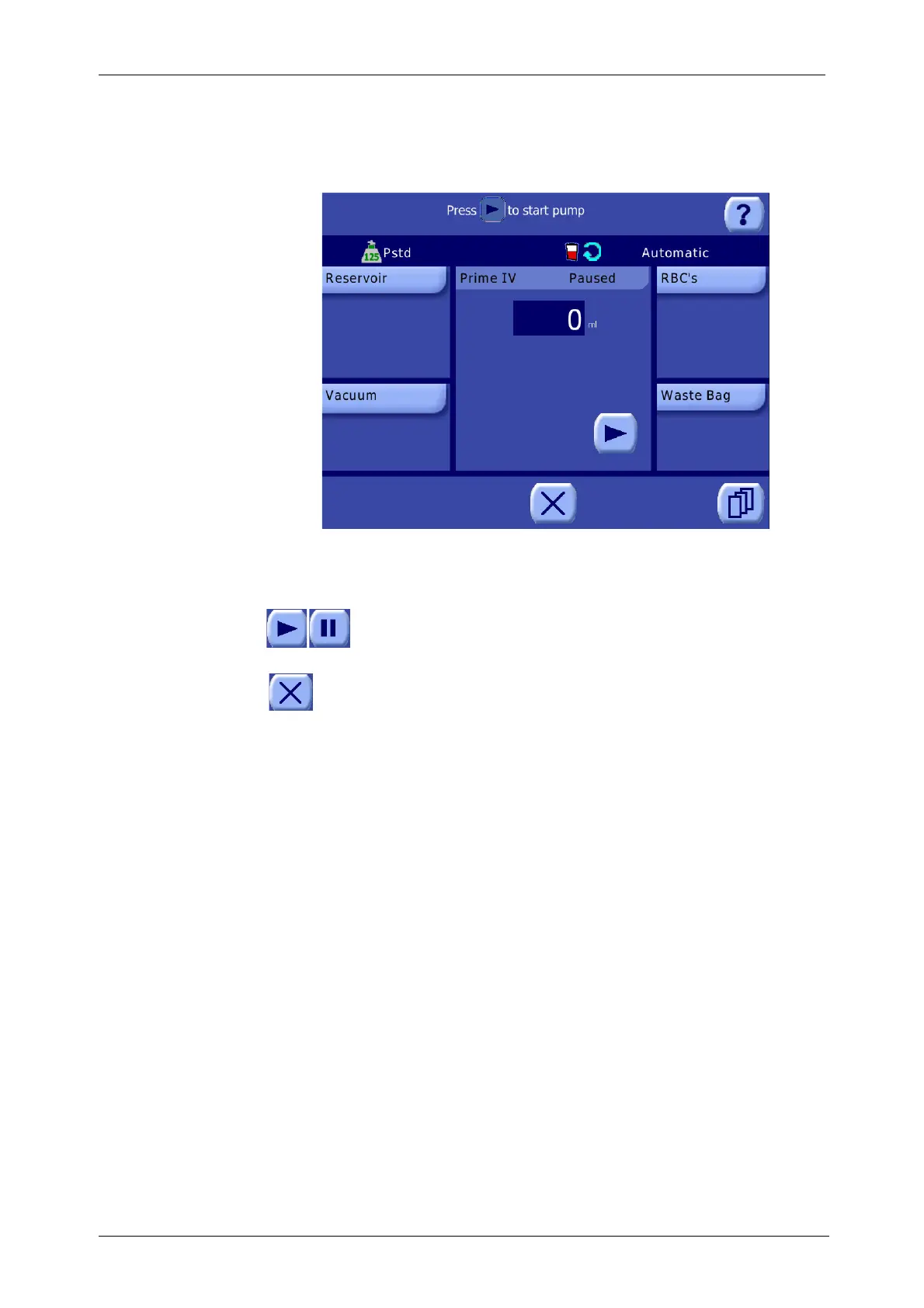
The Prime IV Screen is displayed throughout the cycle (see Figure 6-4).
Figure 6-4 Prime IV Screen (Paused)
The Prime IV Screen tracks the volume (ml) of saline solution which has been pumped from the bowl
towards the RBC bag.
The Prime IV Screen is initially paused. The operator must touch the Play button to
initiate the cycle. Touching the Pause button will stop the pump rotor. To resume the
Prime IV cycle while paused, touch the Play button.
Touching the Close button will stop the Prime IV cycle and return to the Ready Screen. The
Prime IV cycle may later be resumed from the Ready Screen at the point at which it was
interrupted, before starting blood processing.
The cycle ends automatically once the whole amount of the saline solution has been pumped into the
RBC bag and air is detected in the line by the air sensor, at which point the Ready Screen is displayed.









 To Next Page