Vacuum Module
X
TRA Operator’s Manual 20077/021 US 13-1
Chapter 13: Vacuum Module
Description
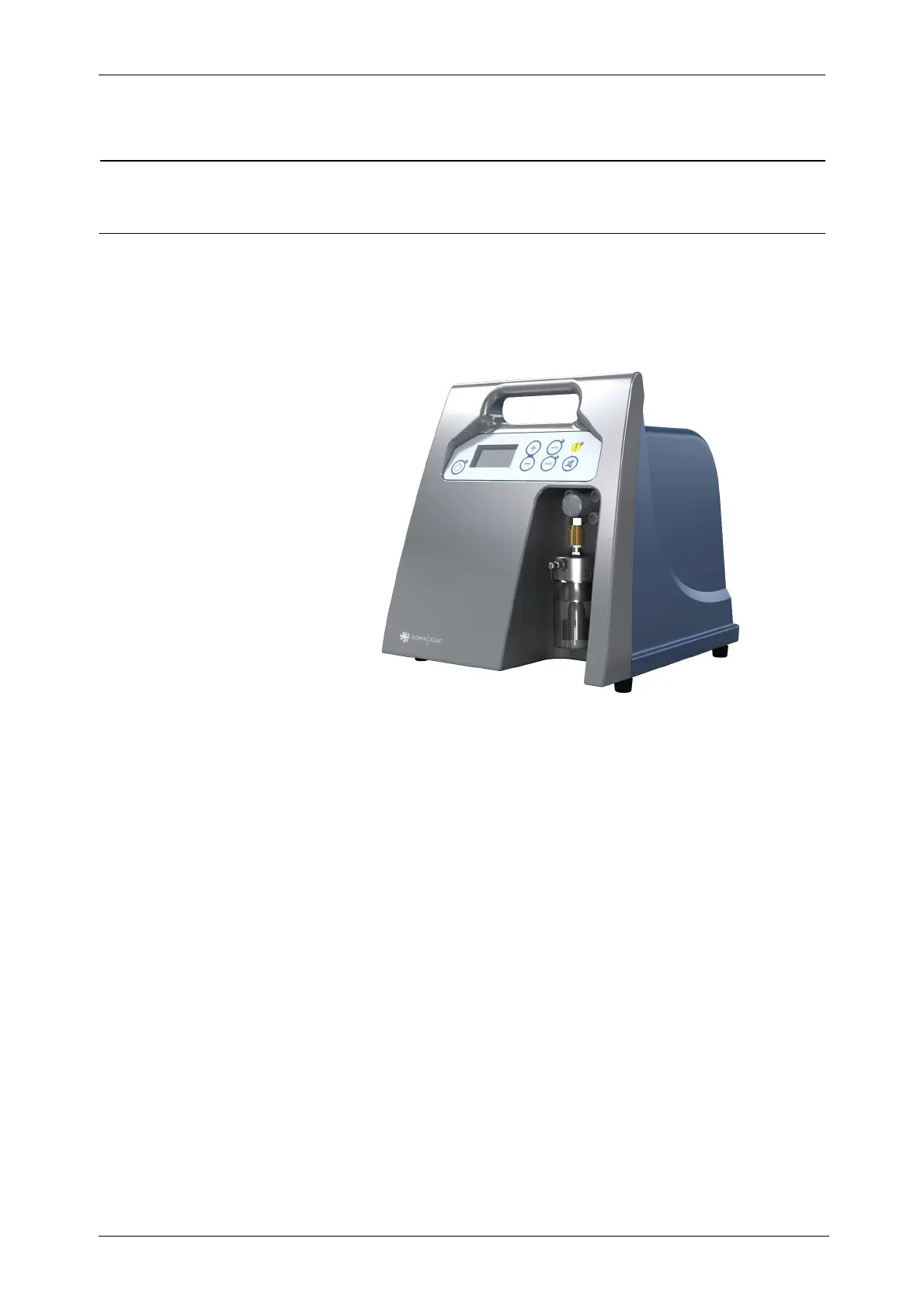
The XVAC is an optional vacuum module that can only be used as an accessory to the XTRA device. It is
available to provide negative vacuum pressure (-10 mmHg to -300 mmHg [-1.3 kPa to -40 kPa]). It
includes a reusable fluid receptacle and a replaceable hydrophobic filter which can be removed without
special tools.
Figure 13-1
XVAC
Vacuum Module
The vacuum module has to be installed into the XTRA cart (see Figure 13-2), where it is powered by
the X
TRA power supply and controlled using the XTRA touch screen user interface.
The X
VAC vacuum module can be controlled using its built-in control panel only when the touch screen
user interface of X
TRA is not available, in the following two cases:
1. When the X
TRA system is booting up
2. When a fatal error occurred on the X
TRA system
As soon as the touch screen user interface of X
TRA is available, the XVAC vacuum module operates in
remote control, through the X
TRA touch screen user interface.
The X
VAC module has two operating modes:
• Intraoperative (Intra)
• Postoperative (Post-op)
The pressure set point for each mode may be set independently:
• Intraoperative mode: -300 mmHg to -50 mmHg (-40 kPa to -6.6 kPa)
• Postoperative mode: -100 mmHg to -10 mmHg (-13.3 kPa to -1.3 kPa)
In both modes, the pressure may be increased and decreased in -10 mmHg (-1.3 kPa) steps.









 To Next Page