Preoperative Sequestration (PPP and PRP)
10-10
20077/021 US XTRA Operator’s Manual
Loading the Pump Segment for a New Case
The proceeding information assumes you have followed the instructions in “Turning On the XTRA
System” on page 5-5.
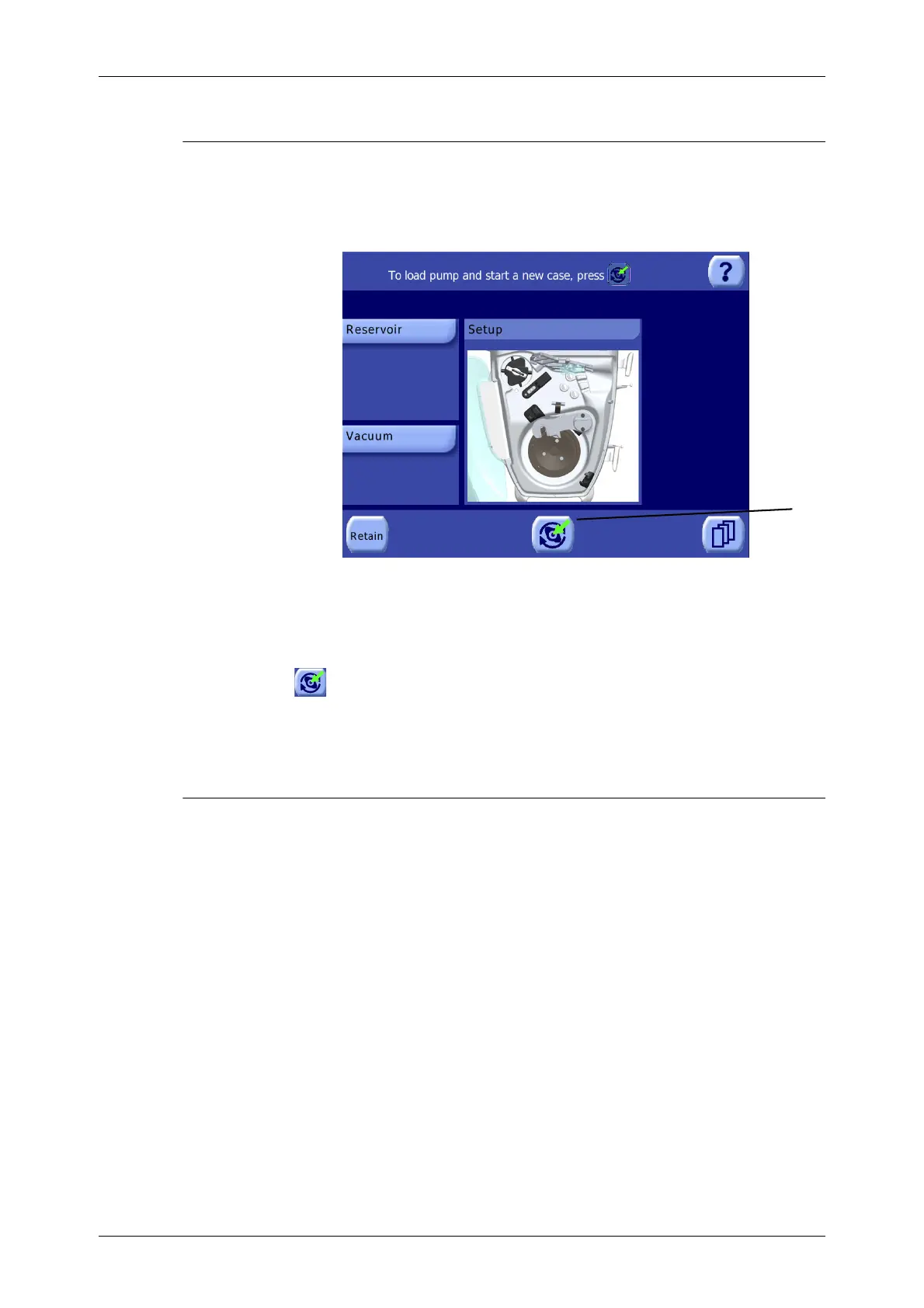
The Setup Screen should be displayed on the touch screen display (see Figure 10-6).
Figure 10-6 Setup Screen
For a detailed explanation of the
Setup Screen, read “Setup
Screen” on page 5-37.
1. Touch the Load button to auto-load the pump loop tubing.
For a description of the steps taken during the auto-load procedure, refer to “Loading the Pump
Segment for a New Case” on page 5-6.
Processing a Cycle
This section gives basic step-by-step instructions for processing a normal cycle in any sequestration
protocol (PPP, PRP1, or PRP2) or operating mode (Manual or Automatic) through each of its phases.
For a detailed description of the procedure implemented by each protocol, refer to “The Preoperative
Sequestration Factory Protocols” on page 10-21.
Once the X
TRA is loaded, the Ready Screen is displayed (see Figure 10-7). The system is now ready to
begin a processing cycle.









 To Next Page