Processing
X
TRA Operator’s Manual 20077/021 US 5-51
Help Screen
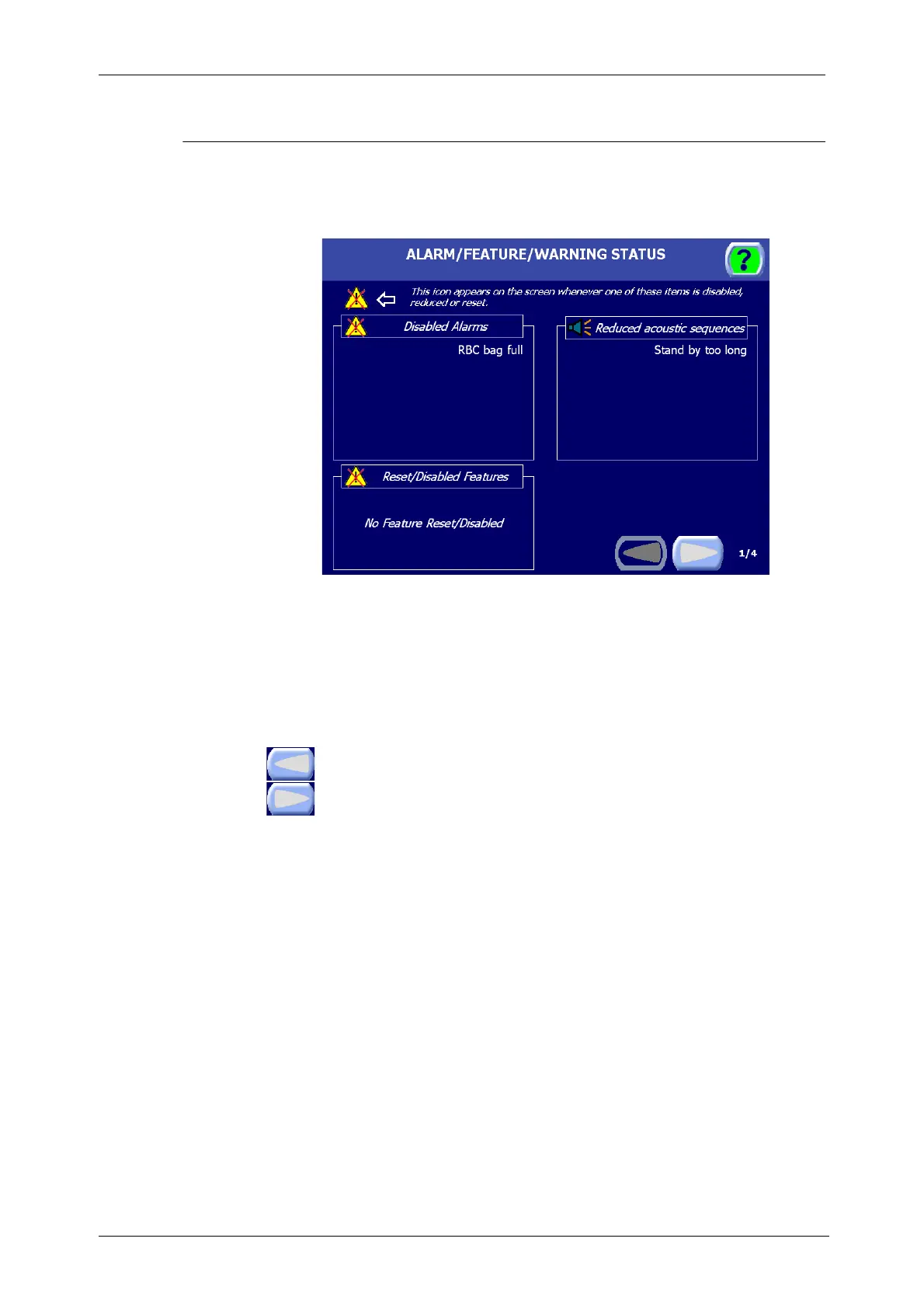
The Help Screen is displayed by touching the Help button from any other screen. The first page will
display all the modifications applied to the Warning settings and also warnings and features disabled
run-time.
Figure 5-49 Help Screen
The second page contains the software version and serial number are displayed at the bottom of the
Help Screen. The rest of the screen contains context-sensitive help for the screen from which it was
invoked.
To close the Help Screen and return to the previously displayed screen, touch the Help button a
second time.
Left and Right Page Buttons
Touching left and right arrow buttons at the bottom of the Help screen will flip through the
available help pages. For example, the Help screen as entered from any processing page will
contain three pages: one which labels the main buttons encountered while operating the
system, and two pages describing all displets and icons.









 To Next Page