Processing
X
TRA Operator’s Manual 20077/021 US 5-7
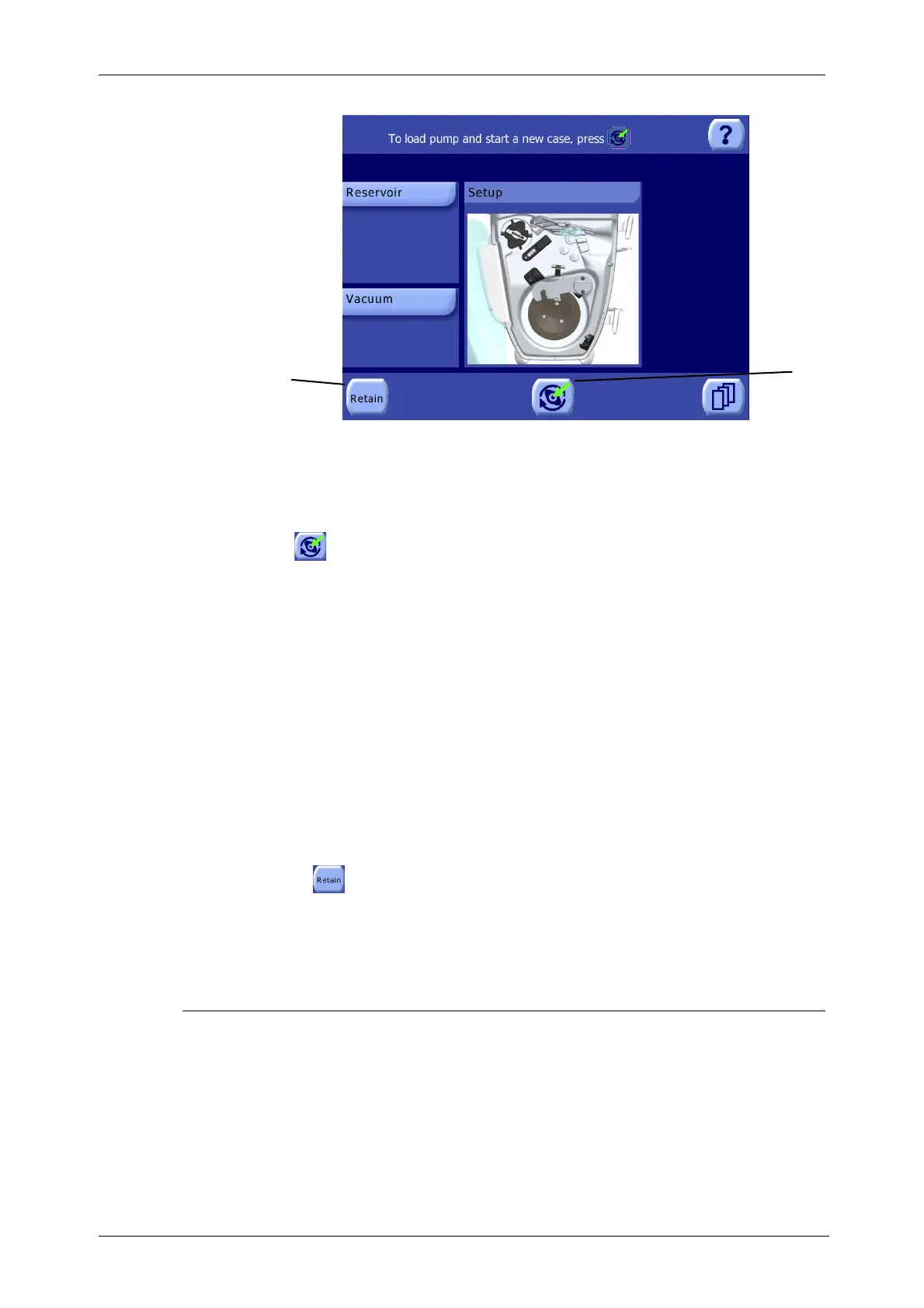
Figure 5-13 Setup Screen
For a detailed explanation of the
Setup Screen, read “Setup
Screen” on page 5-37.
1. Touch the Load button to auto-load the pump loop tubing.
The system performs the following actions during the auto-load procedure (each check is indicated on
the image in the processing displet while it is being performed):
• It checks that the bowl arm is closed around the inlet/outlet bowl connector.
• It checks that the centrifuge lid is properly closed and, if so, it locks it.
• It initializes all case tally data to zero.
• It detects the size of bowl by means of the bar code label on the base of the cartridge; if it fails to
recognize it, the operator will be prompted to select the size of the bowl manually.
• It checks the correct functioning of the clamps, pump, centrifuge, and sensors.
• It performs auto-loading of the pump loop.
• If the hematocrit indicator is enabled, it starts up the calibration of the Hct indicator with saline
solution.
• It unlocks the centrifuge lid.
Note: If the “Retain” button is present and you wish to proceed with a case previously
interrupted by switching OFF the machine without unloading the pump loop, touch the “Retain” button
rather than the Load button (refer to “Retaining Case Data Between Power Cycles” on page 5-16). This
initiates an auto-load procedure similar to that described above, except case data is not reset and the
pump loop tubing is assumed to be already loaded.
Processing a Cycle in Automatic or 1 Touch Mode
This section gives basic step-by-step instructions for processing a normal cycle in any protocol,
through each of its phases in order, in the Automatic or 1 Touch operating modes. For a detailed
description of the procedure implemented by each protocol, refer to “Factory Protocols” on page 5-22.
This section does not cover operating in Manual mode. For a description of the Manual operating
mode, refer to the “Manual” subsection of “The Operating Modes” on page 5-31.
1
1 “Retain” button 2 Load button
2









 To Next Page