Data Download Option
11-2
20077/021 US XTRA Operator’s Manual
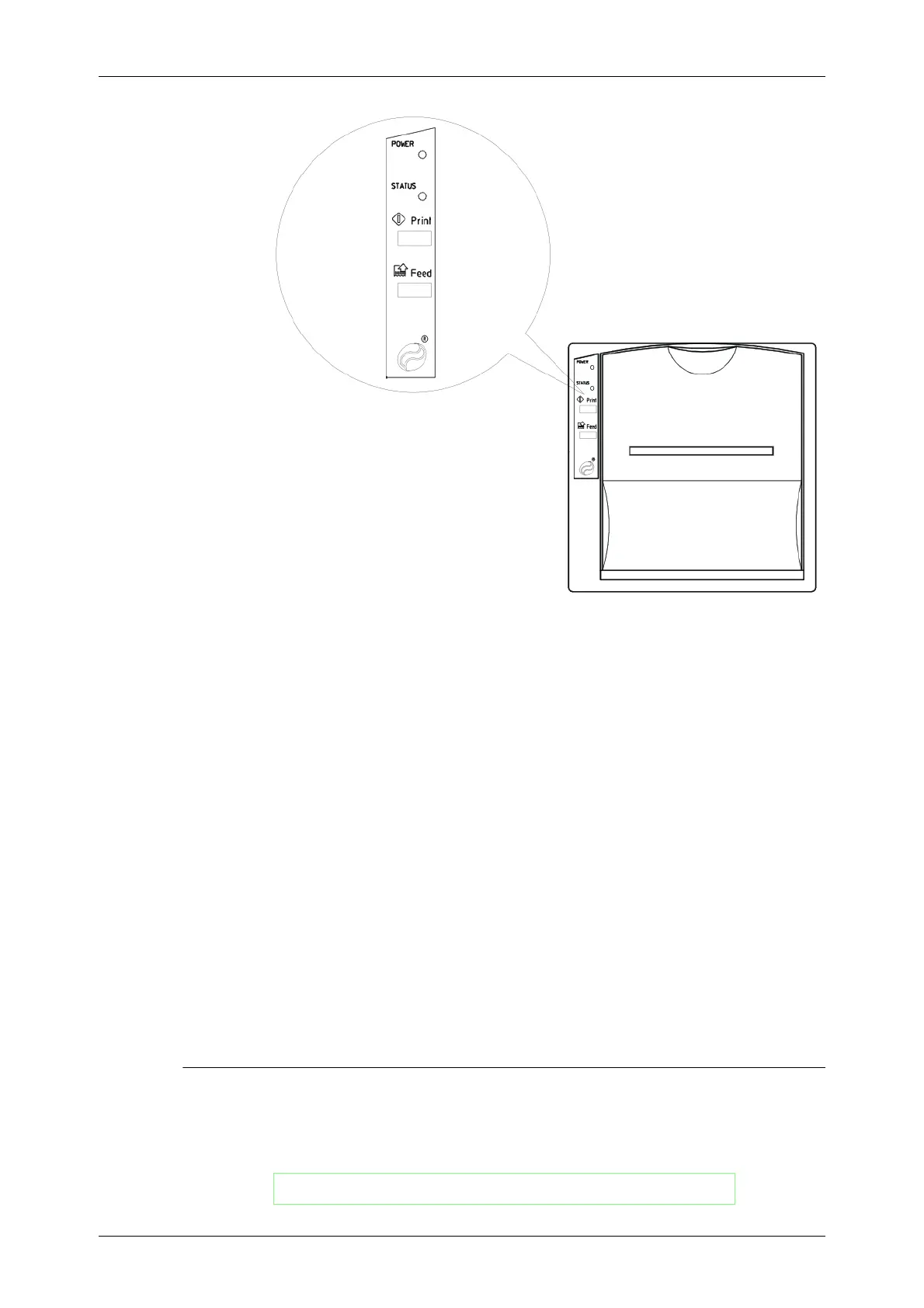
Figure 11-2 Integrated Dot-Matrix Printer
The printer consists of:
• a front cover that allows access to the paper roll and the print head, and
• a control panel comprising the PRINT and FEED buttons, and the POWER and STATUS LEDs,
which have the following functions:
◊ Pressing the PRINT button together with the FEED button allows the printer parameters to
be modified.
◊ Pressing the FEED key advances the paper forward.
◊ When lit, the POWER LED indicates that the printer is receiving a power supply.
◊ When lit, the STATUS LED indicates that the printer is on.
Refer to “Sending Tallies to the Printer” on page 11-6 for instructions on printing case data.
Refer to “List of Operator-Replaceable Parts” on page 15-6 for instructions on replacing the printer
paper and ink cartridge.
USB Ports
The three integrated USB ports situated on the rear panel of the XTRA system allow case data to be
saved to the X
TRA USB memory sticks.
CAUTION
The factory set printer parameters allow the best printing result. It is
advisable NOT to alter them.
WARNING
Use only XTRA USB memory sticks.









 To Next Page