System Description
X
TRA Operator’s Manual 20077/021 US 3-7
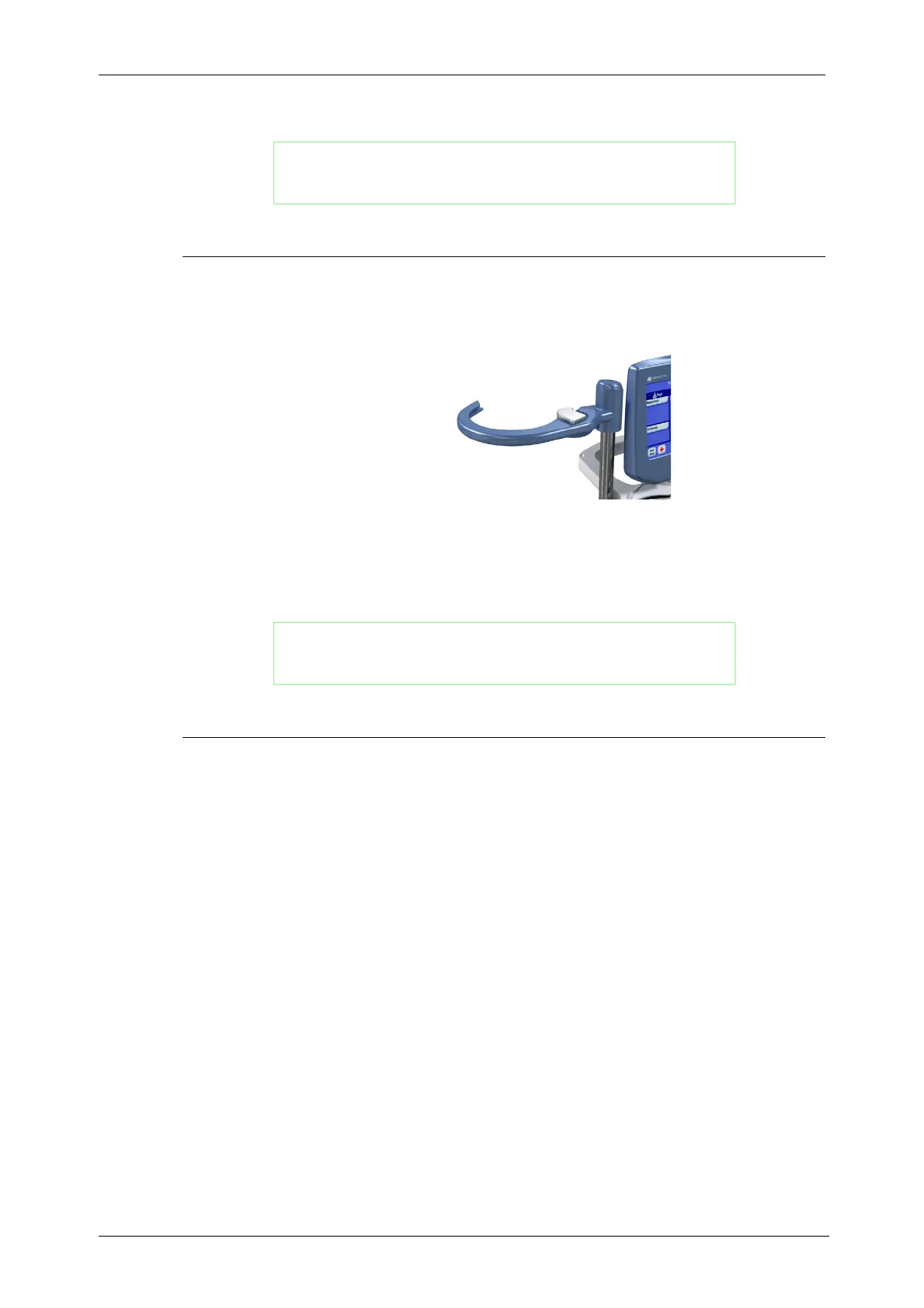
Reservoir Holder
When the reservoir pole is collapsed, the reservoir holder may be rotated to fit compactly against the
rear of the machine for transport or storage.
Figure 3-11 Reservoir Holder
The reservoir holder contains a weight-sensitive sensor which allows the system to detect the current
volume of the reservoir. This allows for the Autostart feature to start the processing cycle as soon as a
preset volume of blood is collected inside the reservoir.
Touch Screen Display Panel
The XTRA control panel is mounted centrally at the top, rear of the machine on a hinge that allows the
screen to be rotated and tilted. The control panel is protected to avoid problems from spills and
simplify cleaning.
The front of the control panel has two major components: the touch screen display area and the
physical Stop button on the lower right side (see Figure 3-12).
WARNING
When releasing an IV pole or reservoir pole locking lever, the
operator must always hold the pole and locking mechanism with
both hands; otherwise, there is a serious risk of injury.
WARNING
When releasing an IV pole or reservoir pole locking lever, the
operator must always hold the pole and locking mechanism with
both hands; otherwise, there is a serious risk of injury.









 To Next Page