Configuring XTRA
8-12 20077/021 US XTRA Operator’s Manual
Setting the Language
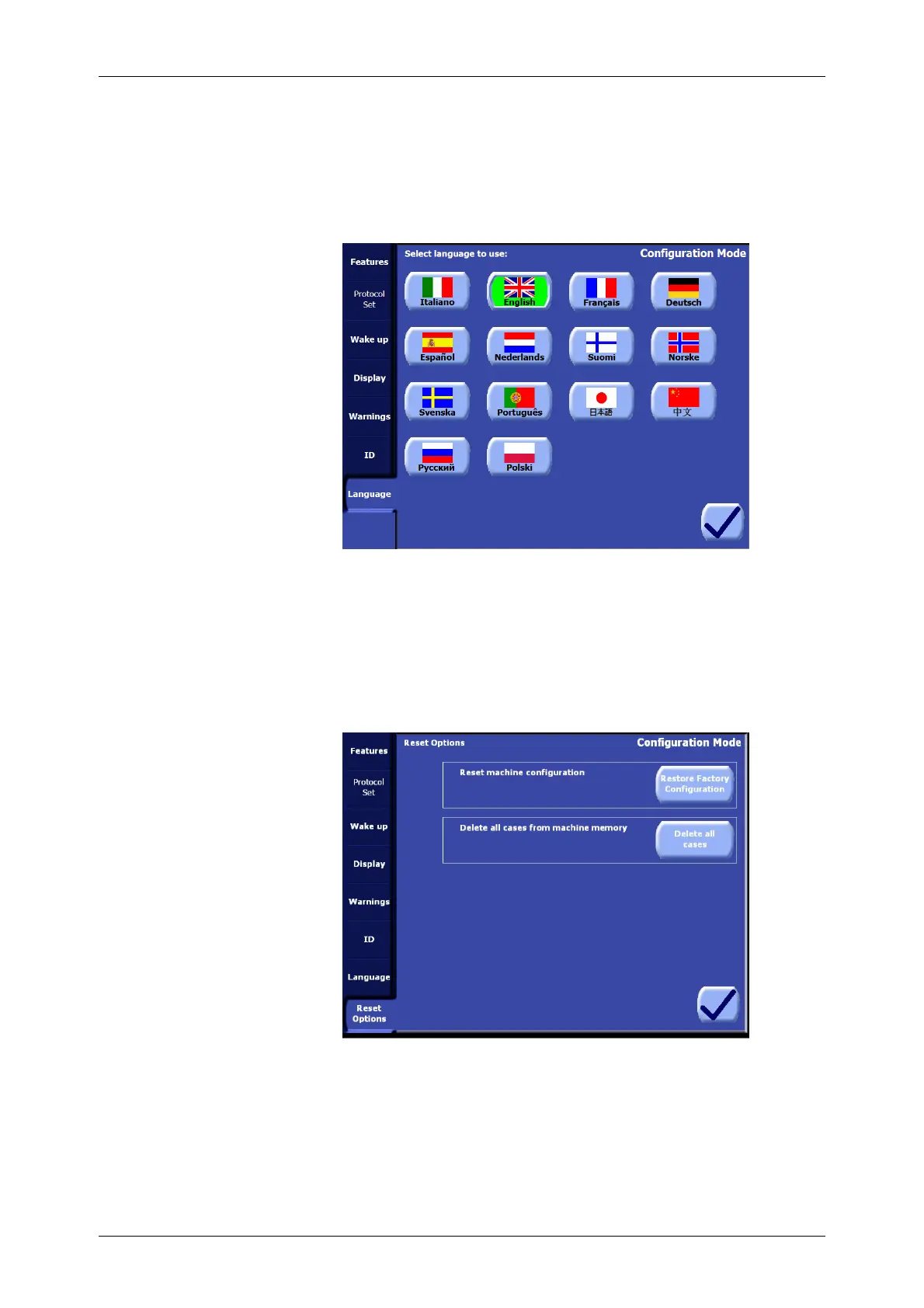
From the Language tab of the Configuration Mode Screen (see Figure 8-10) it is possible to configure
the language used for the user interface throughout the X
TRA system.
The language setting also affects the text of data management reports created with the data
download option.
Figure 8-10 Language Tab of the Configuration Mode
The current language is set by touching the button containing the desired language’s flag and name.
The setting takes immediate effect.
Reset Options
In order to guarantee the protection of important data, this Tab can be visualized only using a
secondary password when entering the Configuration Mode (see Figure 8-2).
From the “Reset Options” Tab it is possible to:
1. Reset machine configuration
By pressing “Restore Factory Configuration” button it will be possible to restore the original
configuration of the machine as if it came out from the LivaNova Factory. By confirming this
action, user defined configuration, setting and protocol will be lost.
2. Delete all cases from machine memory
By pressing “Delete all cases” and confirming the action, all the cases stored in the memory of the
machine will be lost.









 To Next Page