Configuring XTRA
XTRA Operator’s Manual 20077/021 US 8-3
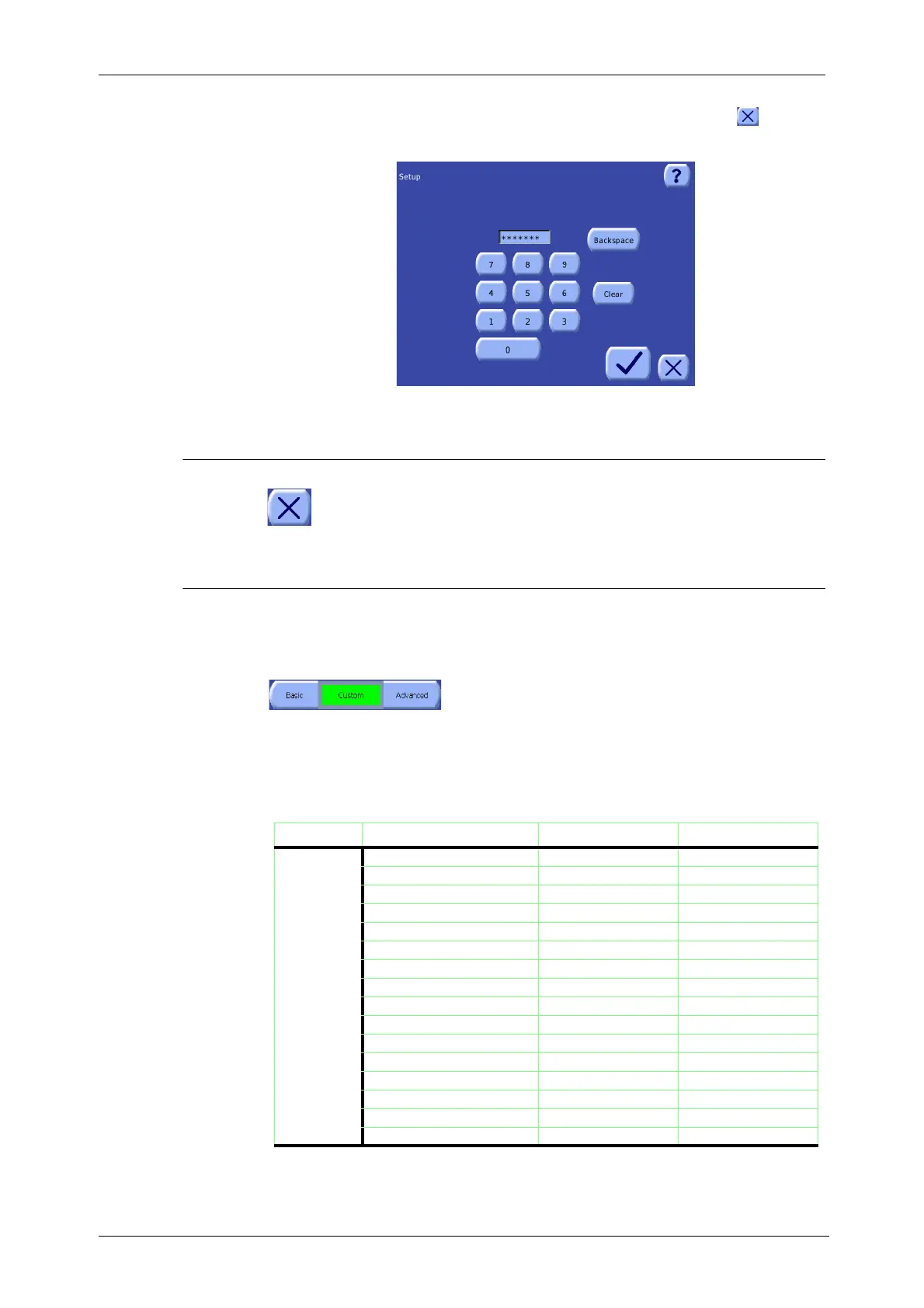
Screen will be displayed (see Figure 8-3). Alternatively, touch the Close button ( ) to close
the password screen without entering the Configuration Mode Screen.
Figure 8-2 Configuration Mode Password Screen
Exit From the Configuration Mode
To exit the Configuration Mode Screen, simply touch the Close button from any tab. The
Configuration Mode Screen will close, any changes made will have already taken effect and
will be saved, and the Settings tab of the Menu Screen will be displayed.
Predefined Feature Sets
To simplify configuration from the Configuration Mode Screen, two predefined feature sets are
available: Basic and Advanced. In addition, a Custom configuration can be programmed, allowing the
operator to modify every setting.
Use the three-part Feature Set button at the top of the Features tab
(refer to “Setting the Enabled Features” on page 8-4) to select one
of the predefined feature sets (Basic or Advanced) or select Custom
to create a custom configuration. The part of the button corresponding to the currently selected
feature set appears green and inset.
These predefined feature sets affect the settings in several tabs of the Configuration Mode Screen.
The following table summarizes the settings of the Basic and Advanced predefined feature sets:
Tab Feature/Function Basic Advanced
Features 1 touch enabled enabled
Better empty disabled disabled
Not reached disabled disabled
Supernatant removal disabled enabled
Waste line disabled enabled
Wash Quality indicator disabled enabled
HCT disabled enabled
Last Bowl enabled enabled
Manual disabled enabled
RBC detector disabling option disabled disabled
Prime IV disabled enabled
Printer disabled enabled
Purge disabled enabled
RS232 disabled disabled
Reached disabled disabled
USB disabled enabled
Table 8-1 Comparison of the Predefined Feature Sets









 To Next Page