Chapter 6 — Configuring and Managing Partitions Creating a Storage Partition
December 2019 User Guide—Spectra T200, T380, and T680 Libraries
192
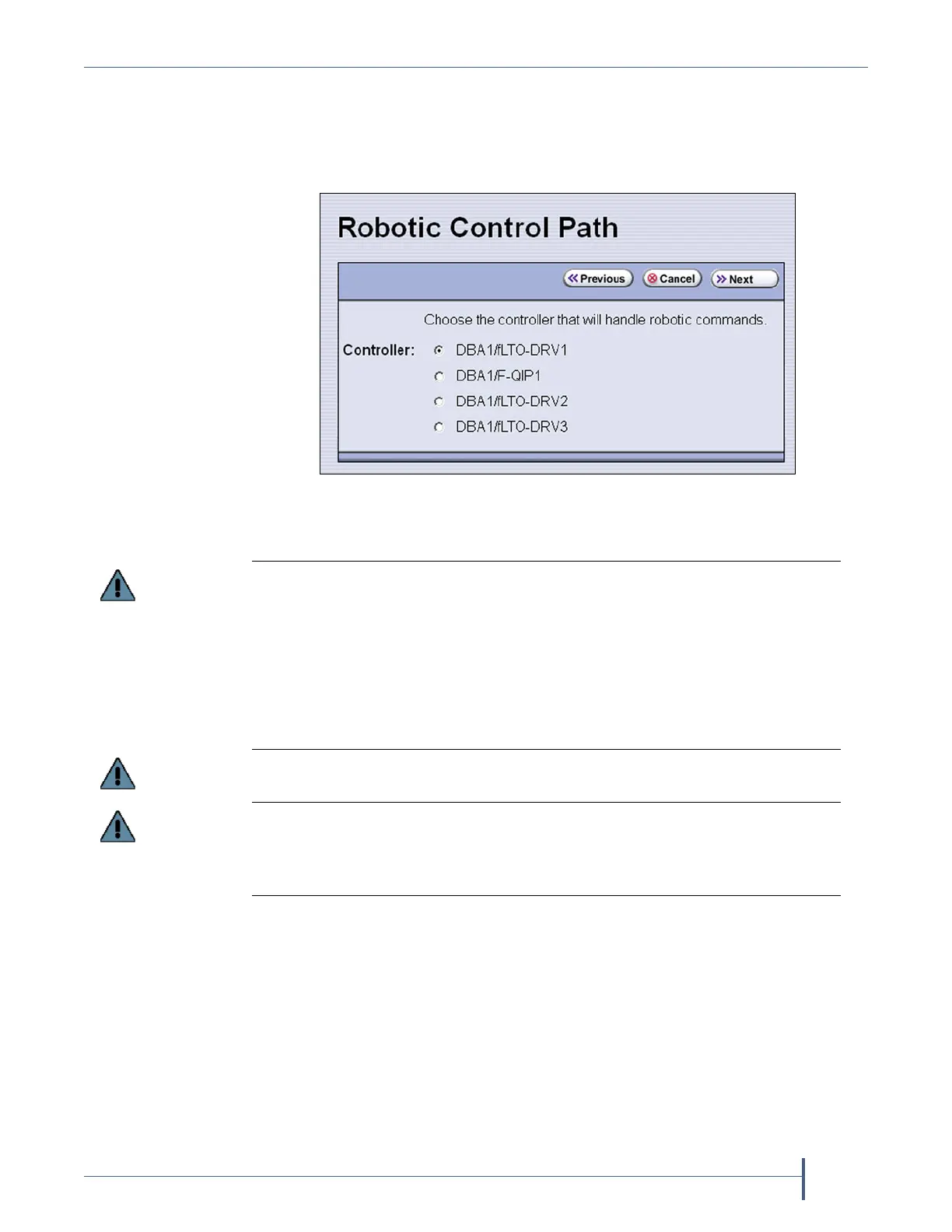
Use the following instructions to select the robotic control path:
1. From the Name and Media Type screen, click Next. The Robotic Control
Path screen displays a list of the controllers currently installed in the
library.
2. Select the controller(s) to provide the control path for the robotics.
Figure 111 Select the exporting controller.
If you want to use the controller failover feature for RIMs or F-QIPs (see Configure
Controller Failover on page 127), keep the following requirements in mind:
You must have at least two controllers (RIMs or F-QIPs) installed in the library.
If the partition uses SCSI drives, you cannot use the F-QIP that provides
connectivity for the SCSI drives in the failover pair. A minimum of three
controllers are required for this type of configuration.
If you configured controller failover before you configured the storage partition,
select the primary controller in the failover pair to provide the robotic control path.
Do not select more than one drive to provide the robotic control path unless you
know the storage management software can support this.
If you select two different generations of drives to provide the robotic control path,
then you are not able to assign a Global Spare to the partition because all drives in a
partition with a Global Spare must match the technology generation of the Global
Spare.



 To Next Page