Chapter 12 — Library Troubleshooting Accessing the Library Interior and Troubleshooting Blockages
December 2019 User Guide—Spectra T200, T380, and T680 Libraries
397
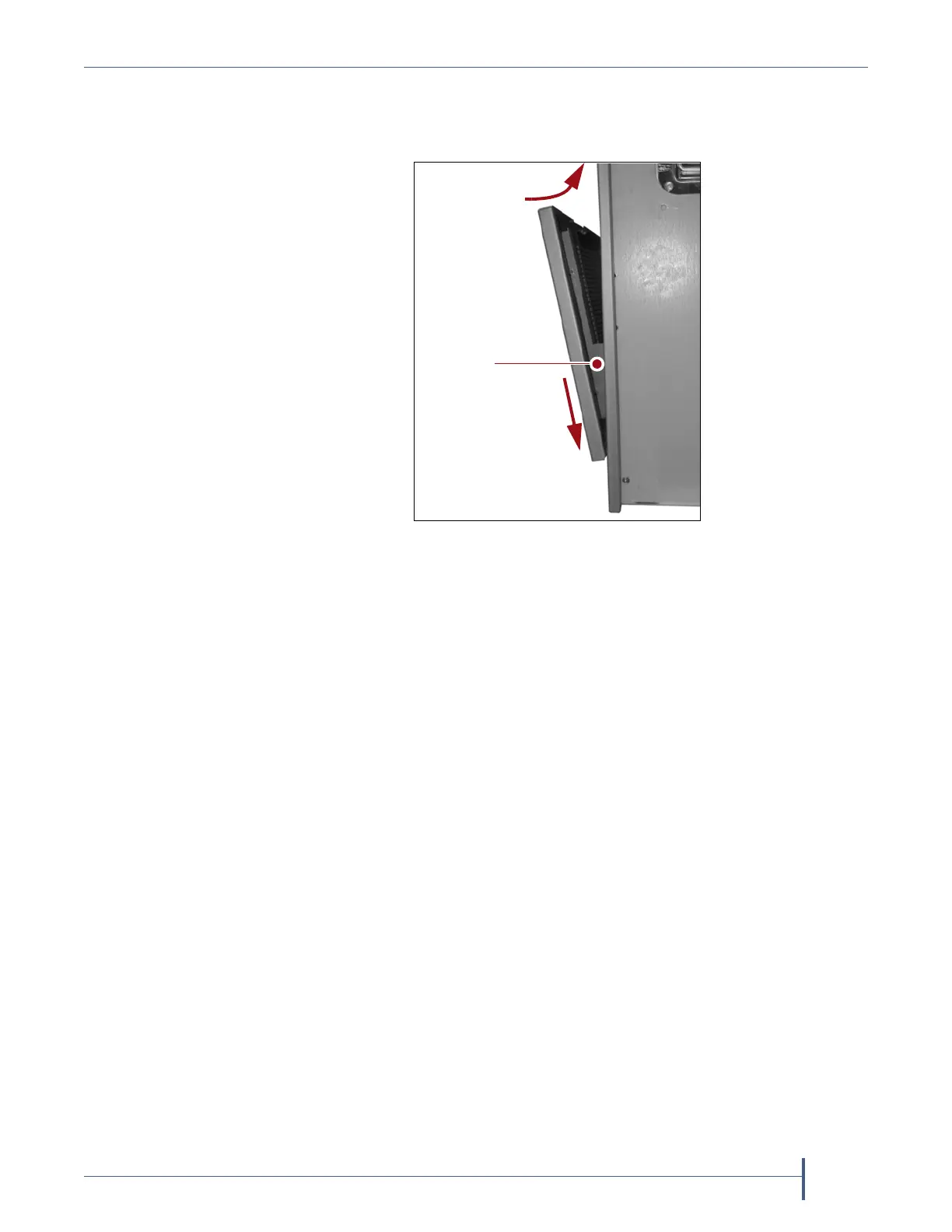
4. Engage the tabs with the slots in the front of the library, then slide the
cover downward. Push the upper edge of the cover toward the front
panel until the magnets secure it to the front panel.
Resume Operation
1. Power on the library (see Power On the Library on page 156) and wait
while the library performs its initialization process.
2. If a cartridge is left in a Global Spare drive after the reset is complete,
see page 348 for information about returning the cartridge to its storage
location.
3. If you used the BlueScale user interface to move media, update the
inventory maintained by your backup application (see Updating the
Storage Management Software Inventory on page 245).
4. Restart any backup operations.
Figure 248 Install the filter cover.
Push inward
Slide downward
Tab



 To Next Page