Chapter 6 — Configuring and Managing Partitions Creating a Storage Partition
December 2019 User Guide—Spectra T200, T380, and T680 Libraries
203
If you select Hard Addressing, enter a value between 0 and 125 in the
text field. This value is the Loop ID used by the drive when it
connects to the Fibre Channel arbitrated loop or fabric. The ID you
enter must be unique for every device in the loop or fabric.
Specify the Partition Users
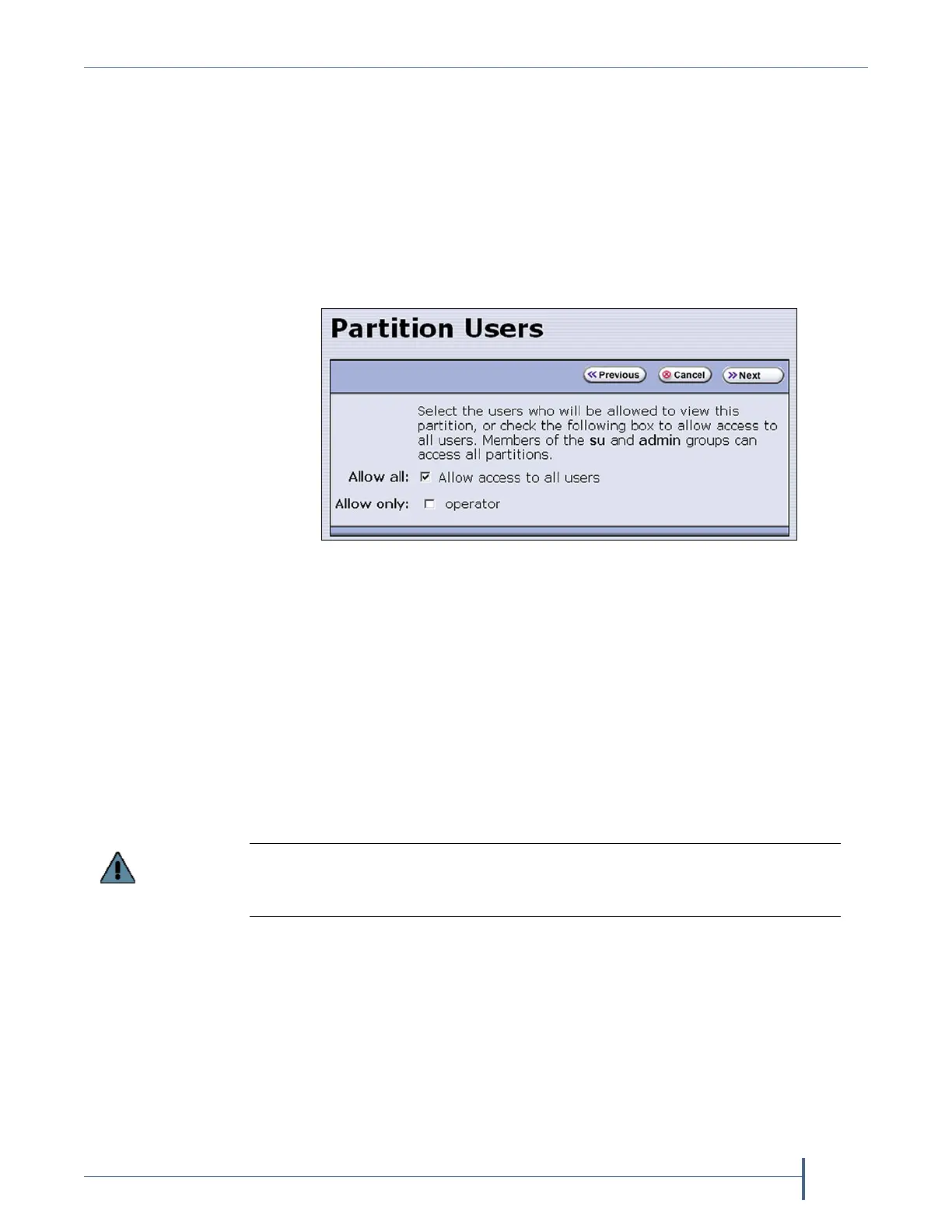
1. From the Fibre Channel Loop ID’s screen, click Next. The Partition
Users screen displays.
2. Select the users who are allowed access to this partition. Only users
who were previously configured can be selected (see Configuring
Library Users on page 96).
Notes: All of the users who are configured with operator privileges
are listed under Allow only. Select one or more of these users
to enable partition-based security for operators.
If you did not configure additional Operator level users, you
can do so later and then edit the partition to give them access.
Superusers and administrators always have full access to all
partitions.
Configure the Robotic Path Visibility
Robotic path visibility determines whether one or both of the Fibre
Channel ports on the exporting controller provide the robotic control path.
Figure 119 Select which users can access the partition.
If you are using a tape drive to provide the robotic control path, this is the last
partition configuration screen. Skip to Confirming and Saving the Partition Settings
on page 208.



 To Next Page