Chapter 4 — Configuring the Library Setting the Camera IP Address
December 2019 User Guide—Spectra T200, T380, and T680 Libraries
150
Edit the Camera IP Address - White
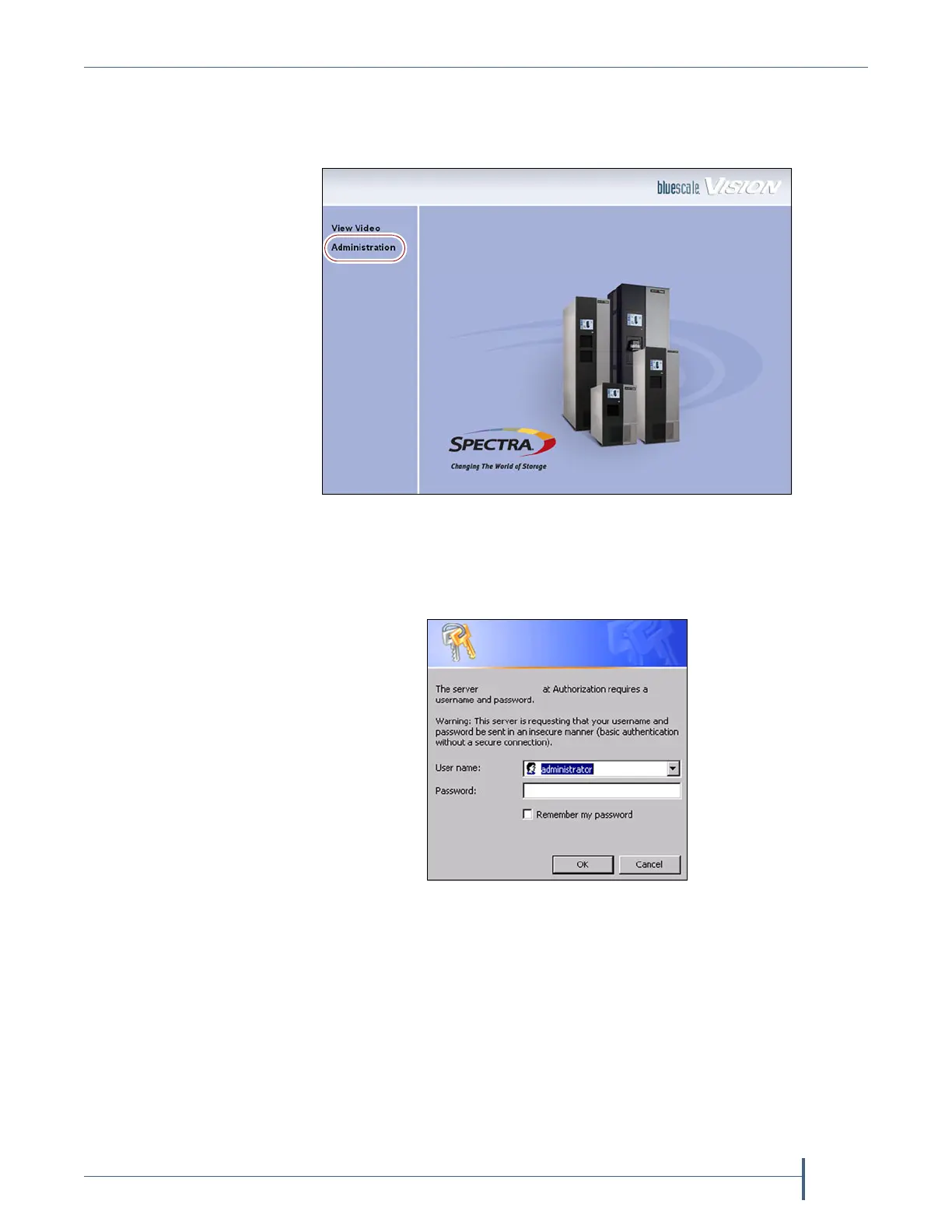
1. On the start page, click Administration.
2. Log in using administrator (all lower case, case-sensitive) for the user
name; leave the password field blank, and click OK.
Figure 76 The white BlueScale Vision camera viewer start
page.
Figure 77 The Administration
login screen.



 To Next Page