Chapter 1 — Library Overview Library Features
December 2019 User Guide—Spectra T200, T380, and T680 Libraries
29
Library Components
The following sections show the locations of and briefly describe the
library’s major front panel, internal, and rear panel components.
Front Panel Components
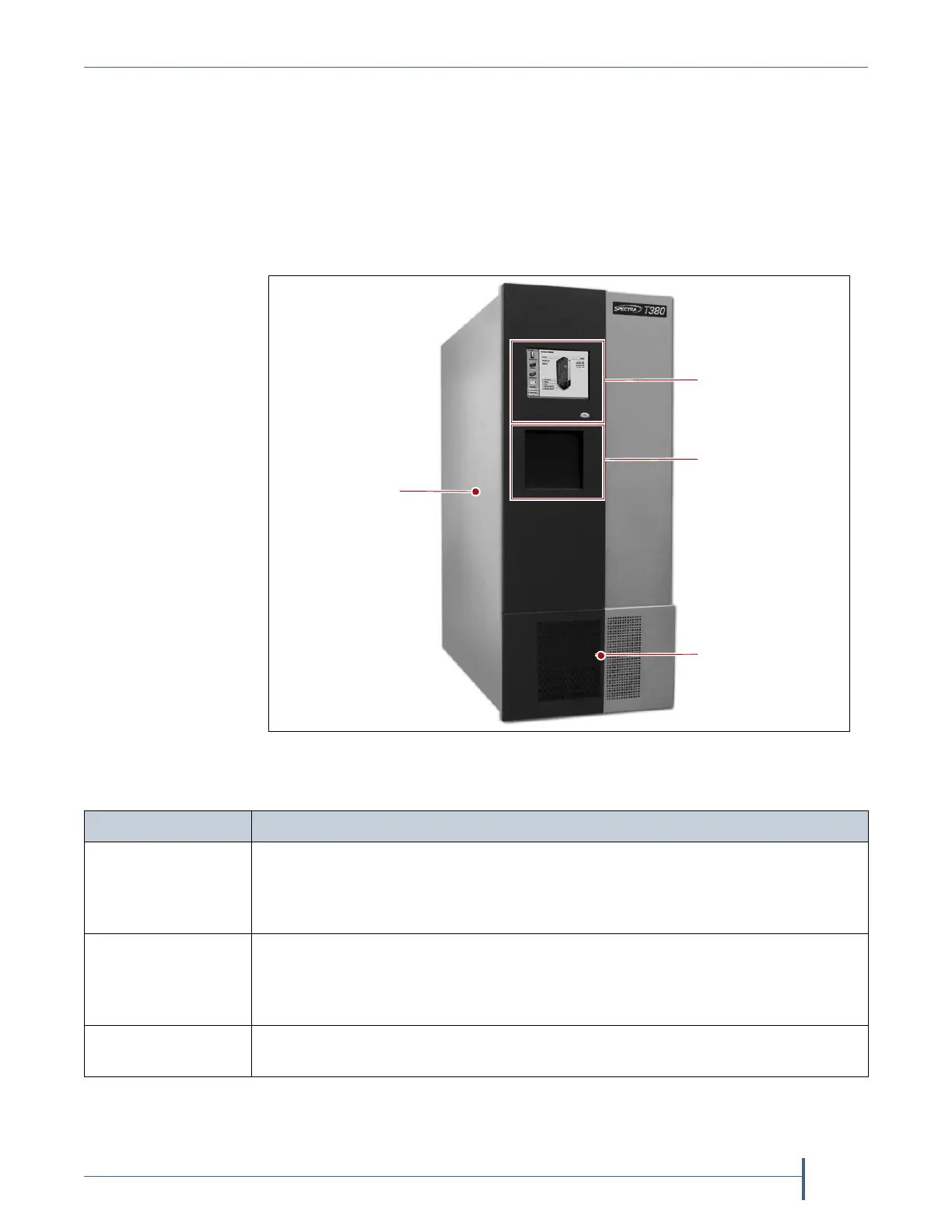
Figure 1 shows the front components of the library.
The following table describes each of the components shown in Figure 1.
Figure 1 Front panel components (T380 shown).
TeraPack Access
Port (TAP) door
Operator
panel
Fans and air filter
(behind cover panel)
Access panels
and handles
(under cosmetic
outer covers)
Component Description
Operator Panel The operator panel on the front panel includes a color LCD touch screen and
library power button. To learn more, see Operator Panel and Touch Screen on
page 37. A stylus for making selections and typing entries on the touch screen
can be conveniently stored near the screen.
TeraPack
®
Access
Port (TAP)
The TAP functions as an entry/exit port that lets you import media into or
remove media from the library. The T200 and T380 each have a single TAP; the
T680 has a dual TAP with two TAP doors, one above the other. To learn more
about the TAP, see TeraPack Access Port (TAP) on page 38.
Air filters and fans The air filters on the front of the library prevent particulate contaminants from
being pulled into the library by the air circulation system.



 To Next Page