Chapter 9 — Configuring and Using Media Lifecycle Management Using PreScan
December 2019 User Guide—Spectra T200, T380, and T680 Libraries
288
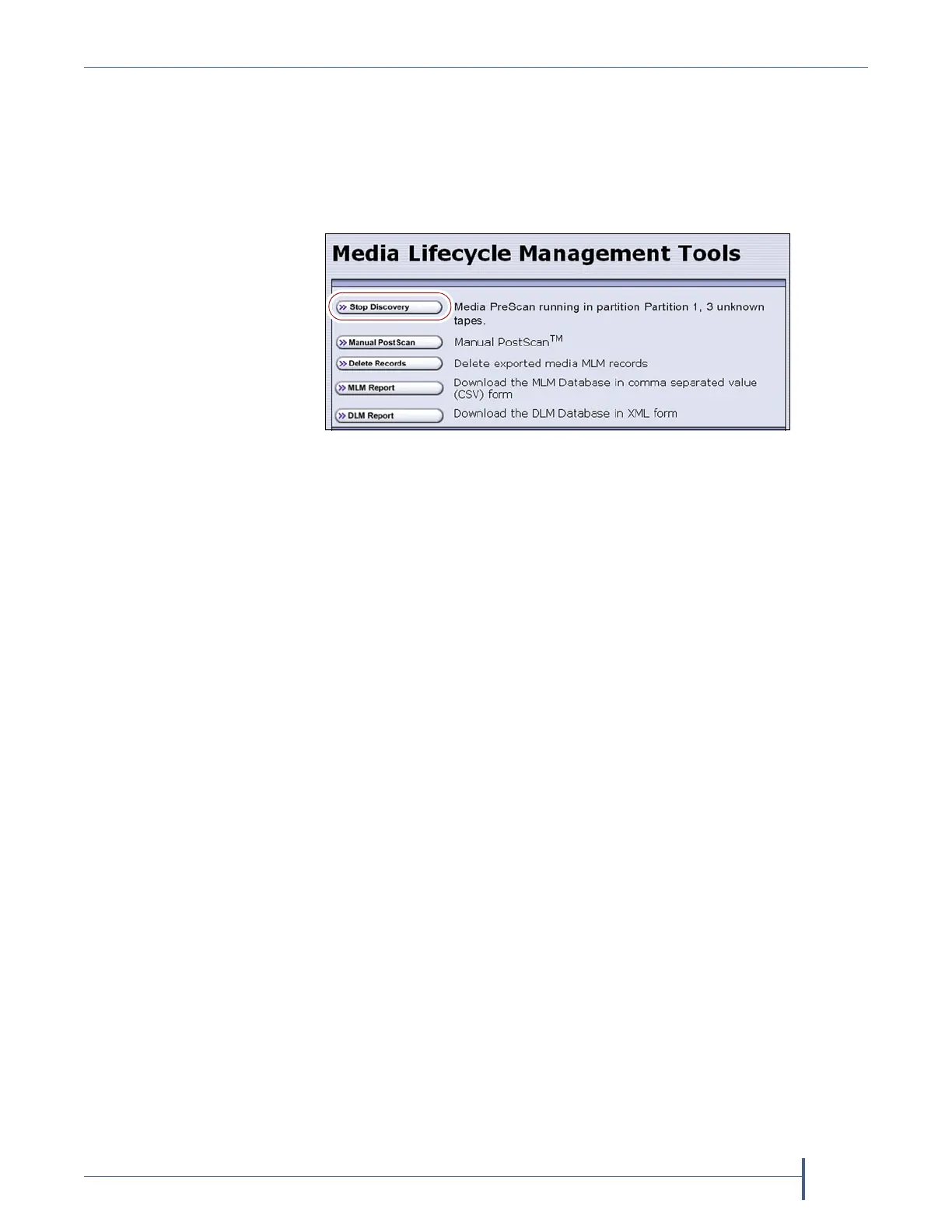
Stop the Discovery Process
If for some reason you need to interrupt the discovery process before it is
complete, click Stop Discovery on the Media Lifecycle Management Tools
screen. The library completes any Media Auto Discovery or PreScan
operations that are in progress and returns the cartridges to their slots.
To resume the discovery process, repeat the steps in Discover Cartridges
Manually on page 286 or wait until you import additional cartridges into
the partition to trigger the discovery process automatically.
USING PRESCAN
Overview The MLM PreScan feature is a background process that replaces
the default Media Auto Discovery process in partitions where it is enabled;
unlike Media Auto Discovery it does not operate globally. PreScan is
enabled when you configure the partition (see Enable and Configure MLM
PreScan and PostScan on page 197).
PreScan provides verification of data cartridges by performing a basic
functionality test and health check on each imported cartridge using
available
LTO-4 or later generation drives or TS11
xx
technology drives
in the
partition. As a part of the PreScan process, any cartridges that are not
already in the MLM database are added to the MLM database.
During the PreScan process, the library automatically inserts each
cartridge into an available LTO-4 or later generation drive or TS11xx
technology drive assigned to the partition. The drive loads the cartridge
and checks it to determine whether it has any of the following
characteristics:
Non-MLM-enabled
Broken or dislodged leader
Red media health
Write protected
Encrypted tape with a moniker not currently stored in the library
Figure 165 Click Stop Discovery to stop the discovery
process.



 To Next Page