Chapter 12 — Library Troubleshooting Discovering and Setting the BlueScale Vision Camera IP Address
December 2019 User Guide—Spectra T200, T380, and T680 Libraries
363
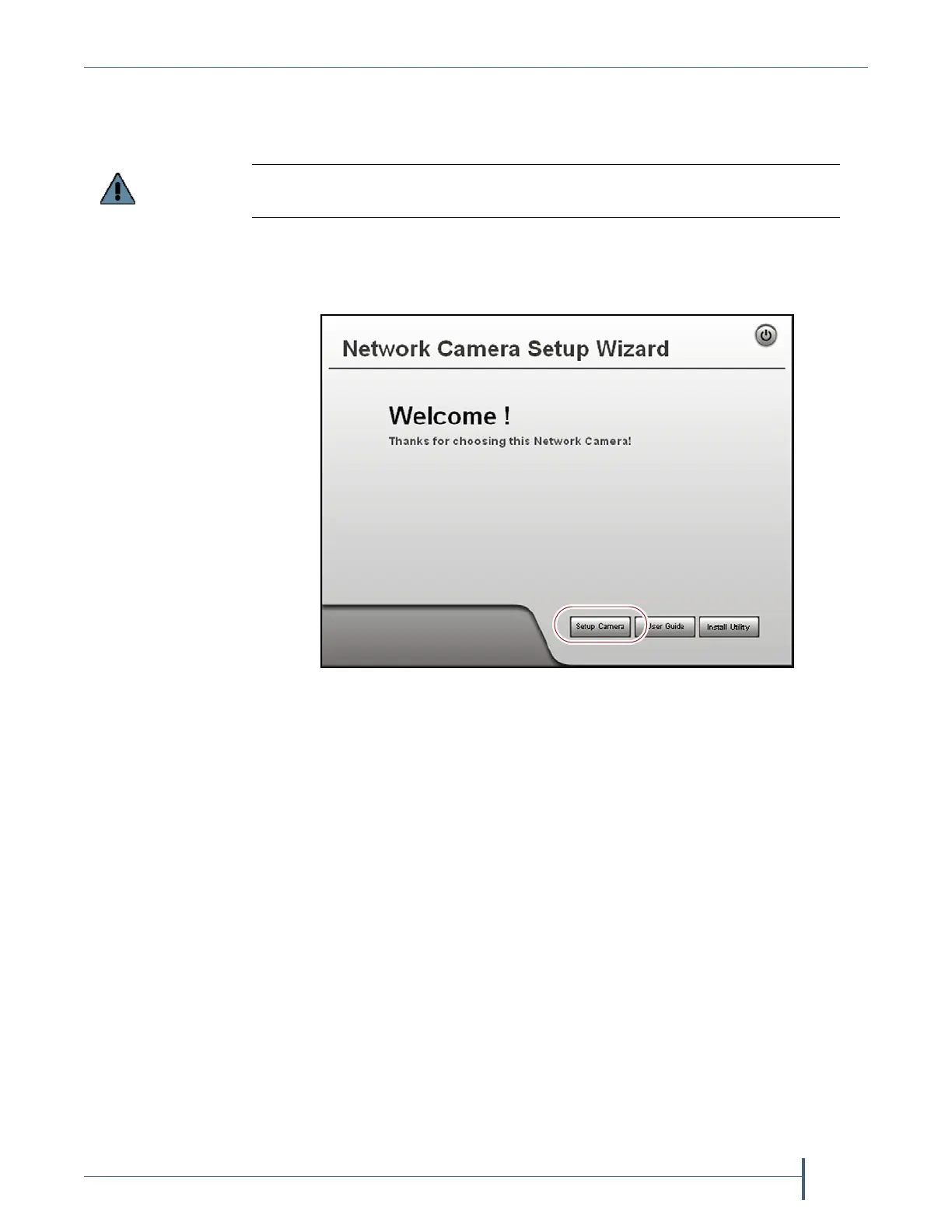
3. On the wizard’s Welcome screen, click Setup Camera. The wizard
searches the network and locates any compatible network cameras
currently set to use DHCP to obtain an IP address.
Note: The Network Camera Setup Wizard uses the UDP broadcast to
discover the camera on the network. You may need to disable
your network’s firewall if it blocks using UDP.
Do not click Install Utility. This option installs the Viewing/Recording utility. It
cannot be used to configure the camera.
Figure 216 The Network Camera Setup Wizard start page.



 To Next Page