Command Pulldowns 41
NEO Lighting Control Console
Update Cue - activates the Update Cue dialogue box in order to facilitate editing an existing cue.
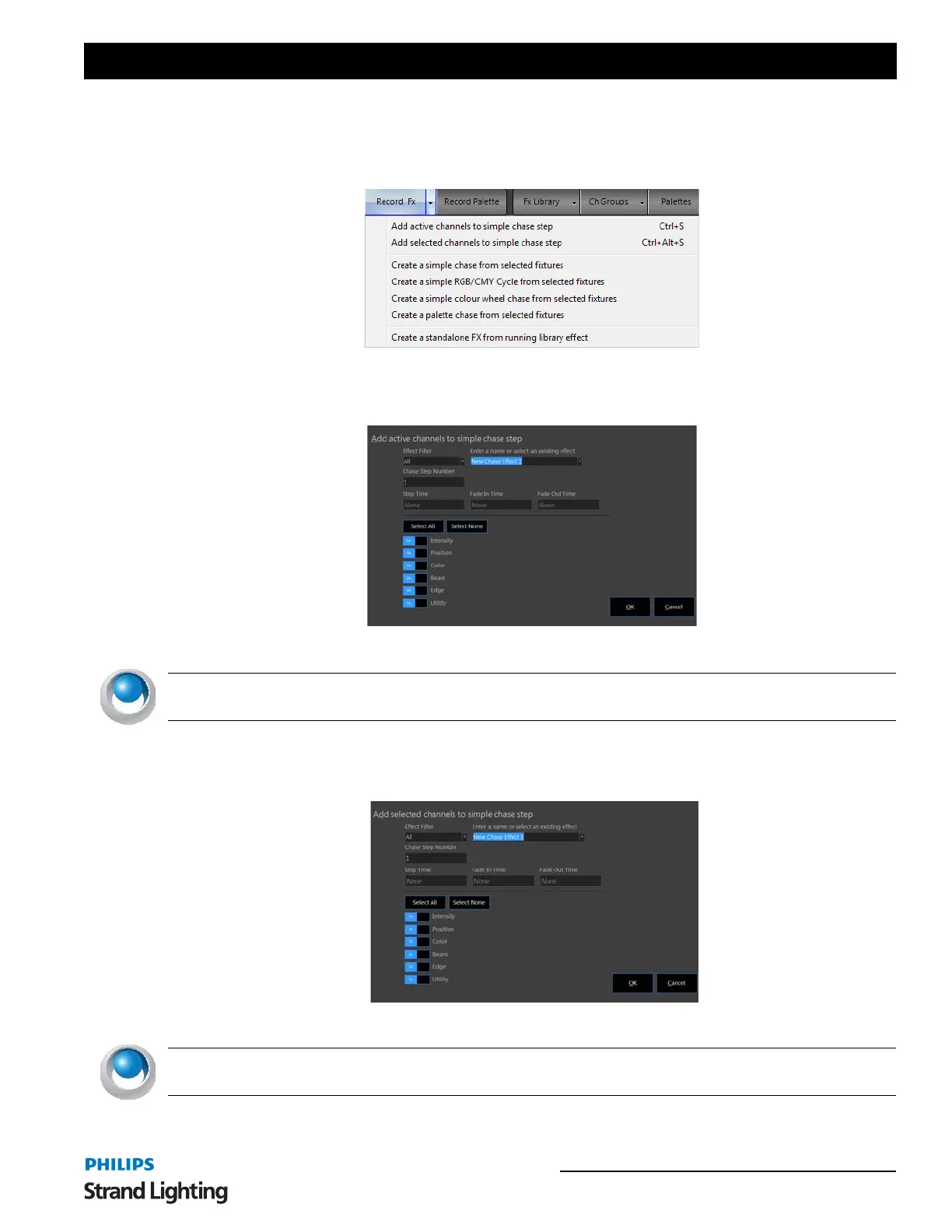
Record FX - activates the Record FX dialogue box in order to facilitate creating a show effect.
RECORD FX OPTIONS
Add active channels to simple chase step - adds "active" fixtures to a newly created or existing chase effect
assigning each fixture to its own step in numerical order. This will activate a recording dialogue box to complete the
fx recording process.
Enter appropriate info in the presented dialogue box.
NEO NOTES & TIPS: The effect will be recorded/edited but must be triggered manually though the FX List
display.
Add selected channels to simple chase step - adds "selected" fixtures to a newly created or existing chase effect
assigning each fixture to its own step in numerical order. This will activate a recording dialogue box to complete the
fx recording process.
Enter appropriate info in the presented dialogue box.
NEO NOTES & TIPS: The effect will be recorded/edited but must be triggered manually though the FX List
display.



 To Next Page