Objet30 User Guide 6 Operating and Maintaining the Printer
DOC-34025 Rev. I 6-19
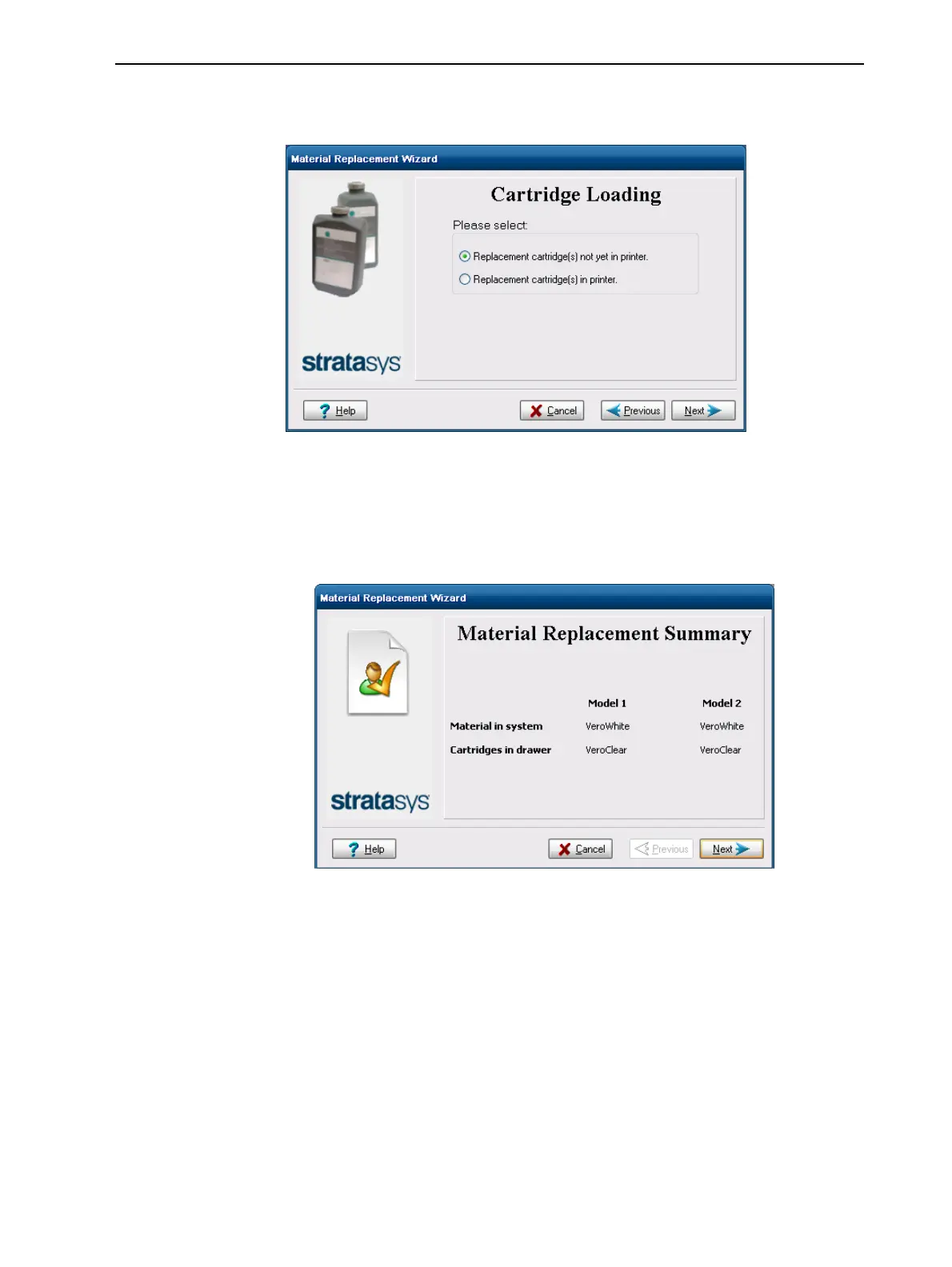
4. When the Cartridge Loading screen appears, indicate whether or not
replacement cartridges have been loaded.
Figure 6-17 Replacement-cartridge status
5. Click Next.
❒ If the replacement cartridges are already loaded in the materials drawer,
a screen appears, showing the materials currently in the system and the
material cartridges in the drawer.
Figure 6-18 Material replacement summary
After reviewing this screen, click Next and continue with step 8.













 To Next Page