Objet30 User Guide 6 Operating and Maintaining the Printer
DOC-34025 Rev. I 6-20
❒ If the replacement cartridges are not loaded in the materials drawer, the
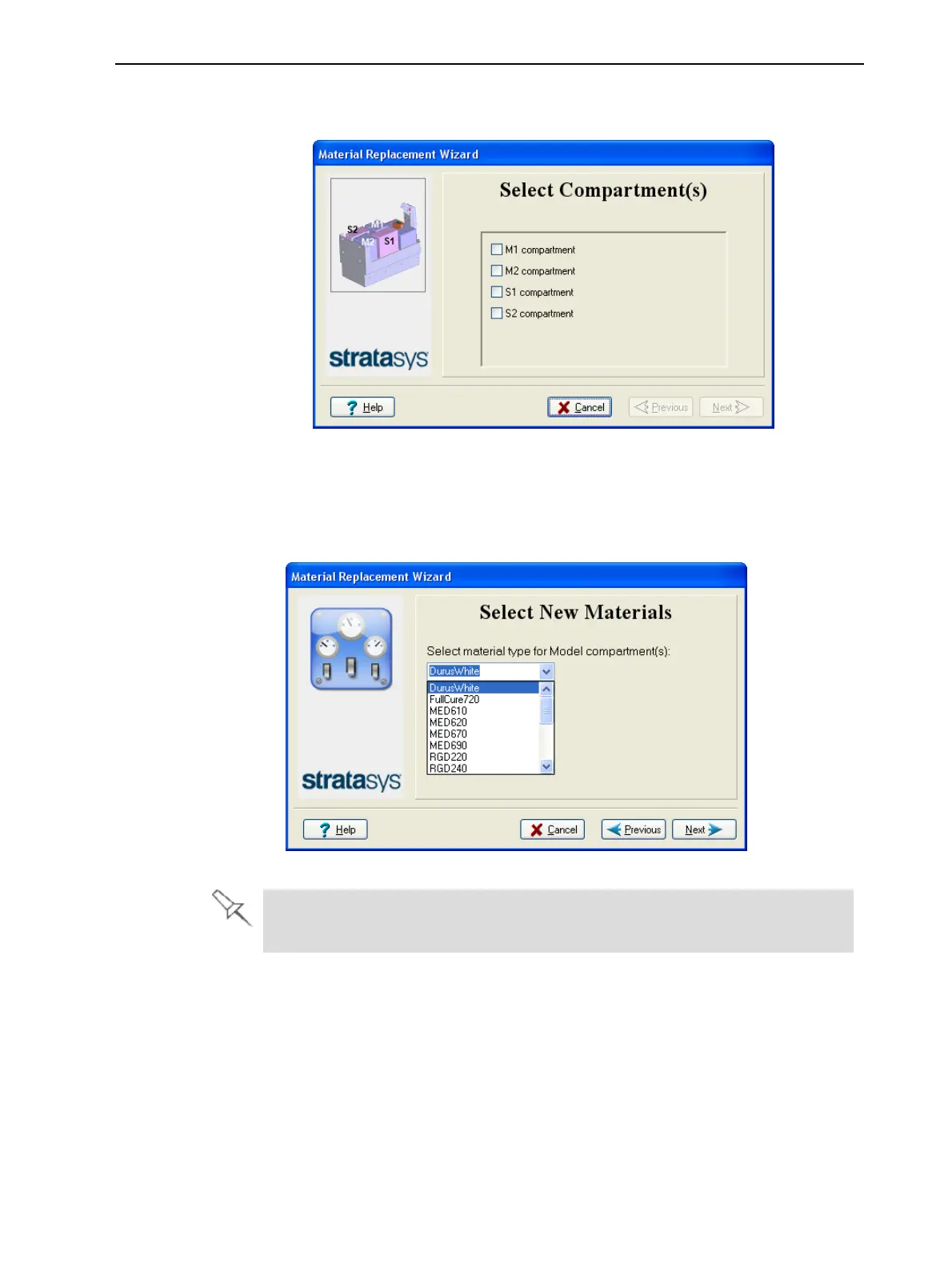
compartment selection screen appears.
Figure 6-19 Compartment selection
6. Select the cartridge(s) you want to replace, and click Next.
7. From the drop-down menu, choose the material you want to install, and
click Next.
Figure 6-20 Material selection
The Model materials available for selection depend on your printer and
license.













 To Next Page