Objet30 User Guide 6 Operating and Maintaining the Printer
DOC-34025 Rev. I 6-58
d. Enter the total number of missing rows in the wizard screen (in the
“missing nozzles” field).
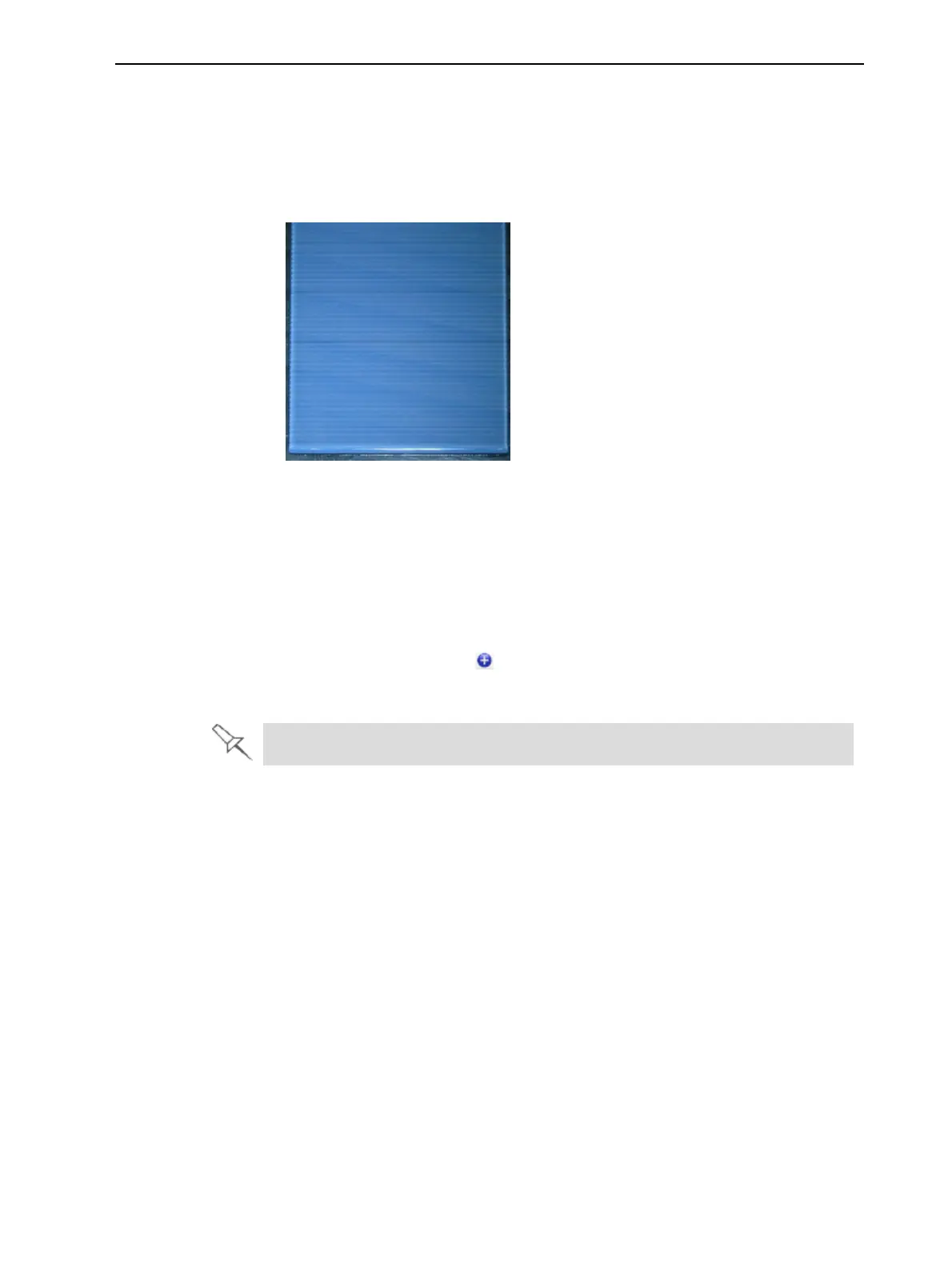
Note: During this procedure, the roller does not smooth the surface of the
printed samples. Do not mistake the visible lines in the sample for missing
material.
Figure 6-79 Printed sample for Head Optimization
18. Carefully remove the sample, weigh it, and enter the weight in the wizard
screen.
Be sure to remove and weigh the entire sample, even if it breaks into
several pieces.
19. After entering the number of missing nozzles and the weight of the sample,
click Apply or press Enter.
The data-entry-indicator moves to the next position.
20. Enter the data for all printed samples.
To change an entry, click Edit Data, enter the correct data, and click Save.













 To Next Page