Objet30 User Guide 6 Operating and Maintaining the Printer
DOC-34025 Rev. I 6-69
➢ Continue with "Completing the Replacement Procedure" below.
Completing the Replacement Procedure
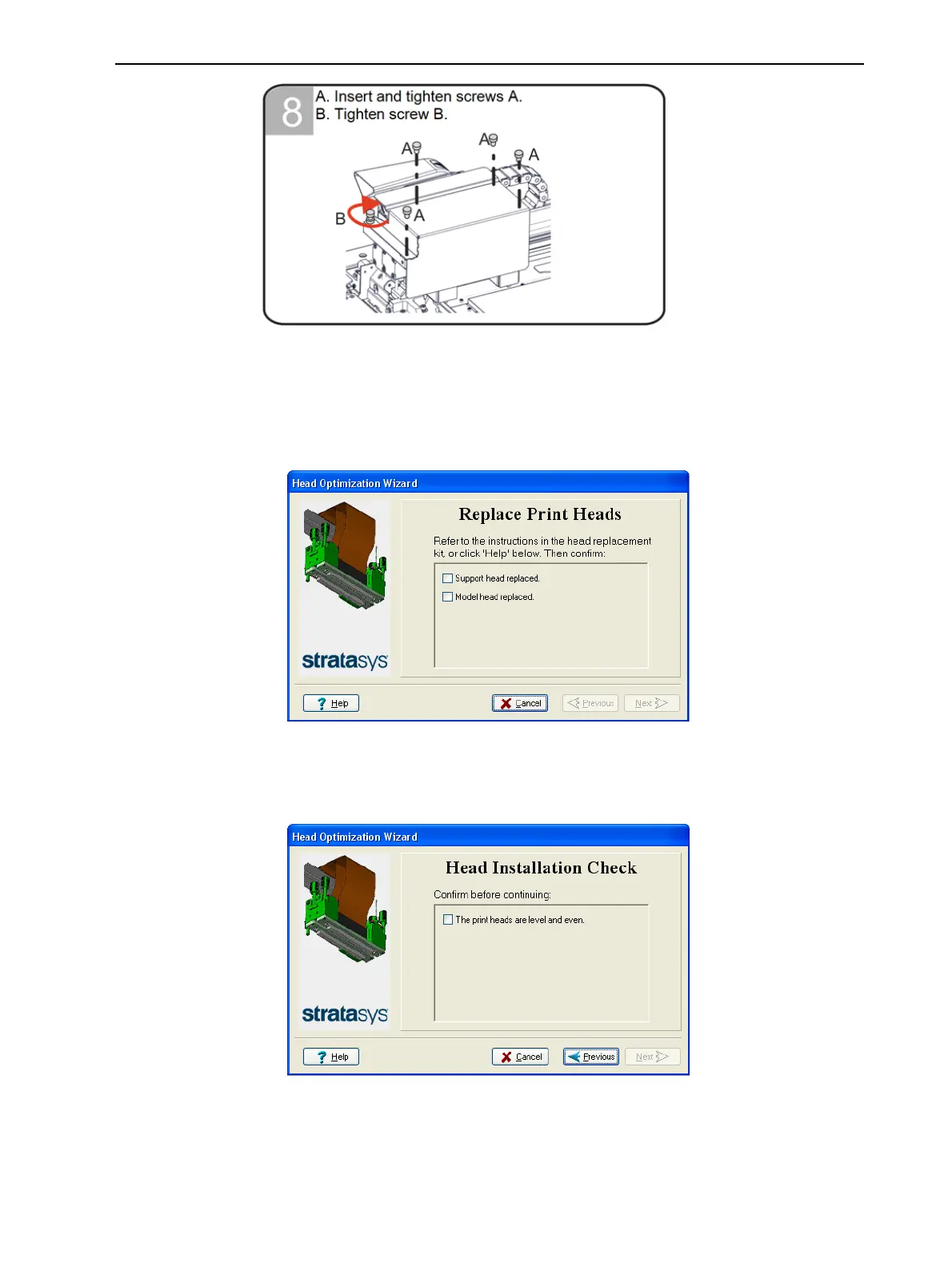
8. In the Replace Print Heads screen, select the check box to confirm that you
have replaced the head(s), and click Next.
Figure 6-87 Head replacement confirmation
9. Check that the heads are level and even.
Then, select the check box in the following wizard screen, and click Next.
Figure 6-88 Installation-check













 To Next Page