Objet30 User Guide 6 Operating and Maintaining the Printer
DOC-34025 Rev. I 6-98
2. On the Support pump, locate the tube near the PRESSURE label.
3. Label (mark) the tube so that you can connect it correctly later on.
The replacement procedure is the same as for the waste pump. Continue with
step 2 on page 6-95.
Replacing the Model Pump Tube
To replace the model pump tube:
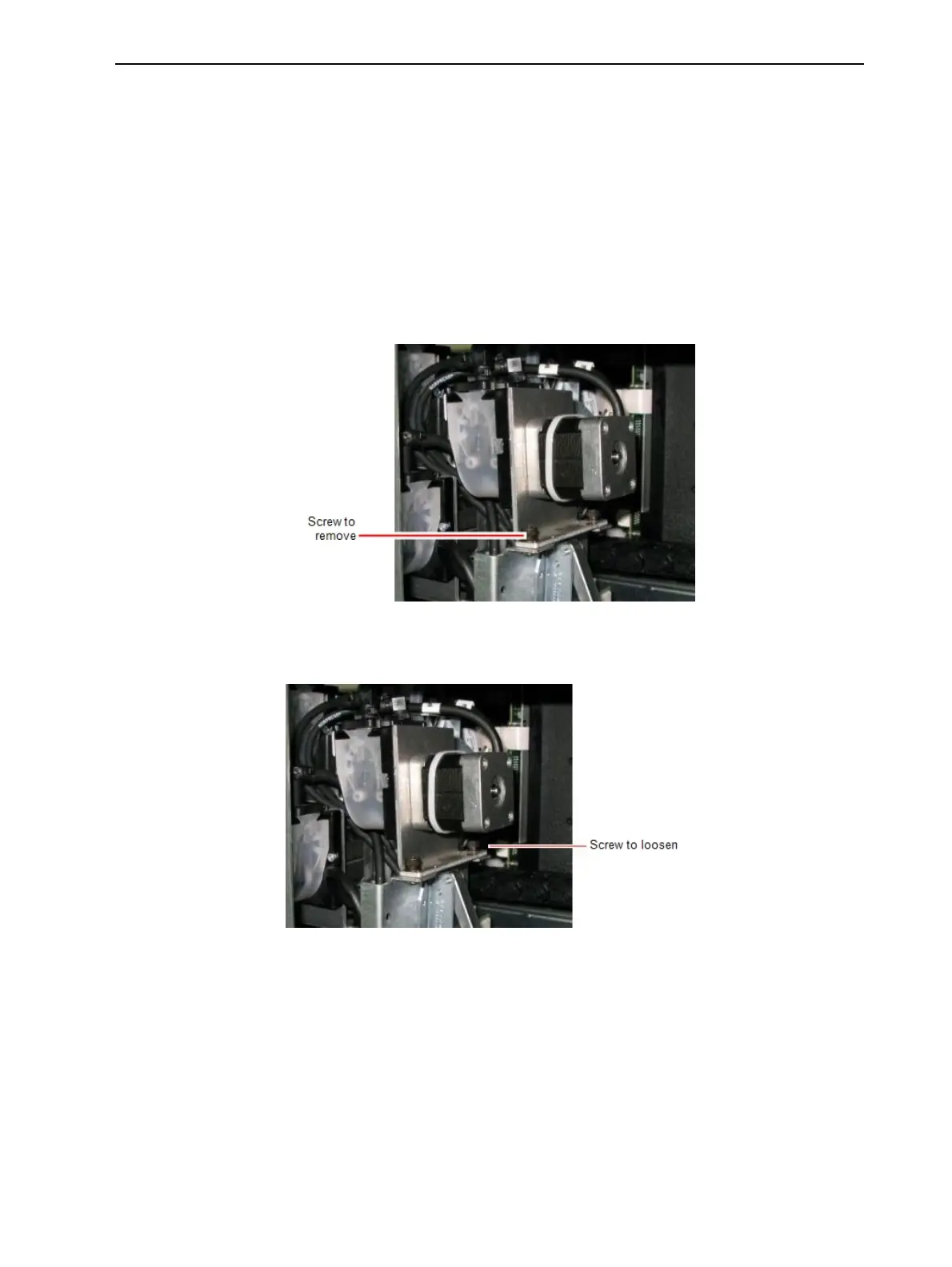
1. At the back of the Model pump, remove the screw shown below, using a 4-
mm hex (Allen) key.
Figure 6-140 Model pump—securing screw to remove
2. Loosen (do not remove) the other securing crew.
Figure 6-141 Model pump—securing screw to loosen













 To Next Page