Objet30 User Guide 6 Operating and Maintaining the Printer
DOC-34025 Rev. I 6-97
7. Remove the tube from the tube holder and discard the tube.
Caution:
The tube contains uncured printing material. Discard it in accordance with
applicable environmental regulations.
8. Attach a new tube to the tube holder.
Make sure that the tube extends equally on each side of the tube holder.
9. Insert the tube holder into the pump assembly.
10. Close the tube latch.
When the latch is closed, you should hear a clicking sound.
Caution:
Crimped tubes can cause material leaks that can damage the printer. When
securing the tube latch, make sure that you do not crimp (pinch) the
surrounding tubes.
11. Attach the tube you labeled in step 2 to the tube extending from the pump
near the PRESSURE label.
12. Attach the other tube to the tube extending from the pump near the
SUCTION label.
13. Secure each tube to its fitting with a cable tie. Cut off excess length.
14. Remove the label you attached in step 2.
Replacing the Support Pump Tube
To replace the support pump tube:
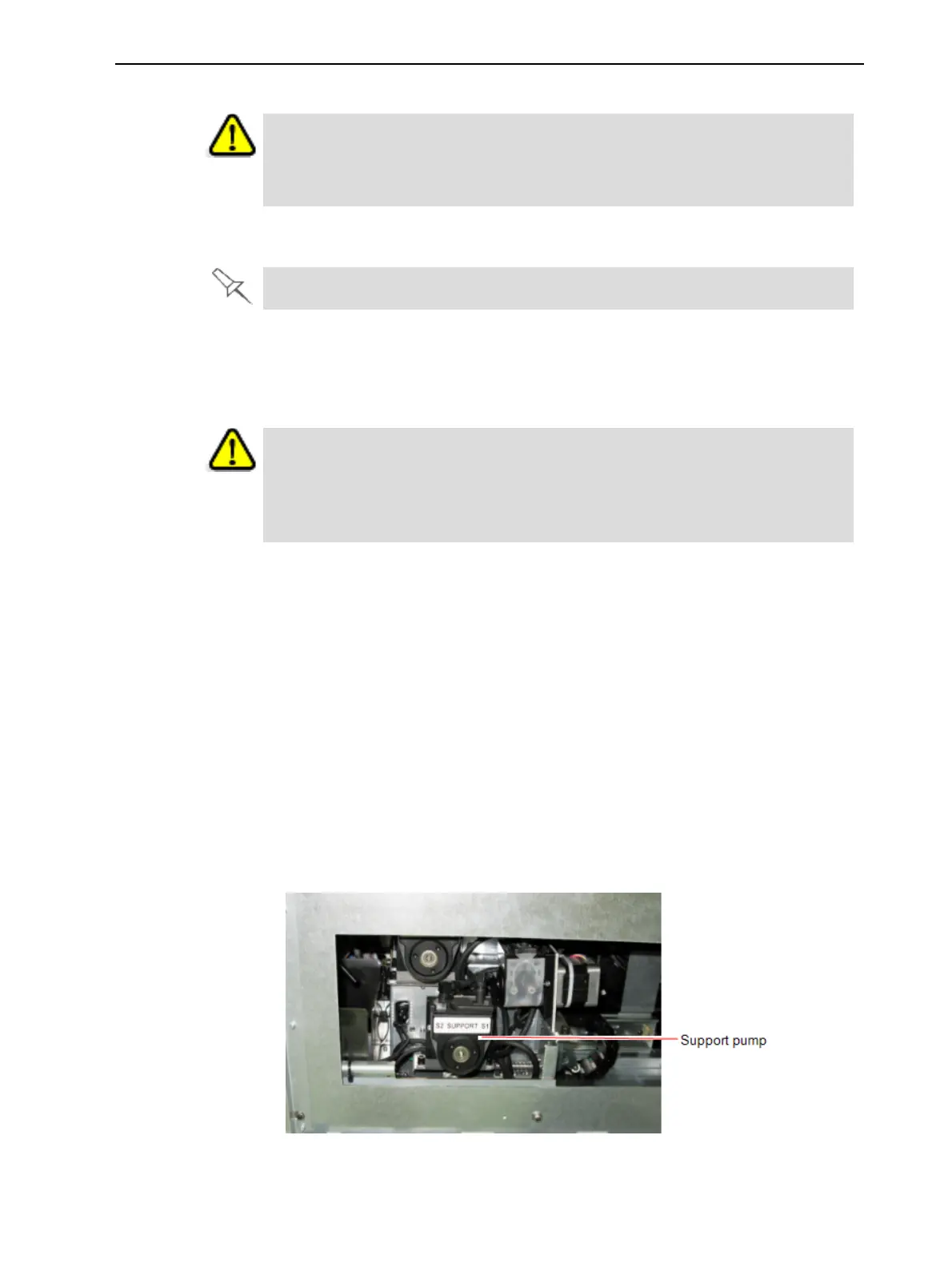
1. Close the drawer approximately half way so that the Support pump is
accessible from the opening in the chassis on the right side of the printer.
Figure 6-139 Right side of printer













 To Next Page