2D system measurements 9
6.
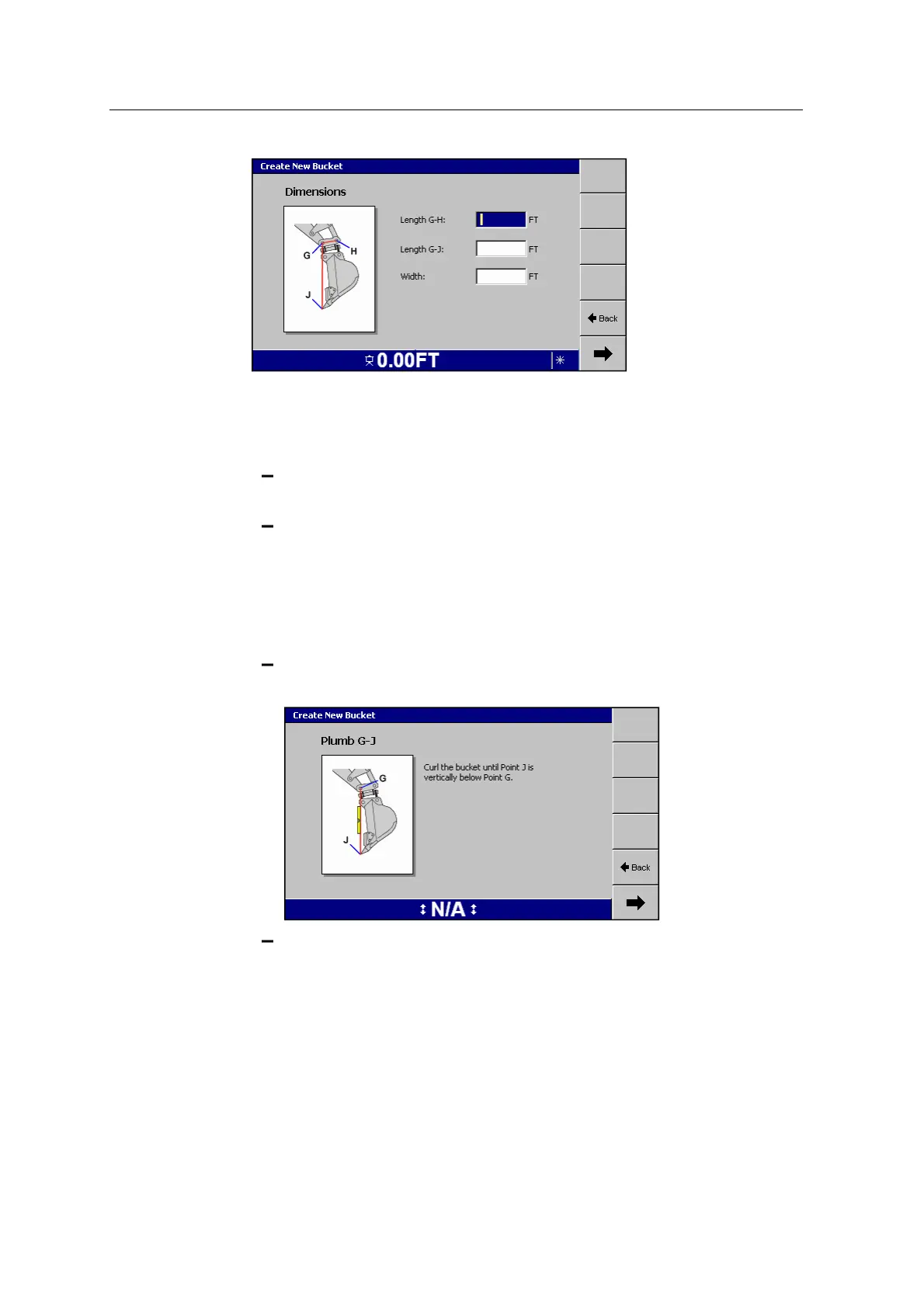
Enter your measurements into the dialog and press 7.
7. For single and dual GNSS systems, before you calibrate the tilt bucket sensor,
ensure that the machine is:
receiving high accuracy GNSS (RTK Fixed) positions from the base
station
able to be rotated, in order to determine the center of rotation
8. The wizard guides you through the task of calibrating the bucket.
To ensure that the system provides accurate guidance, you must complete all of
the on-screen instructions.
Some of the instructions require you to:
curl the bucket until the bucket tooth J is vertically below the bucket pin
G:
place the flat edge of the bucket vertical:
GCS900 Grade Control System for Excavators Installation Manual 111



 To Next Page