3D System Measurements 10
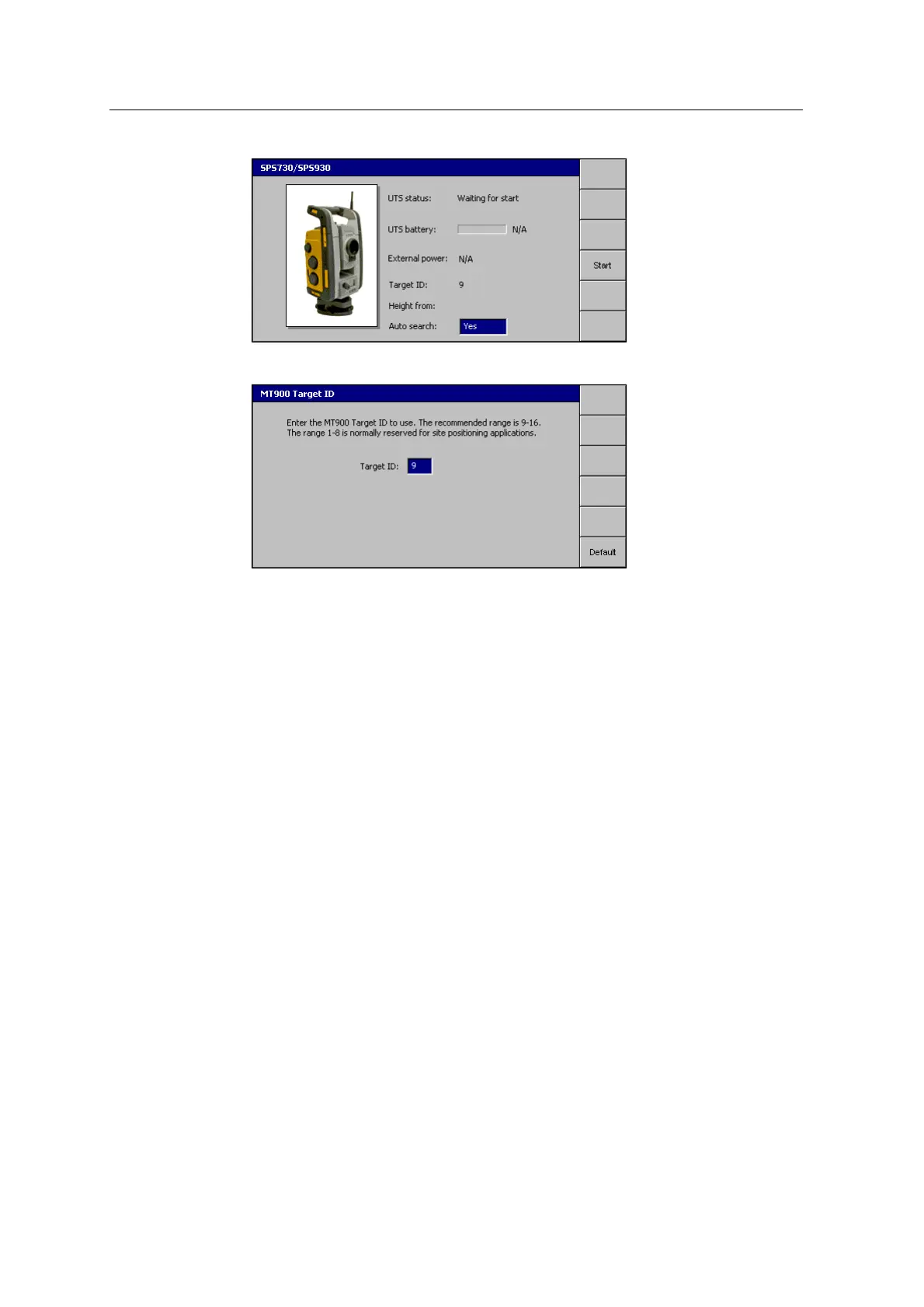
3. Press Start. If required, press Target ID to configure the MT900 target ID:
4.
Once the target is acquired, press \. The UTS Measurements – Bucket
Middle Tooth page appears, and you can continue through the wizard.
GCS900 Grade Control System for Excavators Installation Manual 137



 To Next Page