10 3D System Measurements
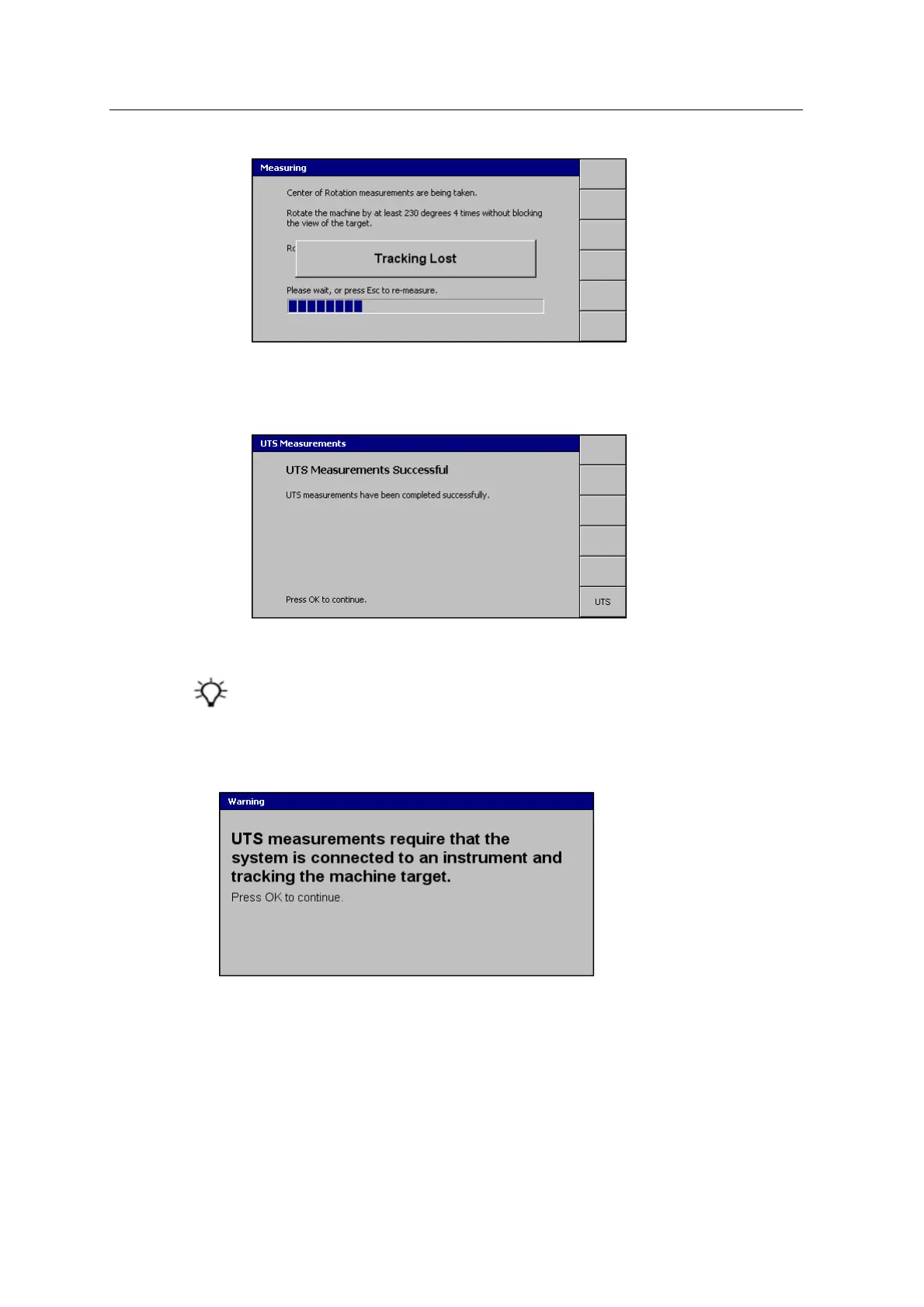
When tracking is reacquired, the message disappears and the center of rotation
measurements continue from where they stopped.
When you have rotated the machine four times, the following dialog appears:
16.
Press \.
17. Reconnect the sensor harness cable to the system.
Once you have finished taking the body vector measurements, save the
machine settings.
Resolving the UTS measurements warning message
To resolve the above warning:
1.
Press \. The UTS Measurements – Bucket Middle Tooth page appears.
2. Press UTS. The following dialog appears:
136 GCS900 GradeControl System for Excavators Installation Manual



 To Next Page