3D System Measurements 10
11. You have the option to perform position measurements for the additional mast.
Press Yes .
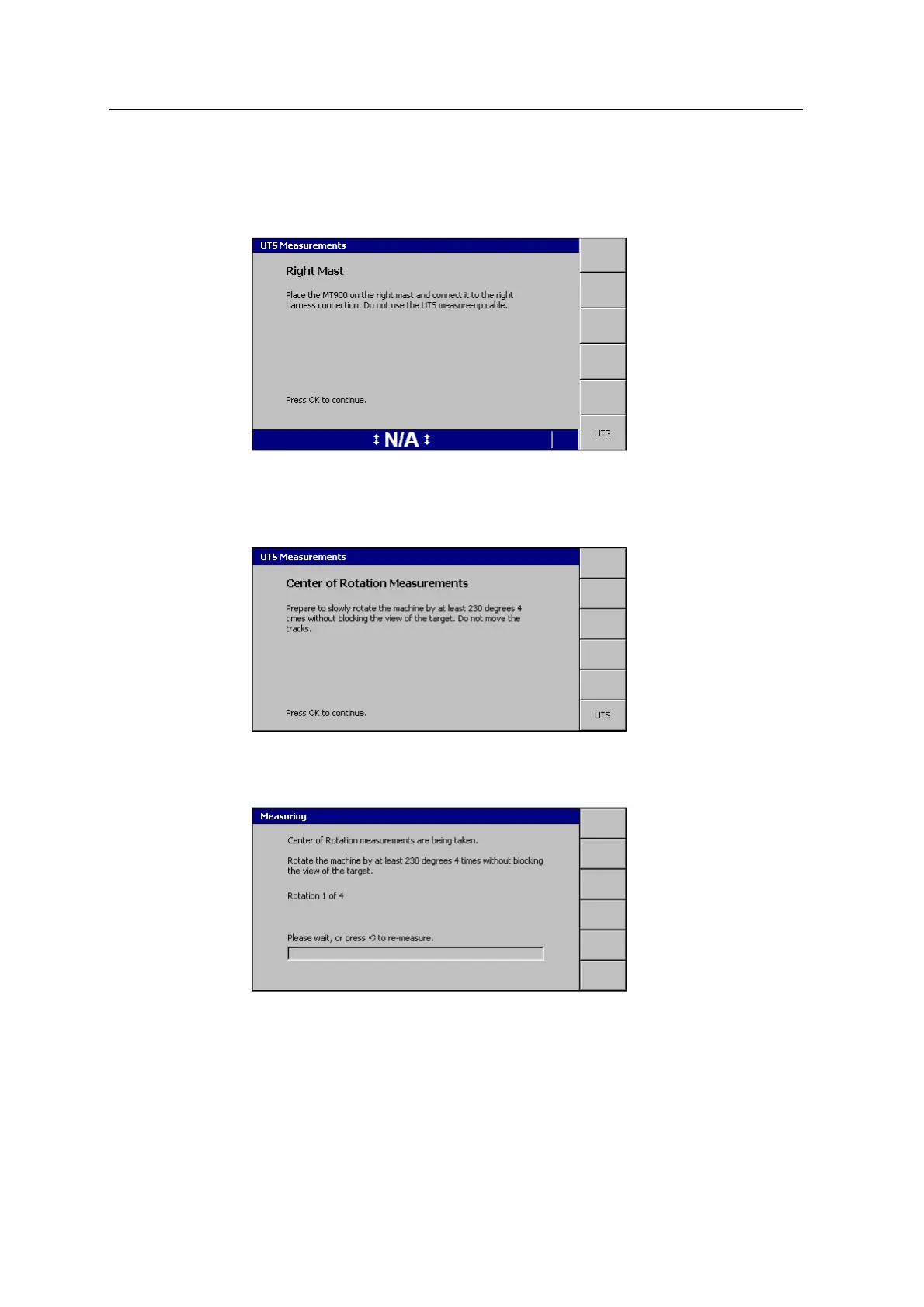
The Right Mast page appears:
12.
Follow the on-screen instructions and press \.
The Measuring page appears, followed by the Center of Rotation
Measurements page:
13.
Follow the on-screen instructions and press \.
14. The Measuring page appears:
15. Follow the on-screen instructions. A beep sounds as each rotation completes,
and the rotation number updates.
If the system loses track of the target, the following message appears:
GCS900 Grade Control System for Excavators Installation Manual 135



 To Next Page