USTER®
HVI 900
Instruction Manual
Uster Technologies, Inc.
Chapter 10
Version 4.0 (1.99) Synthetic Fiber Testing - Page 10-14
3.5.6 Fiber Calibration
Once the number of tests has been established, the fiber calibration can
begin.
• Select the Fiber Calibration item from the SYNTHETIC FIBER CALIBRATION
MENU.
The top of the Synthetic Fiber Calibration screen lists the current
calibration values for Len 1, Len 2, Uniformity, Strength, and Elongation.
The standard values that were entered on the SYNTHETIC FIBER STANDARD
VALUES screen are listed above each property name.
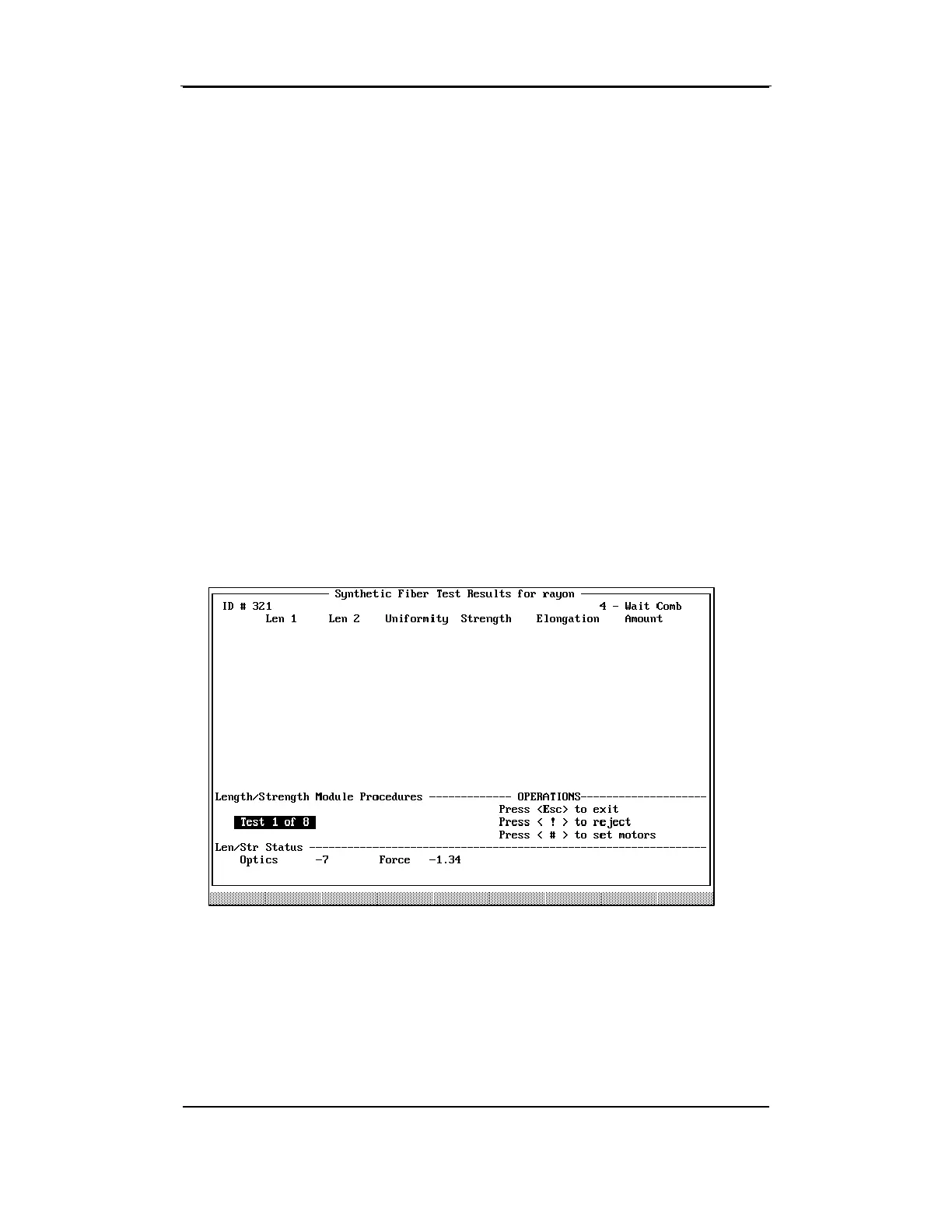
The screen will prompt you to perform the number of calibration tests
that was established on the S
YNTHETIC FIBER CALIBRATION MENU.
As the tests are completed, the results are displayed and the test counter
(i.e., Test X of XX) is incremented until the specified number of tests has
been completed.
• After you have completed the test series (4, 8 or 12 tests), the
average values are calculated. Press ENTER to continue.
A Pass/Fail screen is displayed with the Standard Values, Average, and
Tolerance. Any necessary adjustments are made to the Slope and
Offset for the properties so that the calibration will be within tolerance.



 To Next Page