Shutting Down and Rebooting
Firebox Vclass User Guide 71
2 Click Shutdown the system and then click Yes.
This prompts the Firebox Vclass appliance to quit all software
operations and perform a preliminary shutdown of the appliance.
While the appliance is shutting down, the Ready LED blinks.
After the Ready LED is off, wait 30 seconds.
N
OTE
Do not disconnect the power before 30 seconds have elapsed.
Disconnecting the appliance too quickly can cause serious
damage.
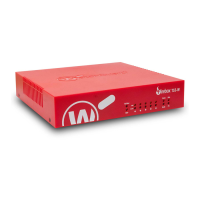
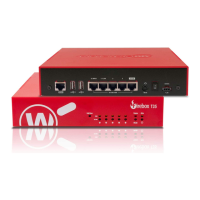
3 After 30 seconds have elapsed, use the power switch
on the back to turn off the appliance. For the V10
model, simply disconnect the power cord.
4 Unplug the power cord from the Firebox Vclass
appliance.
N
OTE
Do not remove the cover on the power supply switch on the
back of any appliances and use that switch to cut power. This
can damage the appliance.
Once you have fully shut down the Firebox Vclass appli-
ance, you can restart it by following these steps:
• Connect the Firebox Vclass appliance to a power
source.
• Use the Power switch on the back to start the
appliance.
- The Power LED light illuminates, and the Ready
LED light starts to blink when the appliance is
initializing.
- When the blinking has stopped and the Ready
LED remains lit, initialization is complete.
• You can now start Vcontroller and log into the
appliance to perform any administrative work.
To restart the appliance software only:
• From the main Vcontroller window, click Shutdown/
Reboot.




 To Next Page