CHAPTER 13: Using Alarm Manager
354 Vcontroller
6 Decide whether the alarm will have more than one
triggering condition.
Defining a single-condition alarm
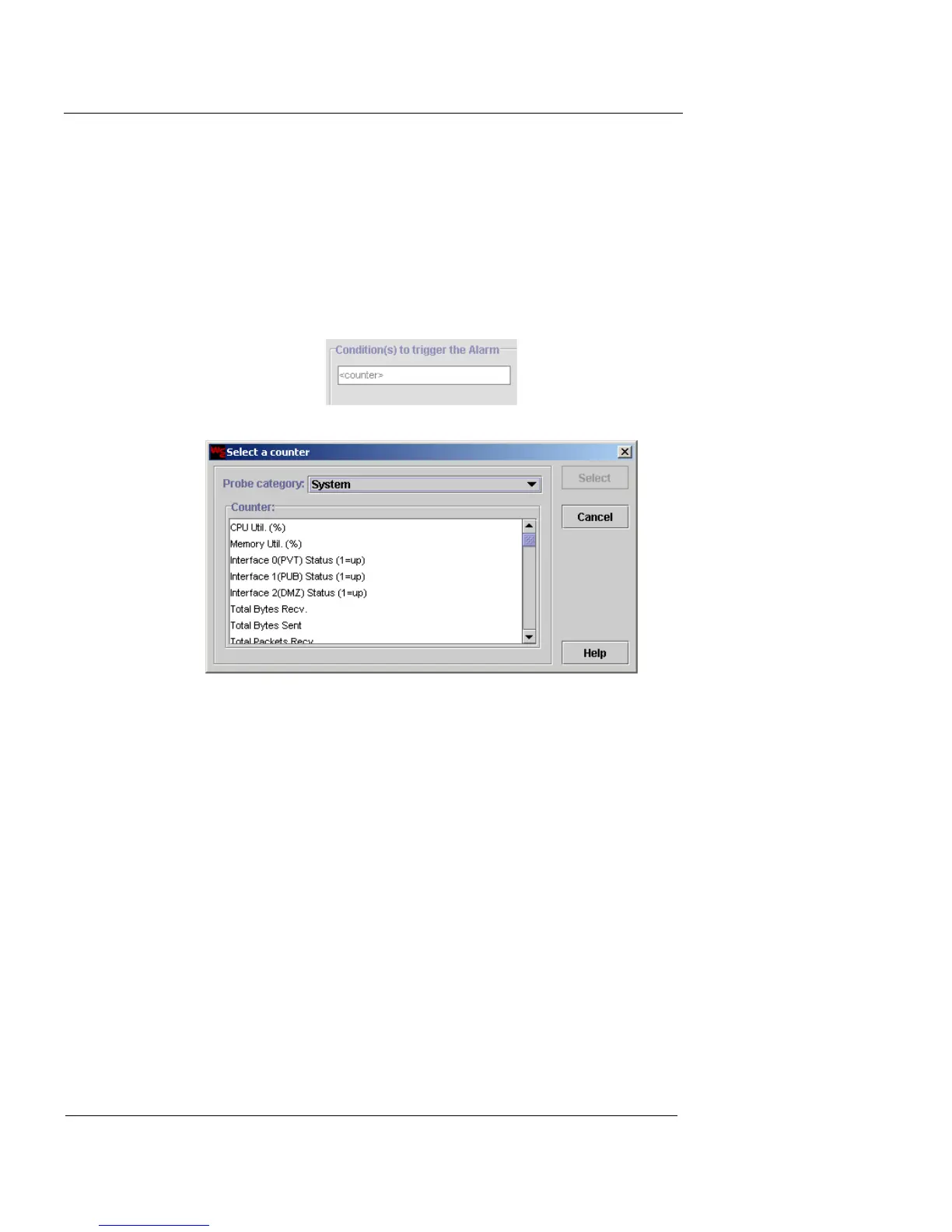
1 Click the Condition(s) to trigger the Alarm field where
<counter> appears. This field acts as a button.
The Select a Counter dialog box appears.
2 From the Probe Category drop-down list, select
System, Policy, or VPN End-point Pairs.
The display changes depending upon your choice of Probe
Category.
Policy
Select the policy of your choice and then select the
counter you want to use for the alarm. Selecting
For All Policies displays a different list of counters.
System
Select the counter you want to use for the alarm.
VPN End-point Pairs
Select the IPSec pair of your choice and then select
the counter you want to use for the alarm.













 To Next Page