CHAPTER 6: System Configuration
112 Vcontroller
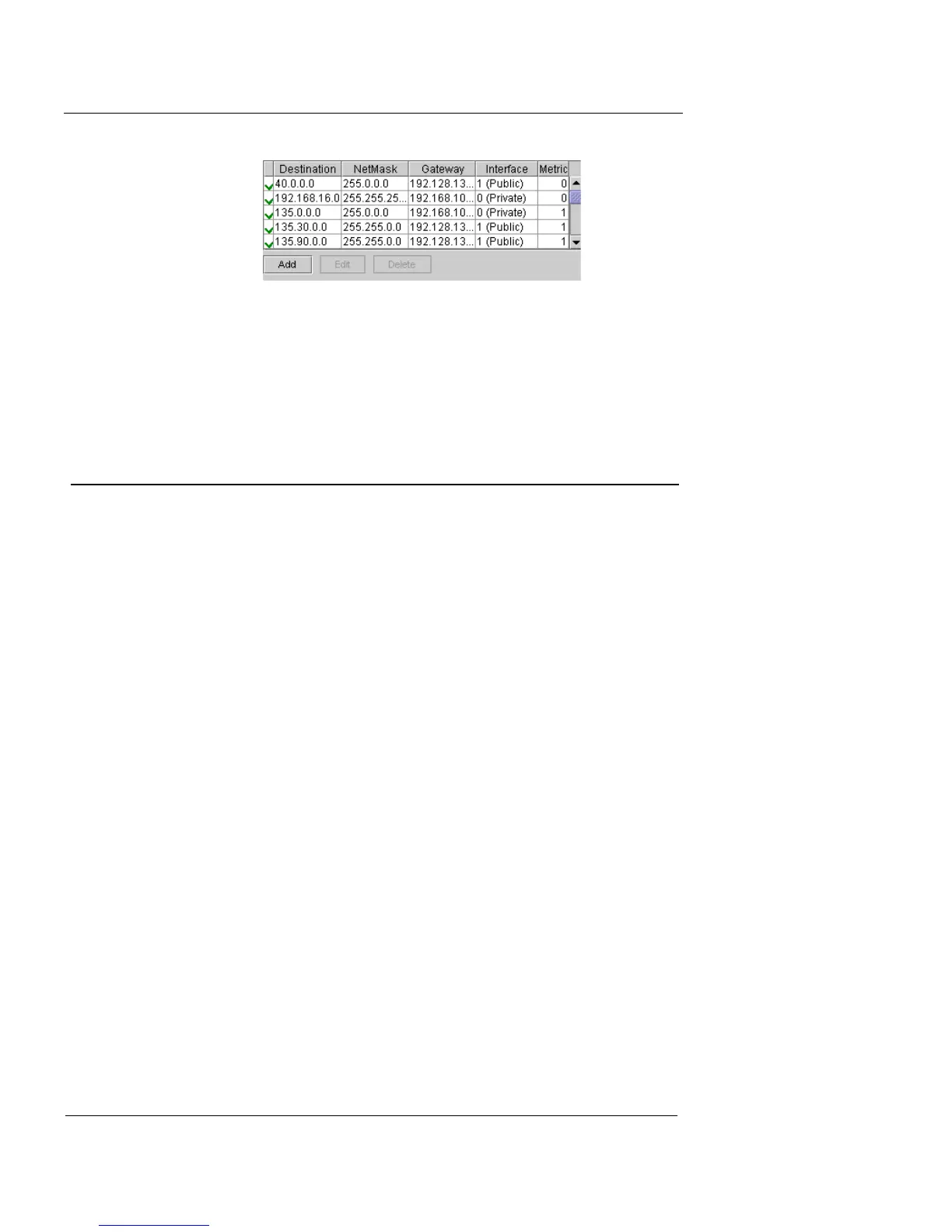
If an entry displays a red X, click the Routing Table Edit
button to open the Edit Route dialog box. The box allows
you to check the text for errors.
DNS Configuration
Use the DNS tab to configure the Firebox Vclass appliance
with a host domain name and DNS server entries.
To configure a system domain name:
1 Click the DNS tab.
The DNS settings are displayed.













 To Next Page