CHAPTER 6: System Configuration
140 Vcontroller
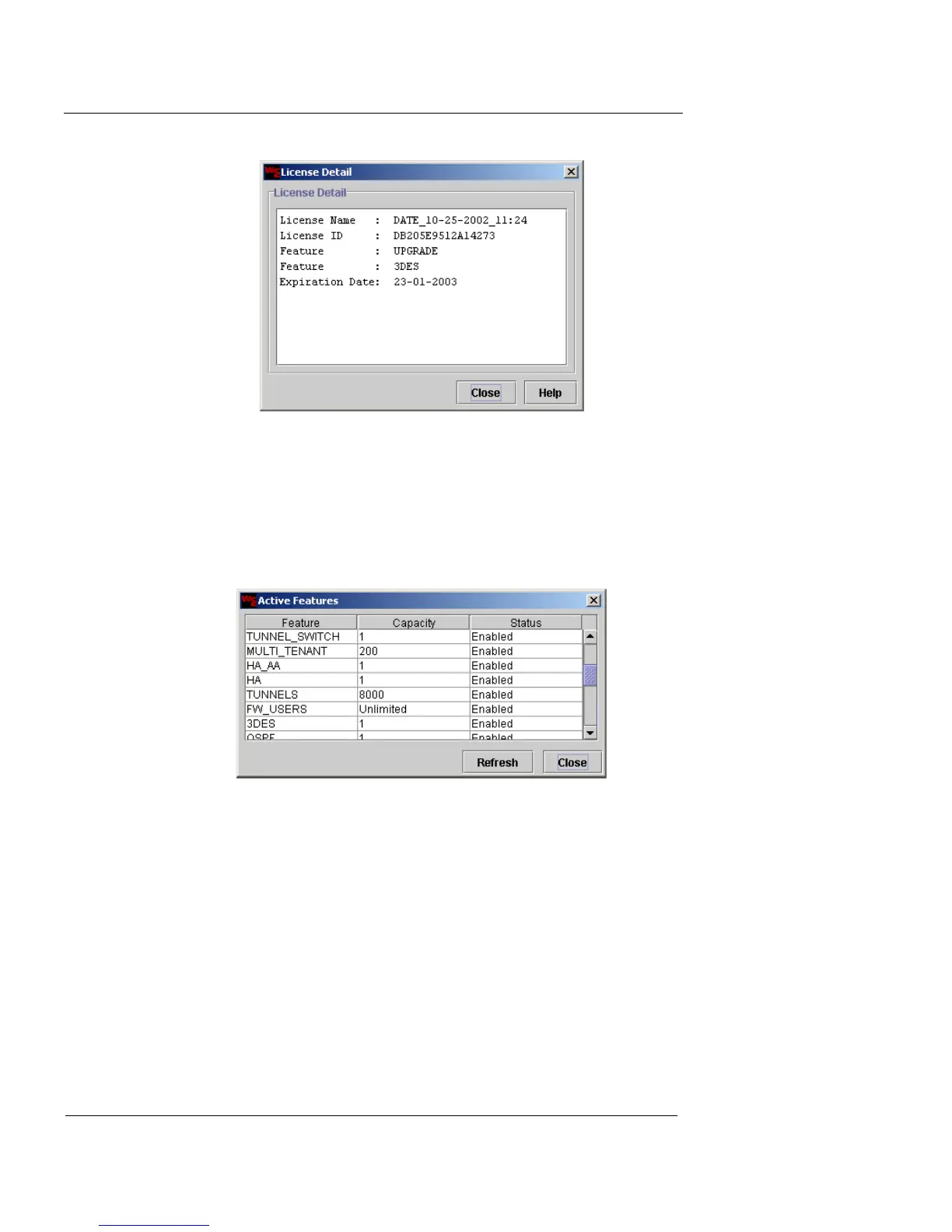
3 Review the license information.
4 When you are finished, click Close.
To see which features are currently active:
1 Click Show Active Features.
The Active Features dialog box appears.
2 Review the active features along with their capacity
and status.
3 Click Refresh to update the feature list.
4 When you are finished, click Close.
Install licenses from a license package
When you purchase licenses for multiple Vclass appli-
ances, they are delivered in a License Package file. This is a
gzipped tar (*.tgz) format file. Internally, the file includes
license and serial number information, so when you install













 To Next Page