General Proxy Configuration
Firebox Vclass User Guide 245
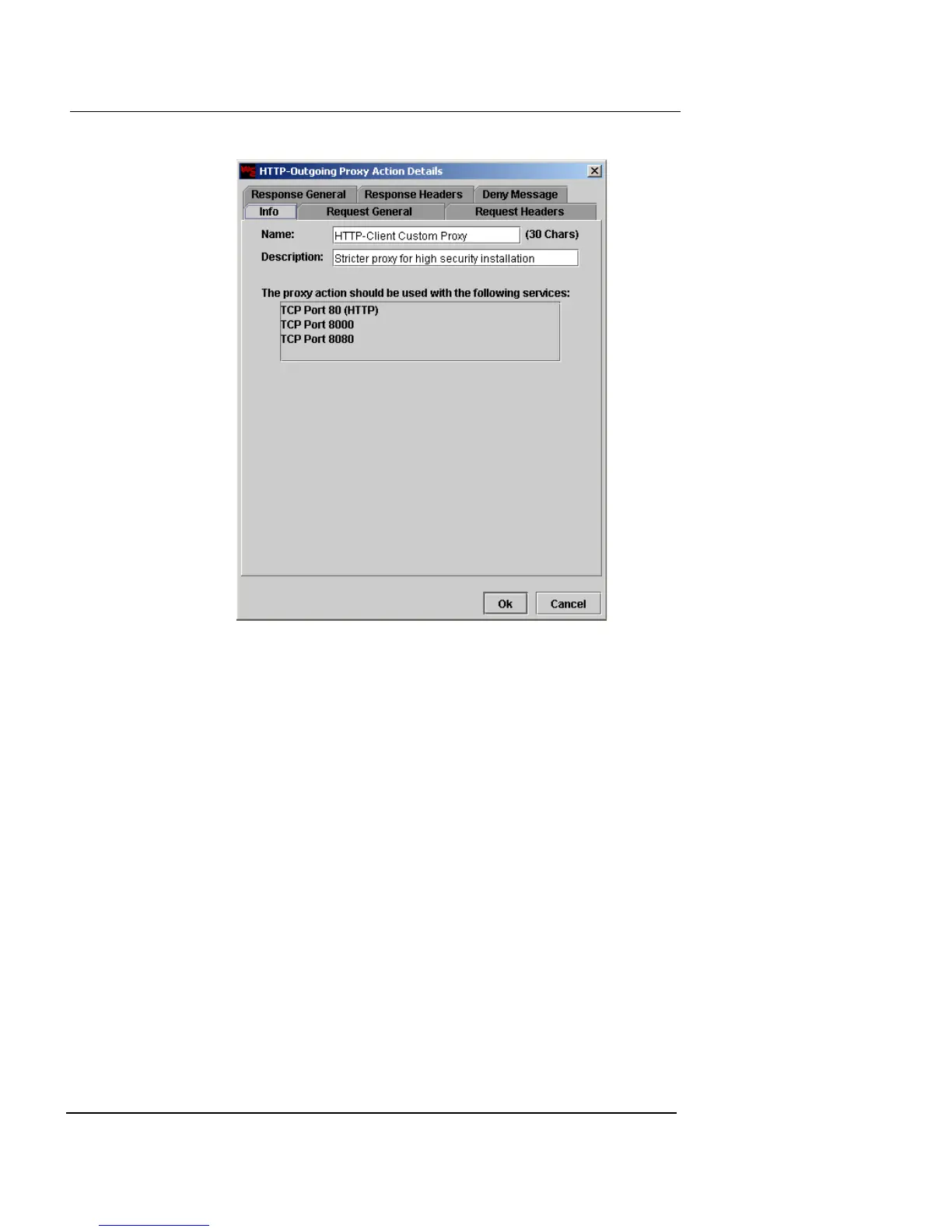
4 Adjust the values and rulesets using the tabs,
according to your preference.
A complete reference for the parameters and configuration of the
preconfigured proxies is included later in this chapter. See
“Proxy Parameters Reference” on page 251 for more
information.
5 When you have finished configuring the proxy action,
click OK to save your changes, or click Cancel to close
the proxy action without saving your changes.
Configuring proxy rules
To create and configure proxy rules:
1 Create or edit a proxy action.
2 Navigate to the tab where you are creating the rule.
In this example, a proxy rule is created in the HTTP Client
Response Headers dialog. The Header Fields Category is selected.













 To Next Page